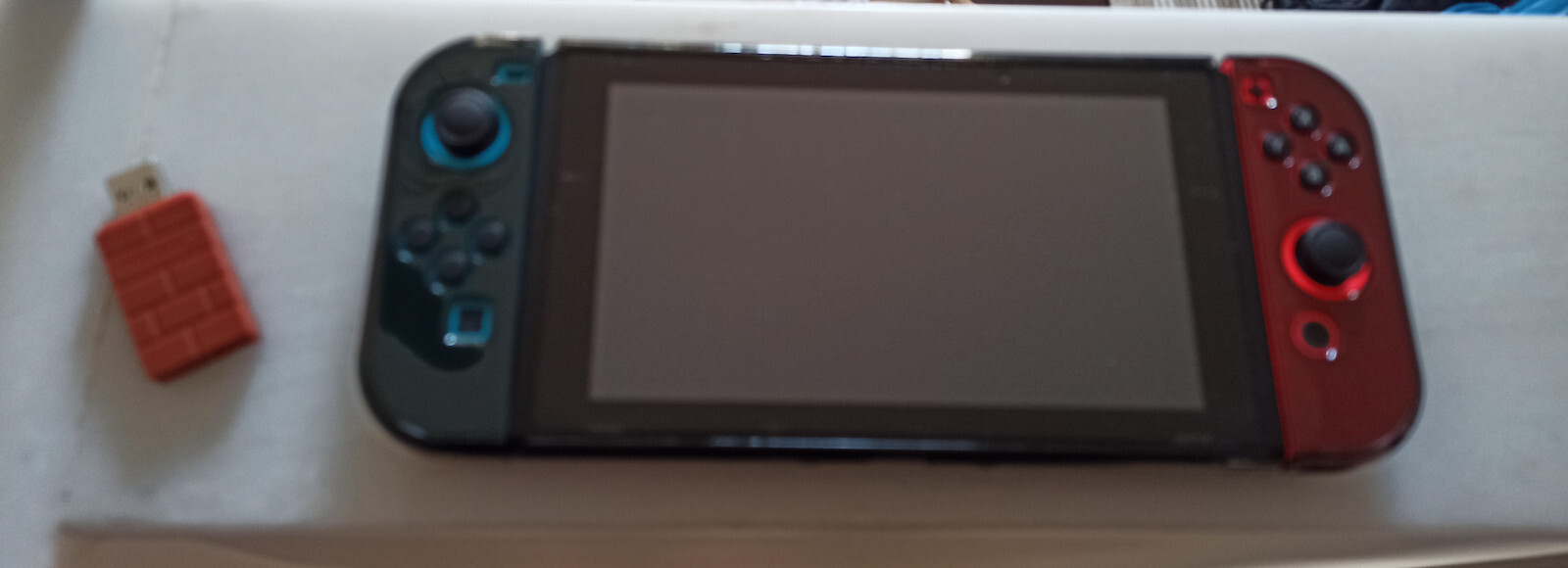
Excellent connection with the PS4 controller, it recognizes it properly from the Switch and PC, I didn't feel any difference between the joy-cons or the PS4 controller, so there was no delay in connection or input delay from the controller.
The connection to the Switch with the PS4 controller was simple, you plug the Adapter into one of the USB ports on the Nintendo Switch dock, open the settings, and enable the PRO SWITCH WIRED CONTROLLER SETTING.
Press a button on the USB Adapter located below the indicator light that turns on.
After pressing it, the rate at which the indicator light on the USB Adapter flashes changes to indicate that it is ready to pair with another controller.
Depending on the controller you have, press the corresponding buttons on it. For the PS4 controller, it is Select + Playstation button (the middle one with the Playstation symbol), and then it connects on its own.
After doing this, go to the controller menu in the Nintendo Switch's settings and press R1 + L1, and it's ready.
I didn't encounter any problems with the product, nor did I need to do any updates. It is cheap and practical because it works on the computer as well, and now I don't need to have extra USB cables on my PC to connect the PS4 controller.
*USB Adapter = 8Bitdo USB Stick / The product
Αριστη συνδεση με PS4 controller, το αναγνωριζει κανονικα απο το Switch και PC, δεν ενιωσα καποια διαφορα μεταξυ τα joycons ή το PS4 controller αραγε δεν υπηρχε καθυστερηση συνδεσης / delay inputs απο το χειρηστηριο.
Η συνδεση στο switch με το PS4 controller ηταν απλη, κουμπωνεις τον Adapter σε μια απο τις θυρες USB στο nintendo switch dock, ανοιγεις τις ρυθμισεις και κανεις ENABLE/ ON το PRO SWITCH WIRED CONTROLLER SETTING.
Πατας ενα κουμπι στο USB Adapter που βρισκεται κατω απο το λαμπακι που αναβει.
Αφου το πατησετε αλλαζει ο ρυθμος που φεγγει το λαμπακι στο USB Adapter για διξει πως ειναι ετοιμο για συζευξει / pair με αλλο χειρηστηριο.
Αναλογος ποιο χειρηστηριο εχετε πατατε τα αναλογα κουμπια επανω του, στο PS4 controller ειναι Select + Playstation button (το μεσαιο με το συμβολο του playstation) και μετα απο αυτο μονο του συνδεεται.
Αφου το κανετε αυτο πηγαινετε στην λιστα με τα χειρηστηρια του nintendo switch στο controller menu και πατατε R1 + L1 και ειναι ετοιμο.
Δεν αντιμετωπισα κανενα προβλημα με το προιον ουτε χριαστηκε να κανω καποια updates, ειναι φθηνο και πρακτικο γιατι δουλευει και στον υπολογιστη και πλεον δεν χριαζεται να εχω επιπλεον καλωδια USB στο PC για να συνδεεω το PS4 controller.
*USB Adapter= 8Bitdo USB Stick / Το προιον