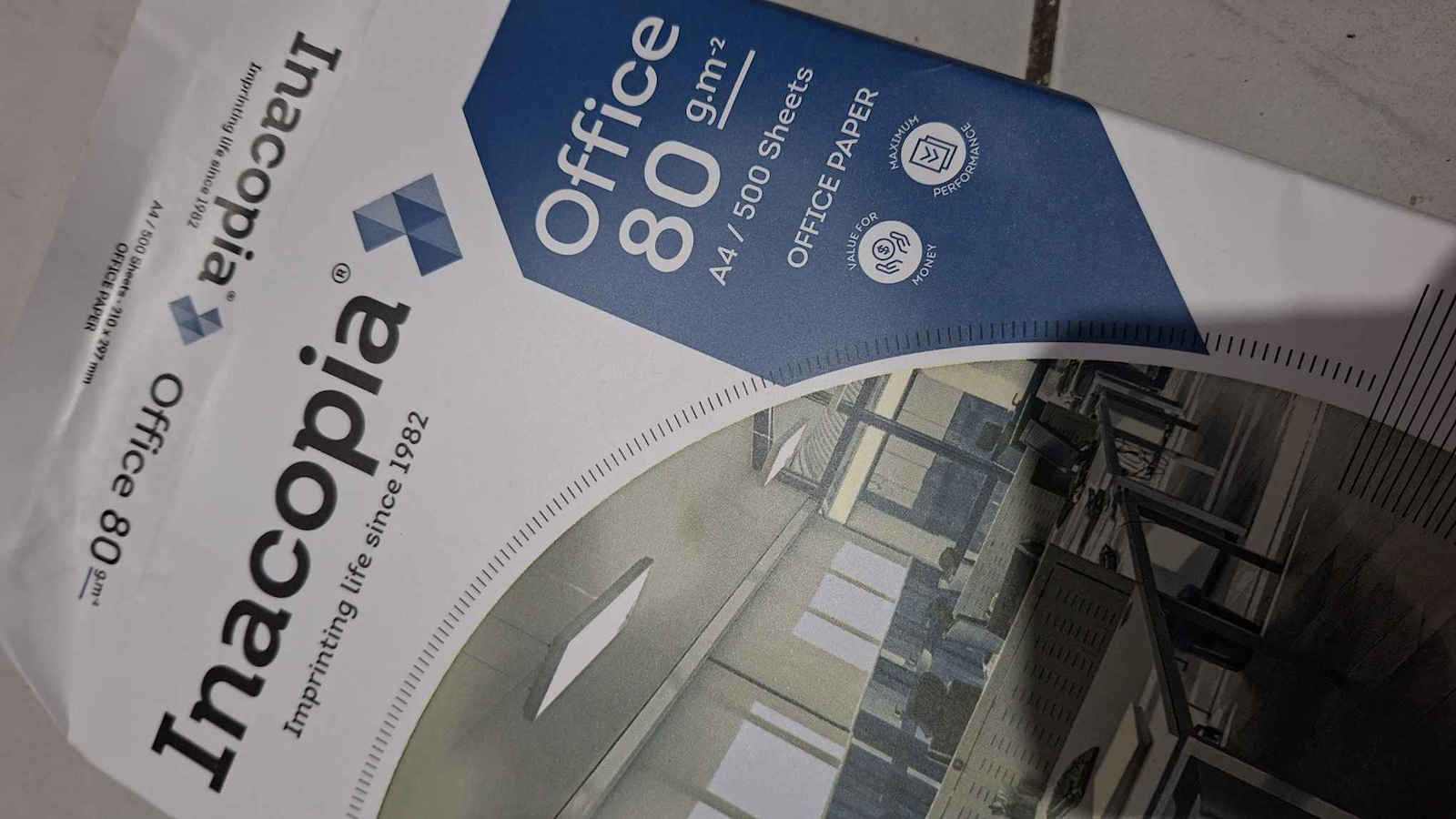
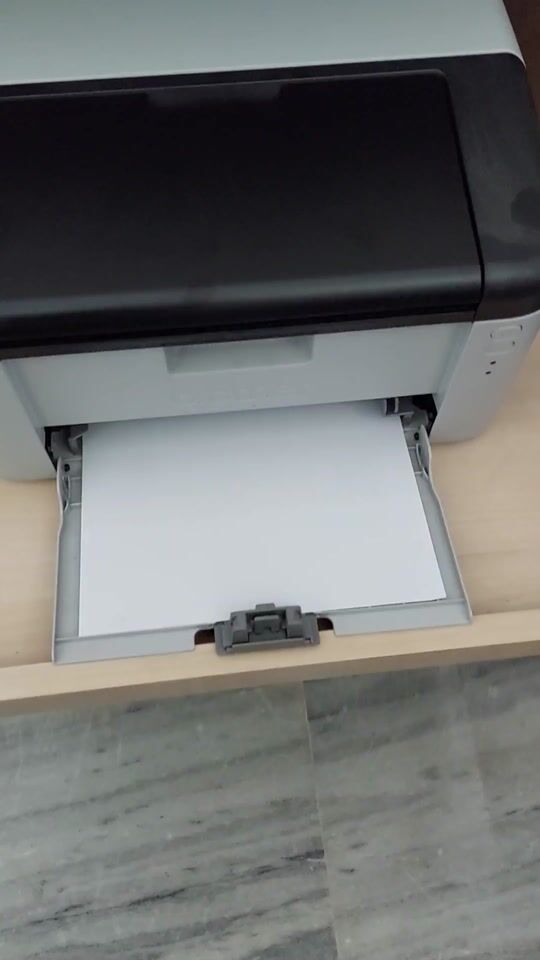
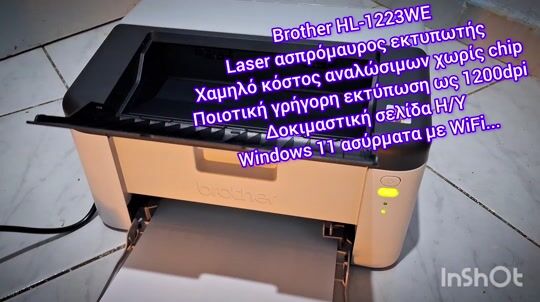
Purchased today, March 20, 2024, for €130.
-- Choosing the right printer is a very difficult and time-consuming process of searching and researching before the purchase; the models that are worth it are rare and in limited quantities, and you need to be careful not to end up spending more on consumables than €0.10 per page at a copy shop, plus wasting time and gas going back and forth, then it's reasonable to get frustrated and break it or give it away... :)
-- Looking for a relatively small laser printer to be placed in a library, for black and white printing on A4 paper, with criteria being economical consumables (the genuine Brother TN-1090 toner costs around €20 to €25 for 1500 pages, as there are also cheap compatibles on the market, even with guides on YouTube for refilling with direct graphite powder in the old cartridge, but I DO NOT recommend it except in cases where you are handy and the printer is quite old and there are no toner replacements or imitation toners are not recognized).
-- Oh, the most important thing is that its toner does not have a chip, so it will be very easy to use compatible toner.
-- The installation process was super easy if you are familiar with computers; I am a programmer/computer technician, all the instructions are in English and other languages, not at all in Greek.
-- With my own USB cable on a laptop with Windows 10 that was tested, it worked immediately, even without installing drivers; of course, for better support, I installed the drivers from the Brother website as it comes with a CD-ROM, and many current computers do not have a CD drive.
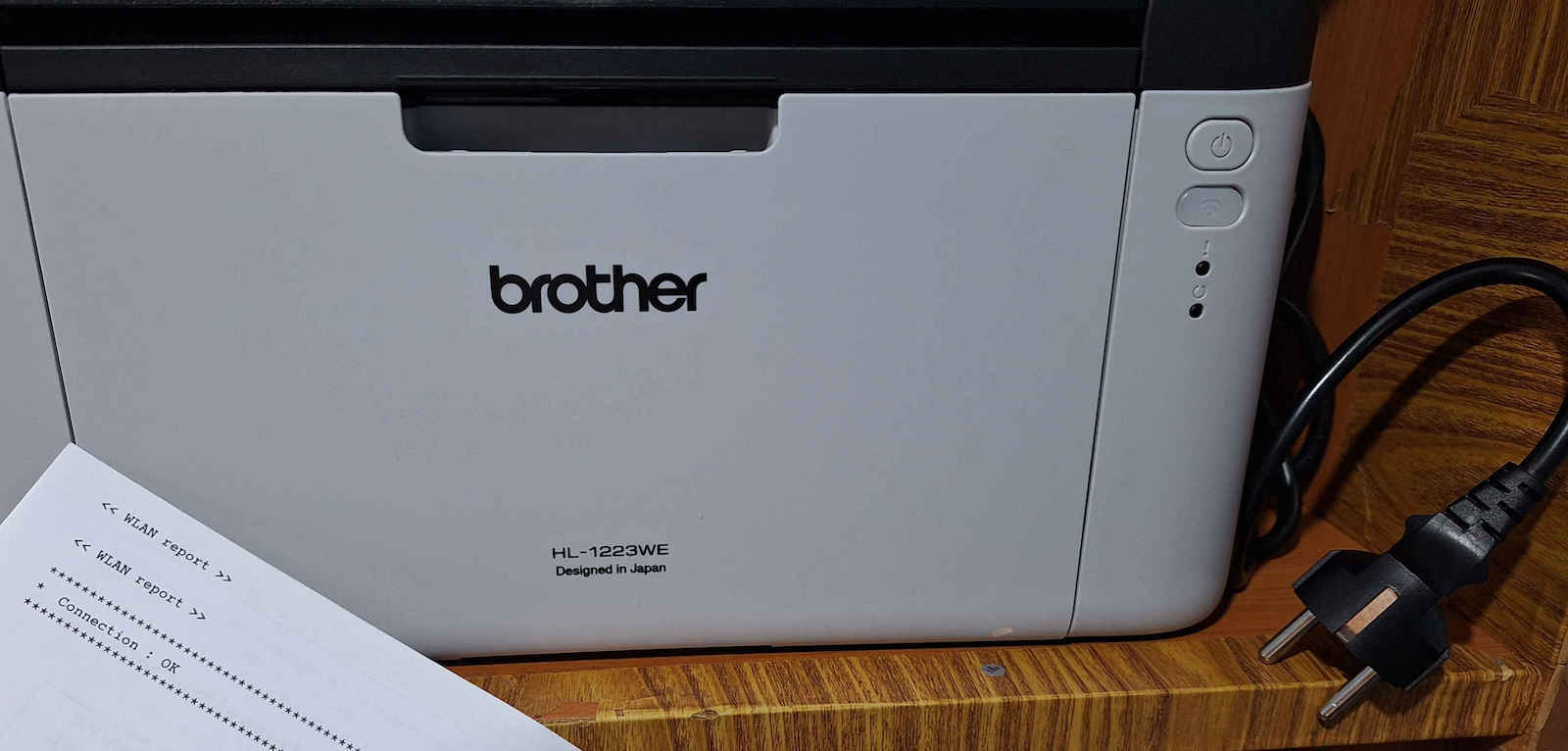
-- Wirelessly with the mobile phone and the classic Cosmote router, it connected as follows: download the corresponding Brother apps from the App/Play Store, and once you press the WPS button on the router and, of course, your mobile is on the same network as the router and open in the Brother app, and you also press the WiFi button on the printer, then it will connect wirelessly to your network and will print a WLAN report Connection OK page.
-- Automatic double-sided printing is not supported; you will need to flip the sheets to do double-sided printing. Laser printers are the best category for fast high-resolution prints for black and white printing, rarely used but also for continuous use with many pages together and with lower printing costs; that's why almost all photocopiers are based on laser technology.
-- Things get complicated with color printing, where the cost for laser is significantly higher, and also inkjet printers have better quality in color prints/photos. Of course, for most, including me, I rarely need color printing.
Home/amateur use is just right.
Inkjet printers that have a replaceable cartridge may initially be cheaper, but their inks dry out, break easily, produce few pages, are expensive, etc., and are not worth it in any case; I have an HP multifunction printer from 2009 almost in the box (it was a gift from the then Multirama), but with inkjet, and I now use it as a scanner, as much as mobile cameras evolve, they cannot match the quality of a physical scanner.
-- For everyday prints with low cost and the advantage of inkjet in color printing, Eco Tank or Ink tank printers are a good choice where with the factory bottles you can get thousands of prints, but for rare use you are committed to making a color print every 3 to 4 days to prevent the heads from drying out.
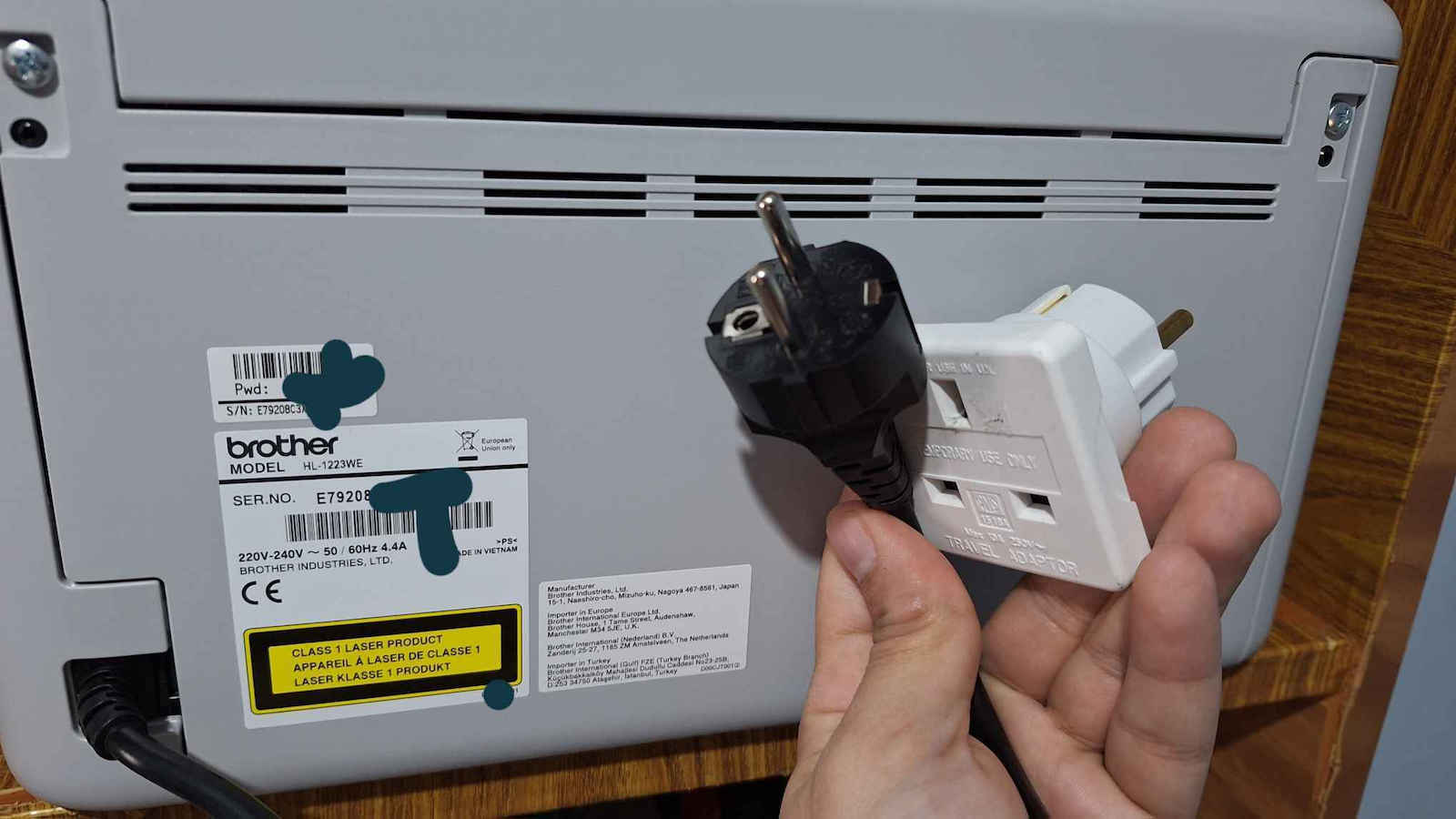
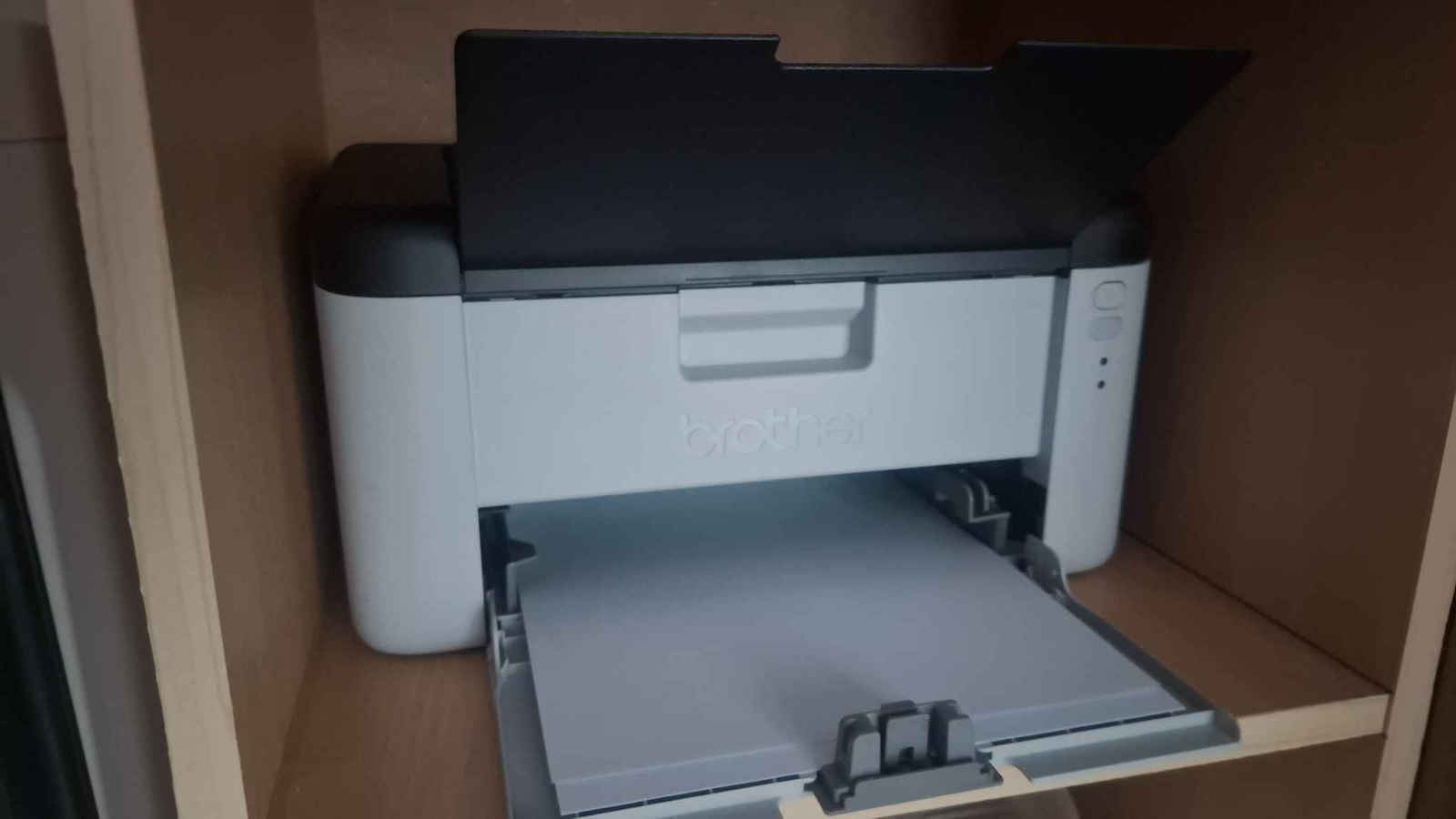
-- It came with an adapter from UK plug to European, but the adapter was not needed as the non-removable power cord is European. Be very careful not to connect it to a UPS as laser printers draw quite a bit of instantaneous power during printing, as well as for the fuser that melts the toner onto the paper. I placed it in a bookshelf with a socket extension to the power strip and thus it hardly takes up any space.
-- I have printed about 620 well-written A4 pages so far (8 months), first as odd page numbers and then with page flipping as even numbers, very easily without any confusion. I also set it to HQ 1200DPI resolution and it really prints black perfectly, it slightly lags in printing graphs and small images, but the letters come out perfectly, the resolution is all excellent like a photocopy machine (1500 €) of course the toner still has graphite but like all toners they promise 1500 pages but with only 5% full page. If you want, set it to Eco Mode and lower the DPI to 600 or 300 for toner saving if you wish.
-- Very satisfied with the purchase, of course, prices have gone up like everything else, it could be 90 - 100 € and also be immediately available, there are brother laser printers at the same price as this one that support automatic double-sided printing and higher printing speed, but on the other hand, they have very expensive and hard-to-find toners. According to the logic of the Serial number, mine was manufactured in 2022.
Αγοράστηκε σήμερα 20 Μαρτίου 2024 στα 130Ε.
-- Η επιλογή κατάλληλου εκτυπωτή είναι πολύ δύσκολη και χρονοβόρα διαδικασία ψάξιμο και έρευνα πριν την αγορά, το μοντέλα που αξίζουν, είναι δυσεύρετα και λίγα κομμάτια και θέλει προσοχή μην καταλήξετε να δίνετε πιο πολλά στα ανταλλακτικά από ότι 0,10 Ε η σελιδα σε ένα φωτοτυπαδικο συν χάσιμο χρόνου βενζίνη πήγαινε - έλα ε τοτε λογικο να αγανακτήσετε και το σπάσετε ή να το δωσετε ... :)
-- Ψάχνοντας έναν σχετικά μικρό laser εκτυπωτή που τοποθετήθηκε σε βιβλιοθήκη, για ασπρόμαυρη εκτύπωση σε Α4 χαρτί, με κριτήρια τα οικονομικά αναλώσιμα (το γνήσιο τόνερ της Brother TN-1090 έχει γύρω στα 20 με 25Ε για 1500 σελίδες καθώς υπάρχουν και φθηνά συμβατά στην αγορά, ακόμα και με οδηγούς στο yt για γέμισμα με απευθείας σκόνη γραφίτη στην παλιά κασέτα αλλά ΔΕΝ το συνιστω μόνο σε εξαιρέσεις που πιάνουν τα χέρια σας και ο εκτυπωτής είναι αρκετά παλιός και δεν υπάρχουν ανταλλακτικά τονερ ή δεν αναγνωριζονται τα ιμιτασιον τόνερ).
-- Α το πιο σημαντικό το τονερ του δεν έχει chip οπότε θα είναι πολύ εύκολη η χρήση συμβατού τονέρ.
-- Η διαδικασία της εγκατάστασης ήταν πανεύκολη αν φυσικά το έχετε με το αντικείμενο Η/Υ ειμαι προγραμματιστης / τεχικος Η/Υ, οι οδηγίες όλες είναι στα αγγλικά και σε άλλες γλώσσες καθόλου ελληνικά.
-- Με δικό μου καλώδιο USB σε laptop με Windows 10 που δοκιμάστηκε έπαιξε αμέσως μάλιστα και χωρίς να περάσω drivers, βέβαια για καλύτερο support πέρασα τους drivers από τη σελίδα της Brother καθώς έρχεται με CDrom και αρκετοί τωρινοί Η/Υ δεν έχουν μονάδα CD.
-- Ασύρματα με το κινητό και το κλασικό ρουτερ της Cosmote συνδέθηκε ωε εξής κατεβάζετε τις αντιστοιχες εφαρμογες εφαρμογές της Brother από το App / Play Store και εφόσον πατήσετε το κουμπάκι WPS στο ρουτερ και φυσικά το κινητό σας είναι στο ίδιο δίκτυο με το ρουτερ και ανοιχτο στην εφαρμογή της Brother και πατήσετε και το κουμπάκι WiFi από τον εκτυπωτή τότε θα συνδεθεί ασύρματα με το δίκτυο σας και θα σας εκτυπώσει και μια σελίδα WLAN report Connection OK.
-- Διπλή εκτύπωση αυτόματα δεν υποστηρίζει θα πρέπει να γυρίζετε τα φύλλα ώστε να γίνει η διπλή εκτύπωση.
Οι εκτυπωτές laser είναι η καλύτερη κατηγορία για γρήγορες εκτυπώσεις υψηλης ευκρίνειας για ασπρόμαυρη εκτύπωση, σπάνια χρήση αλλά και για συνεχόμενη χρήση πολλές σελίδες μαζί και με λιγότερο κόστος εκτύπωσης γι' αυτό τα φωτοτυπικά μηχανήματα σχεδόν όλα βασίζονται στην τεχνολογία laser.
-- Τα πράγματα δυσκολεύουν στην έγχρωμη εκτύπωση όπου εκεί το κόστος σε laser είναι αρκετά μεγαλύτερο και επίσης οι inkjet εκτυπωτές έχουν καλύτερη ποιότητα στις έγχρωμες εκτυπώσεις / φωτογραφίες. Βέβαια στους περισσότερους και σε μένα σπάνια χρειάζομαι έγχρωμη εκτύπωση.
Οικιακή / ερασιτεχνική χρήση είναι ότι πρέπει.
Οι εκτυπωτές inkjet που έχουν ανταλλακτικό cartridge μπορείς να είναι αρχικά φθηνότεροι αλλά τα μελάνια τους στεγνώνουν, χαλάνε εύκολα, βγάζουν λίγες σελίδες είναι ακριβά κ.α δεν αξίζουν σε καμία περίπτωση, έχω στην άκρη πολυμήχανημα HP του 2009 σχεδόν του κουτιού (το είχαν δώσει δώρο στο τότε Multirama) αλλά με inkjet και το χρησιμοποιώ πια ως σκάνερ καθώς όσο και να εξελιχθούν τα κινητά με τις κάμερες την ποιότητα του φυσικού σκάνερ δεν την φτάνουν.
-- Για καθημερινές όμως εκτυπώσεις με χαμηλό κοστος και με το πλεονέκτημα των inkjet στην έγχρωμη εκτύπωση καλή επιλογή είναι και οι Eco Tank ή Ink tank εκτυπωτές όπου με τα εργοστασιακά φιαλίδια βγάζετε χιλιάδες εκτυπώσεις, αλλά για σπάνια χρήση δεσμεύεστε να κάνετε μια έγχρωμη εκτύπωση κάθε 3 με 4 μέρες για να μην στεγνώσουν οι κεφαλές.
-- Μου ήρθε με ανταπτορα από αγγλική Πρίζα σε Ευρωπαϊκή αλλά δεν χρειάστηκε ο ανταπτορας το μη αποσπώμενο καλώδιο ρεύματος είναι Ευρωπαϊκό. Μεγάλη προσοχή μη το συνδέσετε σε UPS καθώς οι laser εκτυπωτές κατά την εκτύπωση τραβάνε αρκετο στιγμιαία ρεύμα καθώς και για το fuser που ψήνετε το τόνερ πάνω στο χαρτί. Εγώ το έβαλα σε βιβλιοθήκη με μια προέκταση σουκο ως το πολυπριζο ασφαλείας και έτσι δεν πιανει σχεδόν καθόλου χώρο.
-- Εκτυπώσε μέχρι τώρα (8 μήνες) περίπου 620 καλά γραμμένες σελίδες Α4 πρώτα ως μόνοι αριθμοί σελίδας και μετά με γύρισμα σελίδας ως ζυγοί αριθμοί, πανεύκολα χωρίς κανένα μπέρδεμα, επίσης το ρύθμισα σε HQ 1200DPI ανάλυση και πραγματικά εκτυπώνει τέλεια το μαύρο, υστερεί ελάχιστα στην εκτύπωση γραφημάτων, μικρών εικόνων , τα γράμματα όμως βγαίνουν τέλεια , η ανάλυση όλα είναι εξαιρετικά σαν το φωτοτυπικό μηχάνημα (1500 Ε) βέβαια το τόνερ έχει ακόμα γραφίτη αλλά όπως σε όλα τα τόνερ υπόσχονται 1500 σελίδες αλλά με μονο 5% γεμάτη σελίδα. Άμα θέλετε ρυθμίστε το στο Eco Mode ρίξτε και τα DPI στα 600 ή 300 για εξοικονόμηση τόνερ αν θέλετε.
-- Πολύ ευχαριστημένος με την αγορά βέβαια οι τιμές έχουν ξεφύγει όπως σε όλα θα μπορούσε να έχει 90 - 100 Ε καθώς και να είναι άμεσα διαθέσιμος, υπάρχουν εκτυπωτές brother laser στην ίδια τιμή με αυτόν και υποστηρίζουν αυτόματα μπρος πίσω εκτύπωση και μεγαλυτερη ταχυτητα εκτυπωσης, αλλά από την άλλη έχουν πολύ ακριβα τόνερ και δυσεύρετα.
Σύμφωνα με την λογική του Serial number το δικό μου είναι κατασκευής του 2022.