Digitizers

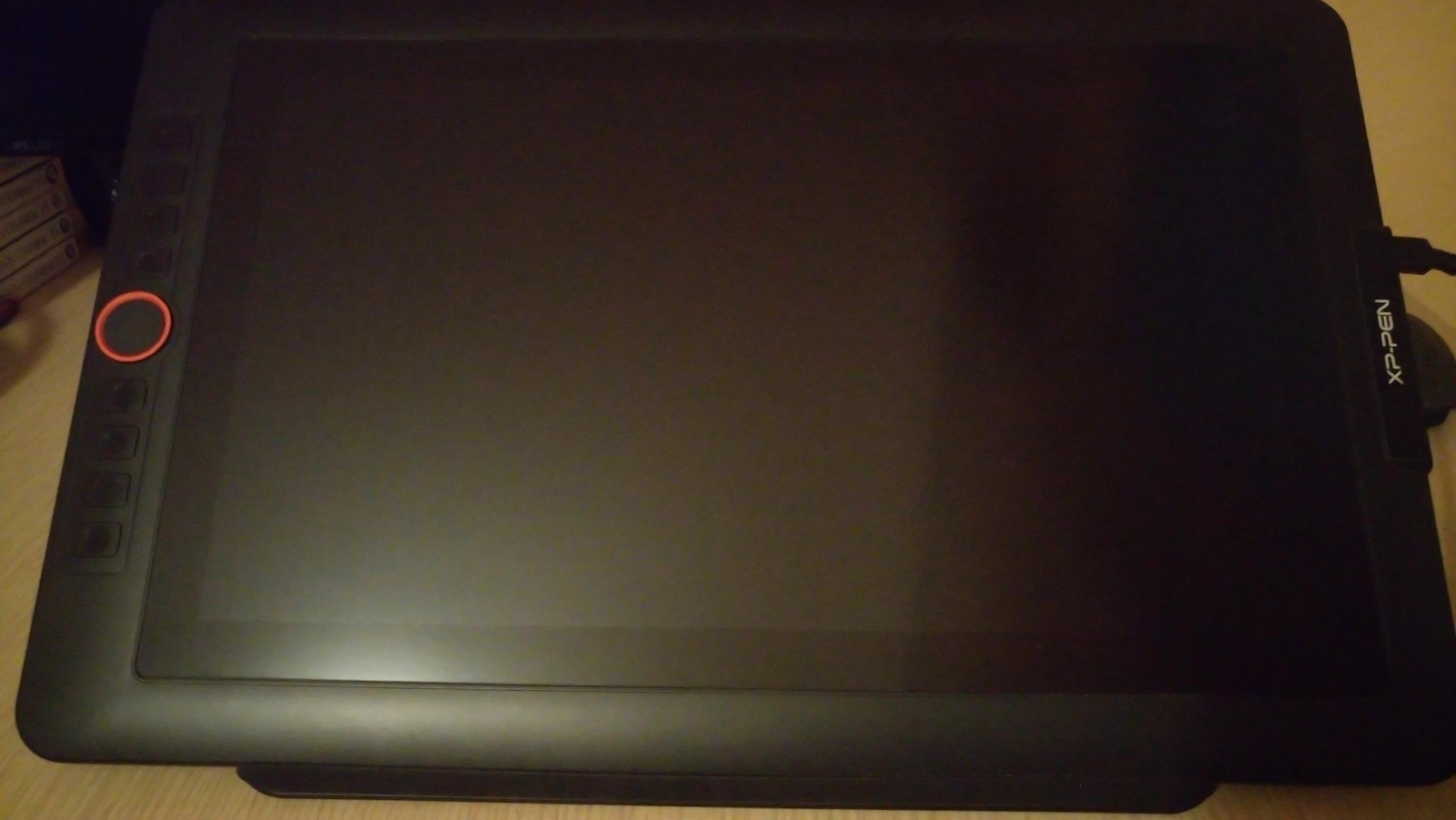
XP-Pen Artist Display Pro Stylus pen with Display FHD 13.3"

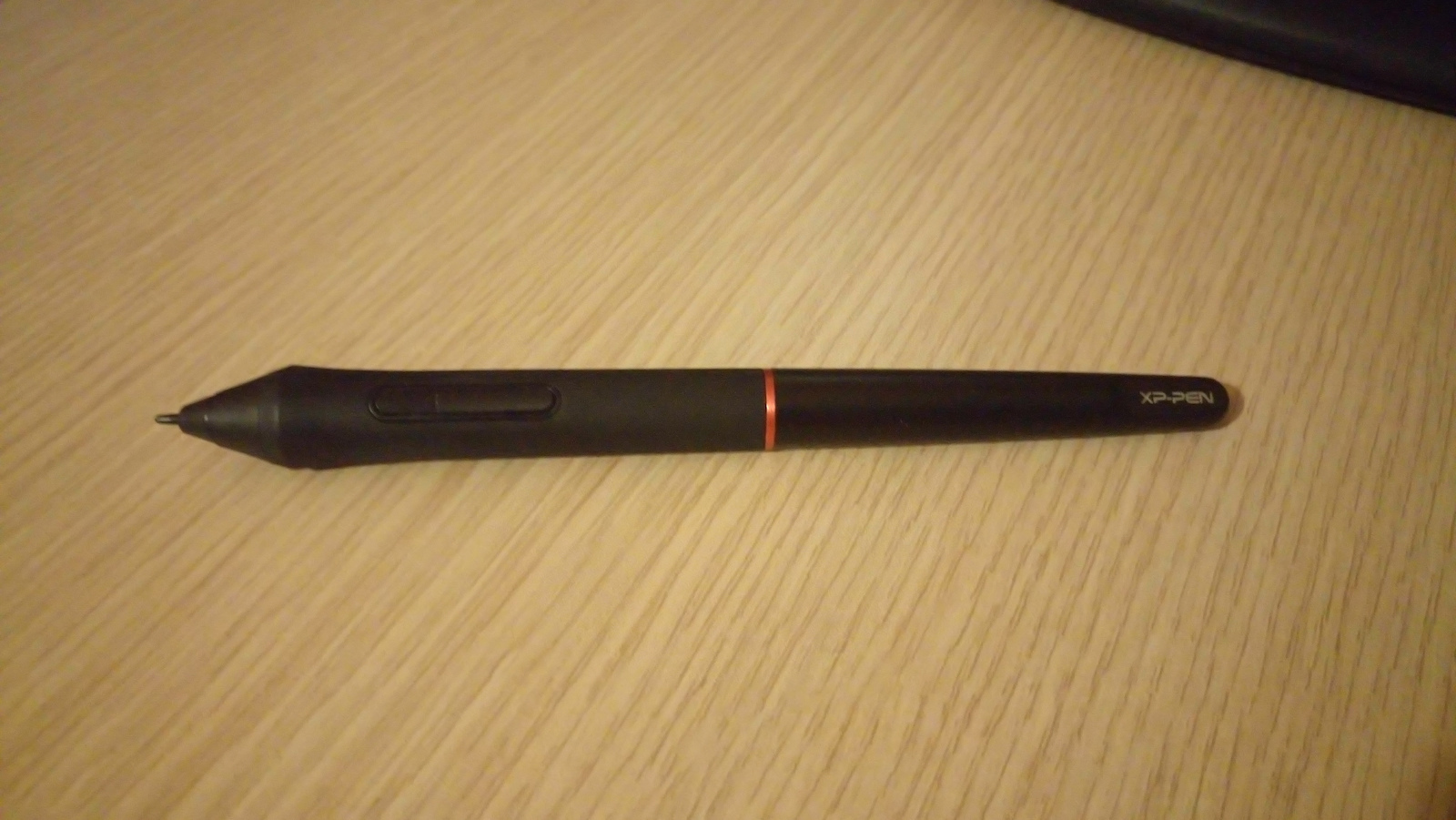
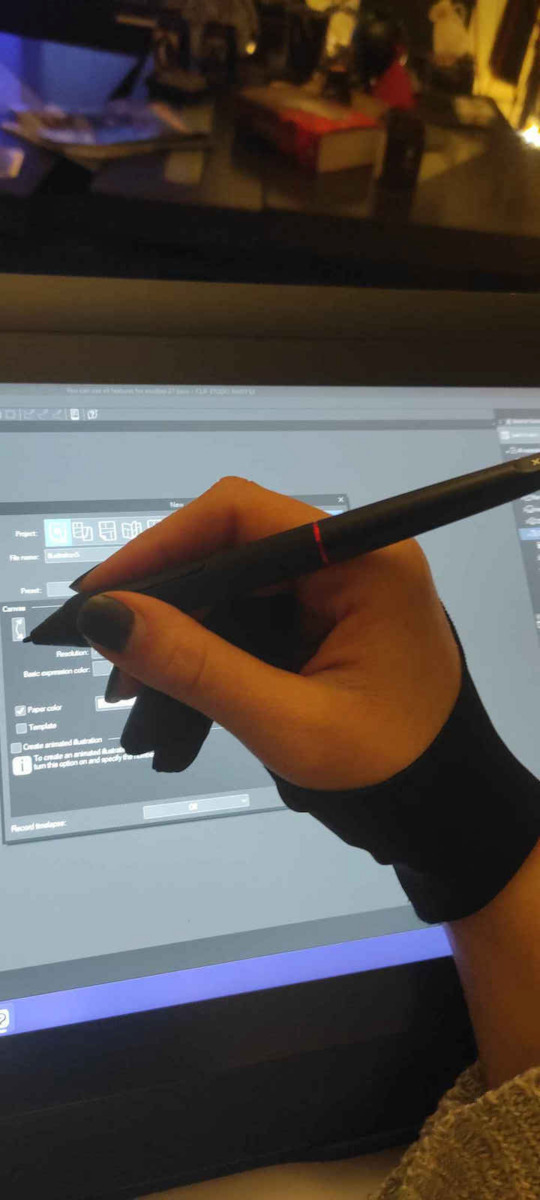
The XP-Pen digitizer features a battery-free pen that does not require charging and will never leave you in the middle of a design.

The stylus has high pressure sensitivity, allowing you to precisely...

The XP-Pen digitizer features a battery-free pen that does not require charging and will never leave you in the middle of a design.

The stylus has high pressure sensitivity, allowing you to precisely determine the thickness of the line depending on the pressure you apply to the pad.

This feature is particularly important if you want to engage in illustration...

See full description See full description
The product is not available for shipping to the selected country.

Description

Description

The XP-Pen digitizer features a battery-free pen that does not require charging and will never leave you in the middle of a design.

The stylus has high pressure sensitivity, allowing you to precisely determine the thickness of the line depending on the pressure you apply to the pad.

This feature is particularly important if you want to engage in illustration or digital painting. The pen's resolution at 5080 LPI is considered high, offering detailed and accurate rendering on the computer.

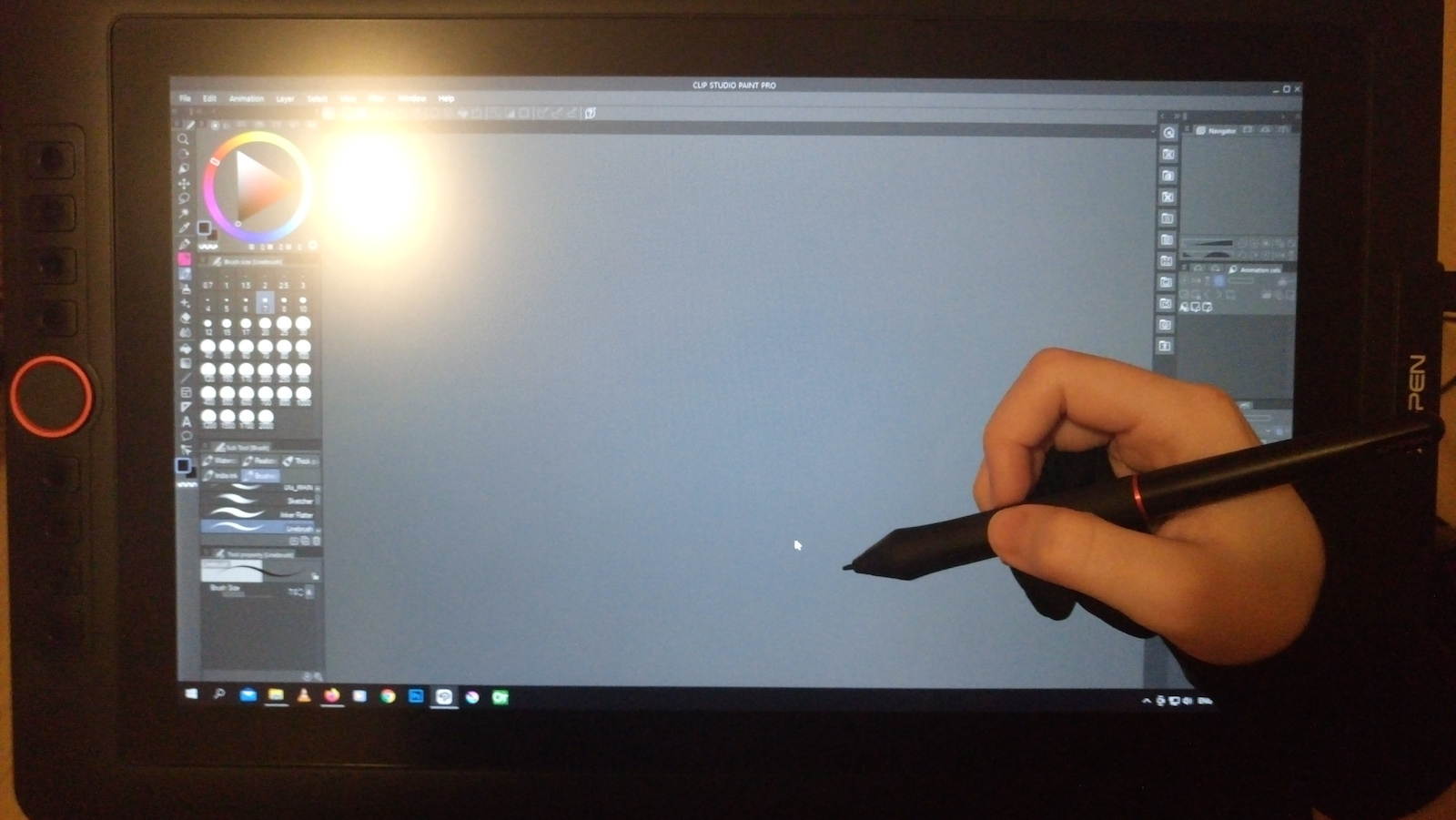
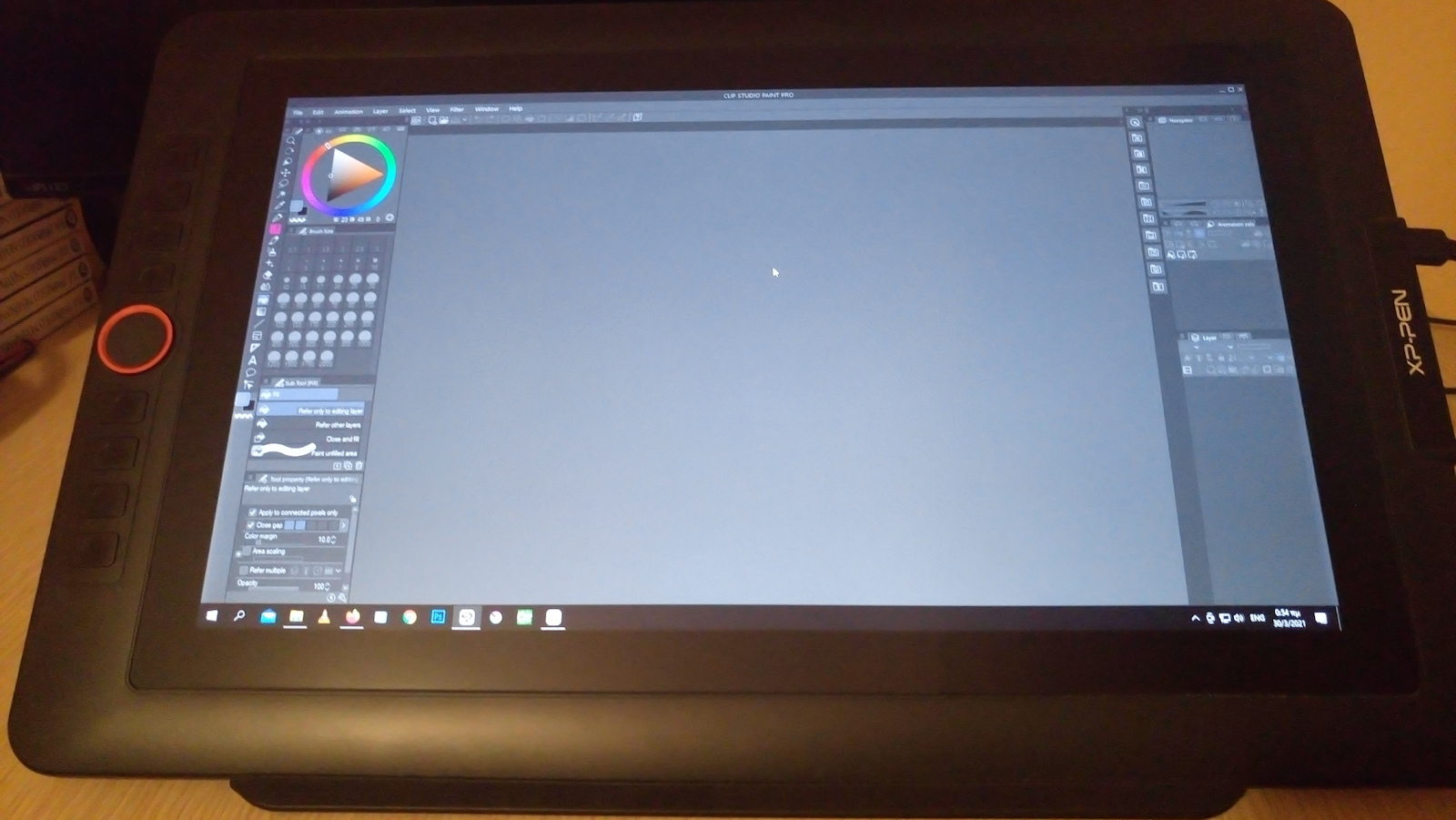
Additionally, it has shortcut keys to quickly execute a command with the press of a button and a scroll wheel for fast navigation.

Features

  • Active area: 293.76 x 165.24mm
  • Screen resolution: 1920x1080
  • Color Gamut: 88% NTSC, Adobe RGB 91%, sRGB 123%
  • Colors: 16.7 million
  • Contrast ratio: 1000:1
  • Viewing angle: 178°
  • Programmable keys: 8
  • Multi-touch: Yes
  • Pressure levels: 8192
  • Resolution: 5080LPI
  • Connection: USB
  • Power consumption: 2A
  • Power usage: 10W
  • Pen reading speed (RPS): >=220
  • System requirements: Windows 10/8/7 (32/64bit), Linux (Detailed versions), Mac OS X 10.10 and above


Package Contents:

  • 1x Screen, 1x Portable stand, 1x Free-Stylus pen,
  • 8x Replacement nibs, 1x Pen holder, 1x Quick start guide
  • 1x 3-in-1 USB cable, 1x USB extension cable, 1x Power adapter,
  • 1x Black drawing glove, 1x Cleaning cloth

Manufacturer

See full description

Specifications

Specifications

Main Specifications

Type
Pen Display
Colour
Black

Technical Specifications

Screen Diagonal
13.3 "
Screen Resolution
1920 x 1080 pixels
Pen Resolution
5080 LPI
Pen Type
Without Battery
Pressure Sensitivity
8192
Multi-touch
No
Features
Scratch Resistance, Shortcut Keys, Touch Ring
Power
External Power Supply
Connectivity
USB
Compatibility
Mac OS, Windows

Active Surface

Width
293.76 mm
Length
165.24 mm

Dimensions

Length
390.4 mm
Width
249.98 mm
Thickness
12.9 mm

Important information

Specifications are collected from official manufacturer websites. Please verify the specifications before proceeding with your final purchase. If you notice any problem you can report it here.

See all specifications

Reviews (15)

Reviews

  1. 14
  2. 1
  3. 3 stars
    0
  4. 2 stars
    0
  5. 1 star
    0
Review this product
  • Large number of functions/settings
  • Value for money
  • Size
  • Construction quality
  • Pressure sensitivity
  • Response time

Reviews photos

Reviews photos
Reviews photos
Reviews photos
Reviews photos
Reviews photos
Reviews photos

Reviews by our members

  • Very good machine for amateur use or for a student who is very involved with the subject. The reason a professional might not choose it is perhaps its size. A little better brightness and it would be excellent.

    Translated from Greek ·
    • Size
    • Construction quality
    • Large number of functions/settings
    • Pressure sensitivity
    • Response time
    • Value for money
    Did you find this review helpful?
  • hlias_grc
    5
    5 out of 5 members found this review helpful

    Verified purchase

    This review is about the screen size: 15.6 "

    I recently bought it and it has fully satisfied me for my professional work on Photoshop and freehand drawing. I am also left-handed and I recommend it for left-handed people without any hesitation, you can rotate the screen from the right, so that you have the wheel on your right side and you can draw with your left hand. There is a setting in Windows 10 as well as videos on YouTube that help with this aspect.

    Translated from Greek ·
    • Size
    • Construction quality
    • Large number of functions/settings
    • Pressure sensitivity
    • Response time
    • Value for money
    Did you find this review helpful?
  • nikoskarap
    4
    3 out of 4 members found this review helpful

    Verified purchase

    I have it for just 1.5 months. The only difficulty I have is in calibrating the tablet relative to the computer screen.

    Translated from Greek ·
    • Construction quality
    • Large number of functions/settings
    • Response time
    • Value for money
    • Size
    • Pressure sensitivity
    Did you find this review helpful?
  • This review is about the screen size: 15.6 "

    • Size
    • Construction quality
    • Large number of functions/settings
    • Pressure sensitivity
    • Response time
    • Value for money
  • Verified purchase

    This review is about the screen size: 15.6 "

    • Size
    • Construction quality
    • Large number of functions/settings
    • Pressure sensitivity
    • Response time
    • Value for money
  • Verified purchase

    This review is about the screen size: 15.6 "

  • Verified purchase

    This review is about the screen size: 15.6 "

  • Verified purchase

    This review is about the screen size: 15.6 "

    • Size
    • Construction quality
    • Large number of functions/settings
    • Pressure sensitivity
    • Value for money
    • Response time
  • Verified purchase

    This review is about the screen size: 15.6 "

    • Size
    • Construction quality
    • Large number of functions/settings
    • Pressure sensitivity
    • Response time
    • Value for money
  • This review is about the screen size: 15.6 "

    • Size
    • Large number of functions/settings
    • Pressure sensitivity
    • Response time
    • Value for money
    • Construction quality
  • Very good machine for amateur use or for a student who is very involved with the subject. The reason a professional might not choose it is perhaps its size. A little better brightness and it would be excellent.

    Translated from Greek ·
    0
  • I recently bought it and it has fully satisfied me for my professional work on Photoshop and freehand drawing. I am also left-handed and I recommend it for left-handed people without any hesitation, you can rotate the screen from the right, so that you have the wheel on your right side and you can draw with your left hand. There is a setting in Windows 10 as well as videos on YouTube that help with this aspect.

    Translated from Greek ·
    5
  • I have it for just 1.5 months. The only difficulty I have is in calibrating the tablet relative to the computer screen.

    Translated from Greek ·
    3
  • See all

Description & Specifications

The XP-Pen digitizer features a battery-free pen that does not require charging and will never leave you in the middle of a design.

The stylus has high pressure sensitivity, allowing you to precisely determine the thickness of the line depending on the pressure you apply to the pad.

This feature is particularly important if you want to engage in illustration or digital painting. The pen's resolution at 5080 LPI is considered high, offering detailed and accurate rendering on the computer.

Additionally, it has shortcut keys to quickly execute a command with the press of a button and a scroll wheel for fast navigation.

Features

  • Active area: 293.76 x 165.24mm
  • Screen resolution: 1920x1080
  • Color Gamut: 88% NTSC, Adobe RGB 91%, sRGB 123%
  • Colors: 16.7 million
  • Contrast ratio: 1000:1
  • Viewing angle: 178°
  • Programmable keys: 8
  • Multi-touch: Yes
  • Pressure levels: 8192
  • Resolution: 5080LPI
  • Connection: USB
  • Power consumption: 2A
  • Power usage: 10W
  • Pen reading speed (RPS): >=220
  • System requirements: Windows 10/8/7 (32/64bit), Linux (Detailed versions), Mac OS X 10.10 and above


Package Contents:

  • 1x Screen, 1x Portable stand, 1x Free-Stylus pen,
  • 8x Replacement nibs, 1x Pen holder, 1x Quick start guide
  • 1x 3-in-1 USB cable, 1x USB extension cable, 1x Power adapter,
  • 1x Black drawing glove, 1x Cleaning cloth

Manufacturer

Main Specifications

Type
Pen Display
Colour
Black

Technical Specifications

Screen Diagonal
13.3 "
Screen Resolution
1920 x 1080 pixels
Pen Resolution
5080 LPI
Pen Type
Without Battery
Pressure Sensitivity
8192
Multi-touch
No
Features
Scratch Resistance, Shortcut Keys, Touch Ring
Power
External Power Supply
Connectivity
USB
Compatibility
Mac OS, Windows

Active Surface

Width
293.76 mm
Length
165.24 mm

Dimensions

Length
390.4 mm
Width
249.98 mm
Thickness
12.9 mm

Important information

Specifications are collected from official manufacturer websites. Please verify the specifications before proceeding with your final purchase. If you notice any problem you can report it here.

Reviews (15)

  1. 14
  2. 1
  3. 3 stars
    0
  4. 2 stars
    0
  5. 1 star
    0
Review this product
  • Large number of functions/settings
  • Value for money
  • Size
  • Construction quality
  • Pressure sensitivity
  • Response time

Reviews photos

Reviews photos
Reviews photos
Reviews photos
Reviews photos
Reviews photos
Reviews photos

Reviews by our members

  • Very good machine for amateur use or for a student who is very involved with the subject. The reason a professional might not choose it is perhaps its size. A little better brightness and it would be excellent.

    Translated from Greek ·
    • Size
    • Construction quality
    • Large number of functions/settings
    • Pressure sensitivity
    • Response time
    • Value for money
    Did you find this review helpful?
  • hlias_grc
    5
    5 out of 5 members found this review helpful

    Verified purchase

    This review is about the screen size: 15.6 "

    I recently bought it and it has fully satisfied me for my professional work on Photoshop and freehand drawing. I am also left-handed and I recommend it for left-handed people without any hesitation, you can rotate the screen from the right, so that you have the wheel on your right side and you can draw with your left hand. There is a setting in Windows 10 as well as videos on YouTube that help with this aspect.

    Translated from Greek ·
    • Size
    • Construction quality
    • Large number of functions/settings
    • Pressure sensitivity
    • Response time
    • Value for money
    Did you find this review helpful?
  • nikoskarap
    4
    3 out of 4 members found this review helpful

    Verified purchase

    I have it for just 1.5 months. The only difficulty I have is in calibrating the tablet relative to the computer screen.

    Translated from Greek ·
    • Construction quality
    • Large number of functions/settings
    • Response time
    • Value for money
    • Size
    • Pressure sensitivity
    Did you find this review helpful?
  • This review is about the screen size: 15.6 "

    • Size
    • Construction quality
    • Large number of functions/settings
    • Pressure sensitivity
    • Response time
    • Value for money
  • Verified purchase

    This review is about the screen size: 15.6 "

    • Size
    • Construction quality
    • Large number of functions/settings
    • Pressure sensitivity
    • Response time
    • Value for money
  • Verified purchase

    This review is about the screen size: 15.6 "

  • Verified purchase

    This review is about the screen size: 15.6 "

  • Verified purchase

    This review is about the screen size: 15.6 "

    • Size
    • Construction quality
    • Large number of functions/settings
    • Pressure sensitivity
    • Value for money
    • Response time
  • Verified purchase

    This review is about the screen size: 15.6 "

    • Size
    • Construction quality
    • Large number of functions/settings
    • Pressure sensitivity
    • Response time
    • Value for money
  • This review is about the screen size: 15.6 "

    • Size
    • Large number of functions/settings
    • Pressure sensitivity
    • Response time
    • Value for money
    • Construction quality
  • Very good machine for amateur use or for a student who is very involved with the subject. The reason a professional might not choose it is perhaps its size. A little better brightness and it would be excellent.

    Translated from Greek ·
    0
  • I recently bought it and it has fully satisfied me for my professional work on Photoshop and freehand drawing. I am also left-handed and I recommend it for left-handed people without any hesitation, you can rotate the screen from the right, so that you have the wheel on your right side and you can draw with your left hand. There is a setting in Windows 10 as well as videos on YouTube that help with this aspect.

    Translated from Greek ·
    5
  • I have it for just 1.5 months. The only difficulty I have is in calibrating the tablet relative to the computer screen.

    Translated from Greek ·
    3
  • See all