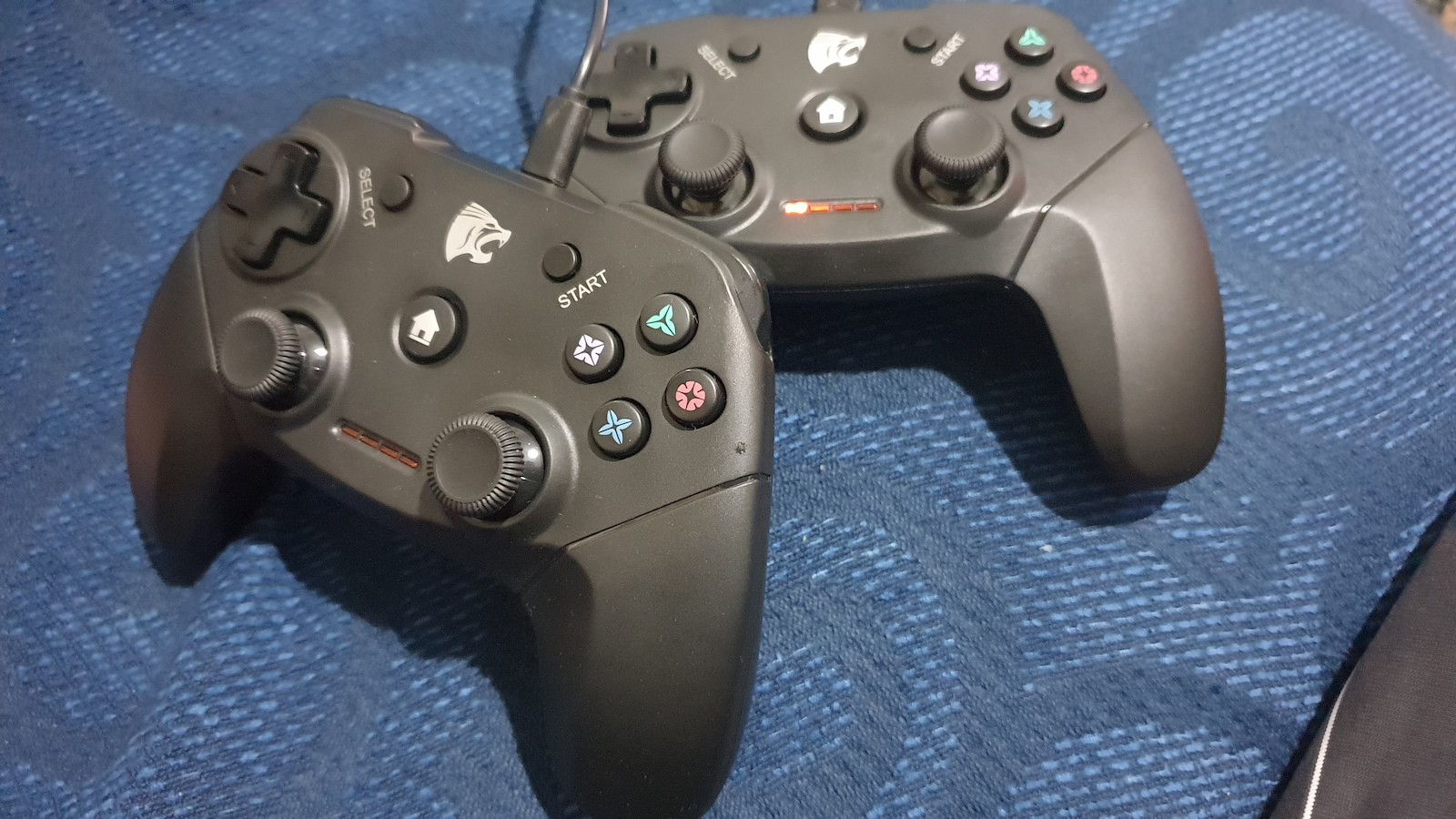
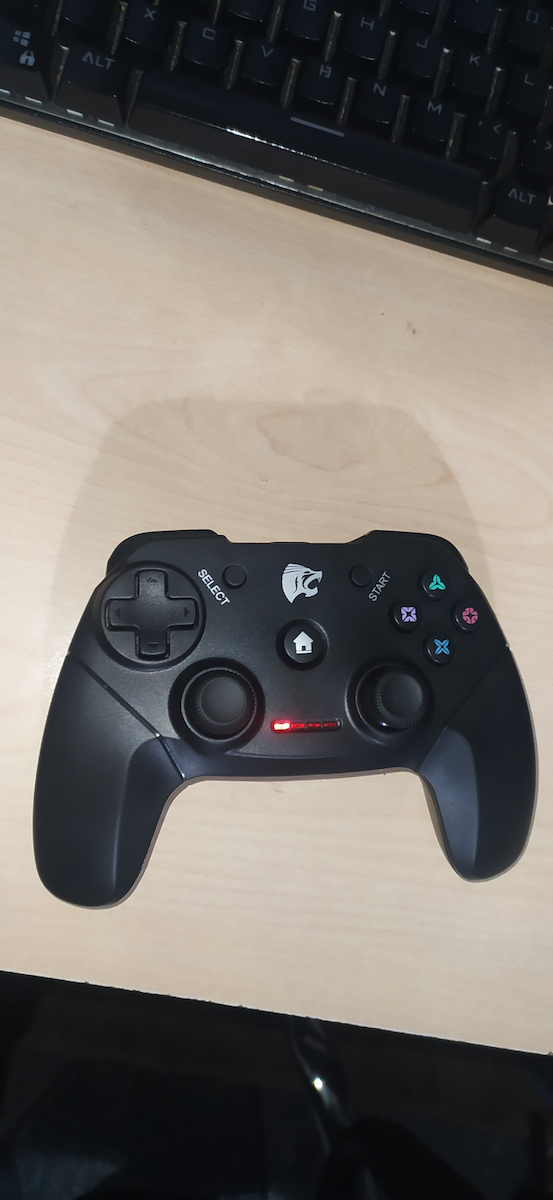
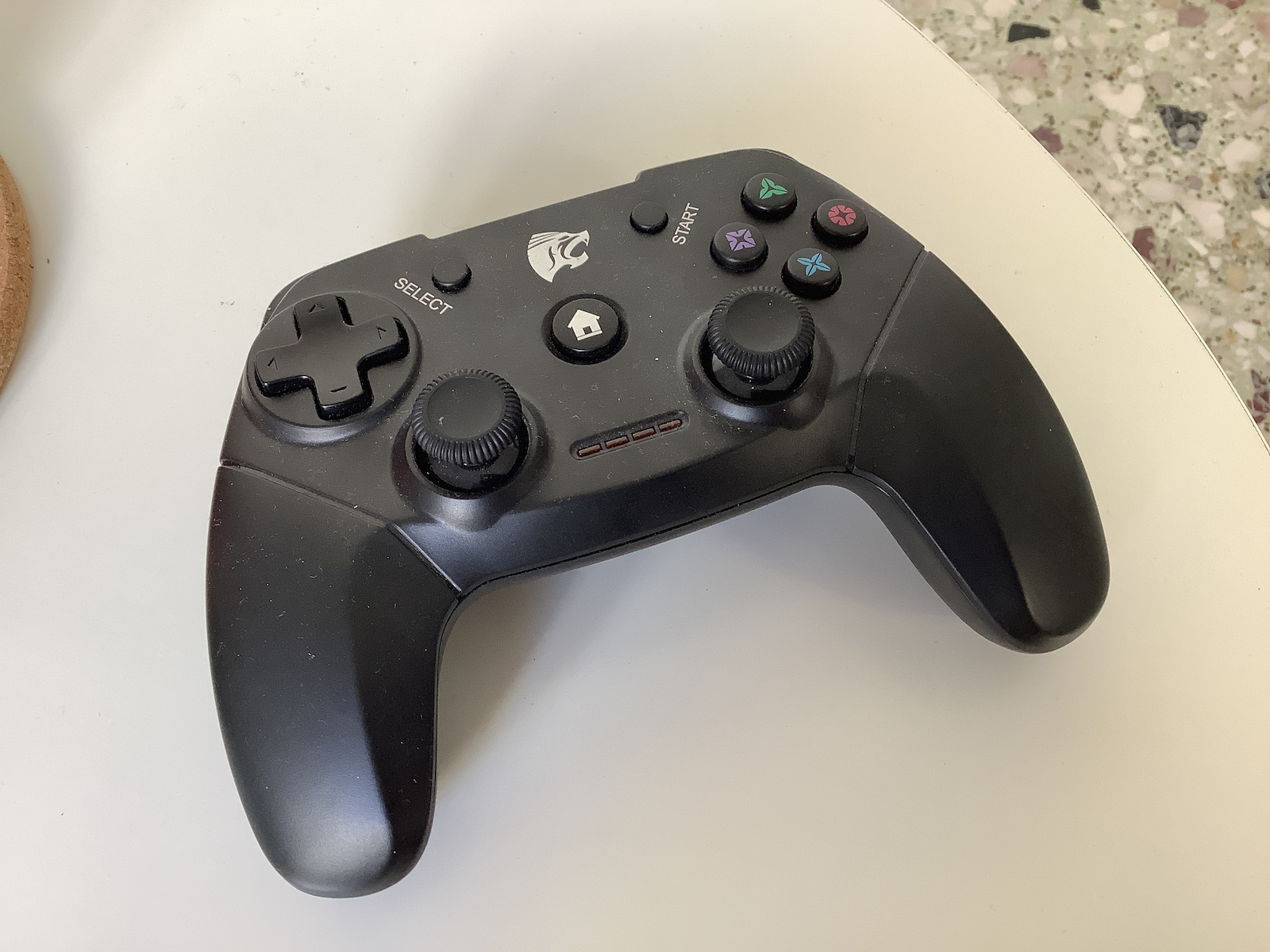
Short period from purchase to appreciate (almost 1 week) quality/durability.
On Win10 so far it has been recognized by the system as "Controller". If you have a 360 connected at the same time, you will be a little confused at first about which is which.
It works fine, just has weaker vibration than the 360 (doesn't bother me at all) and it's logical to conserve battery. If you're used to the 360, you will be annoyed at first by the different position of the "select" and "start" buttons that are thinner and harder to find.
Observations:
It's a shame it doesn't have a switch to turn it off. Switching from digital to analog by pressing the central button for 5 seconds. It will disconnect and reconnect as a device in the system, making the necessary adjustments.
You can calibrate (if you have a 360 on the PC, remove it to avoid confusion in the process) by going to "Devices and Printers" and right-clicking on the device, selecting "Game Controller Settings". In the new window, click on "properties", select the "settings" tab, and click "calibrate".
If you have an issue with drift on the right stick (I experienced it when I left the controller idle and it went to sleep to save battery) that started when pressing the central button to "wake it up" while the controller is in use:
a) Open "Devices and Printers". b) Right-click on the controller icon and select uninstall. c) When the controller disappears, you will see the 4 LED lights start blinking. d) When all the LED lights turn off, remove the stick from the PC. e) Press the central button on the controller to activate it, and while the lights on the controller are blinking, insert the stick into the PC to establish the connection. It will take a little time (less than a minute) for the controller to sync with the stick and for the system to make the necessary adjustments to the device.
If you disconnect the controller with the stick (the 4 LEDs blink) in Win10, follow the above process in "e" for synchronization. Do not insert the stick first and then open the controller, for some reason it doesn't work in this order, but FIRST activate the controller and THEN insert the stick.
I will come back with any updates/problems...
EDIT: Almost 15 days later, it starts losing colors from use. No other functional issues.
EDIT 2: Almost 4 months later, the drifting has changed: it's not the bug where you leave the gamepad, it goes to sleep, and when you start it, it may drift, which is corrected with the above method.
Now it's irrelevant when/how: it's continuous,
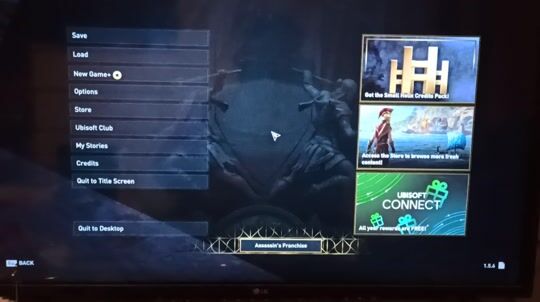
e.g. I play AC Odyssey and just by pushing the left stick forward, without touching the right one, in a large percentage - I would say 90-95% - and intermittently the camera turns left, as if you had inadvertently moved the right stick left.
And precisely because it's not continuous, you can't say it's a calibration issue (which I did and didn't fix anything) or a dead spot.
It's an issue that for some reason the gamepad sends a signal that you have moved the right stick left....
And you can't compensate by slightly moving the left stick to the right, because it does it 90-95% of the time you move the left stick forward and intermittently, so if you have the right stick slightly to the right for compensation, the camera will be stable 90-95% of the time, but in the 5-10% it will move right.....
NOW I SAY NO..
EDIT 3: Since its condition was "for trash"/"for spare parts", I opened it and found in many places as if there were accumulated liquids in the joints (7 screws, the seventh is on the round sticker). It was cleaned with cotton swabs soaked in "Alcohol Lotion" 93' (don't judge - that's what I had available) and dried again with dry cotton swabs. It seems to be working without drift.... I don't know how long it will last, but it works....
EDIT 4 (17-3-24): Since I had a problem again, I cleaned it again, but at the 15th minute in the game, drift occurred again... I explained to an online friend what problem I had and sent him a photo of the board, after I removed the battery (at his suggestion) to make sure it didn't have any problem (leak). He saw the two black spots and told me that the problem is the placement of the battery on these "integrated circuits" from the factory. Essentially, it does not allow them to cool properly, resulting in their malfunction.... He told me to take it out (the ideal) if I can't put it in another place inside. I made an "extension" with a donor from a cut usb cable, opened and slightly the point of the charging port and with velcro (scratch-scratch) I put it externally underneath, so that I can remove it if I need to open the gamepad again... I played for almost 2 hours without any problems... whoever still has it and gets their hands on it, let them do something similar to find their peace.... I should note that as a last resort, I can completely disconnect the battery and power it through the port or even remove the female plug and directly solder the cable in its place, for power from a classic usb charger or computer usb port while playing... the downside will be that I will have a "wireless wired gamepad" X( In the video you don't see drift but the game feature, when you go to a teleport point it automatically turns the camera of the game to the other point / teleportation point where the player will end up if he teleports. This happens in case someone gets confused, every time you enter the teleporter circle, even just passing through it.
Μικρό διάστημα από την αγορα για να εκτιμήσω (1 εβδομάδα σχεδόν) ποιότητα / αντοχή.
Σε Win10 Μέχρι στιγμής έχει αναγνωριστεί με το όνομα "Controller" από το σύστημα. Αν έχεις συνδεμένο ταυτόχρονα ένα 360 θα μπερδευτείς λίγο στην αρχή για το ποια είναι η κάθε μια.
Λειτουργεί μια χαρά, απλά έχει πιο αδύναμη δόνηση από το 360 (δεν με χαλάει καθόλου) και λογικό για να κρατάει και η μπαταρία. Αν έχεις μάθει με το 360 θα σου σπάσει τα νεύρα στην αρχή η διαφορετική θέση των 2 πλήκτρων "select" και "start" που είναι πιο ψιλά και θα τα ψάχνεις.
Παρατηρήσεις:
Κρίμα που δεν έχει διακόπτη για απενεργοποίηση. Αλλαγή από digital σε analog με το πάτημα για 5" δευτερόλεπτα του κεντρικού πλήκτρου. Θα κάνει αποσύνδεση και επανασύνδεση σαν συσκευή στο σύστημα, κάνοντας τα win τις απαραίτητες ρυθμίσεις.
Μπορείς να κάνεις καλιμπράρισμα (αν έχεις και 360 στο pc βγάλτο για να μην μπερδευτείς στη διαδικασία) αν πας στο "Devises and Printers"
και με δεξί κλικ στη συσκευή επιλέγεις το "Game Controller Settings". Στο νέο παράθυρο πατάς στο "properties", επιλέγεις το ταμπ "settings" και πατάς "calibrate".
Άν έχεις θέμα με ντριφτ στο δεξί μοχλό (το έπαθα όταν άφησα αδρανή το controller και έσβησε για εξοικονόμηση μπαταρίας) που ξεκίνησε με το πάτημα του κεντρικού κουμπιού για να "ξυπνήσει", ενώ έχεις εν λειτουργία το controller:
α) Ανοίγεις το "Devises and Printers". β) δεξί κλικ στο εικονίδιο του controller και επιλέγεις κατάργηση. γ) όταν εξαφανιστεί το controller, βλέπεις ότι ξεκινάει να αναβοσβήνου τα 4 led του controller. δ) όταν σβύσουν όλα τα led του, βγάζεις το στικάκι από το pc. ε) πατάς το κεντρικό κουμπί στο controller για να ενεργοποιηθεί και όσο αναβοσβήνουν τα φωτάκια στο controller βάζεις το στικάκι στο pc για να γίνει η σύνδεση. θα πάρει λίγο χρόνο (λιγότερο από λεπτό) για να συντονιστεί το controller με το στικάκι και στη συνέχεια να κάνει τις ρυθμίσεις το σύστημα στη συσκευή.
Αν έχεις αποσύνδεση controller με στικ (αναβοσβύνουν τα 4 led) σε win10, κάνε την παραπάνω διαδικασία στο "ε" για συντονισμό. Μην βάλεις πρώτα στικ και μετά ανοίξεις controller, για κάποιο λόγο δεν πιάνει με αυτή τη σειρά, αλλά ΠΡΩΤΑ ενεργοποιείς controller και ΜΕΤΑ μετά βάζεις στικάκι.
Θα επανέλθω με τυχόν νεότερα / προβλήματα...
EDIT: 15 ημέρες μετά σχεδόν, ξεκινά να χάνει τα χρώματα από τη χρήση. Χωρίς άλλα λειτουργικά προβλήματα.
EDIT 2: 4 μήνες σχεδόν μετά, το drifting άλλαξε : δεν είναι το bug που αφήνεις το gamepad, μπαίνει σε sleep και όταν το ξεκινάς μπορεί να κάνει drift που διορθώνεται με τον παραπάνω τρόπο.
Πλέον είναι άσχετο το πότε / πως: είναι συνεχόμενο,
πχ παίζω το AC Odyssey και μόνο που κάνω εμπρός τον αριστερό μοχλό, χωρίς να αγγίξω τον δεξί, σε μεγάλο ποσοστό - θα έλεγα 90-95% - και διακεκομμένα η κάμερα γυρνάει προς τα αριστερά, σαν να έχεις κάνει ανεπαίσθητα τον δεξί μοχλό αριστερά.
Και ακριβώς επειδή δεν είναι συνεχόμενο, δεν μπορείς να πεις κι ότι είναι θέμα καλιμπραρίσματος (το οποίο και που το έκανα δεν διόρθωσε κάτι) ή deadspot.
Είναι θέμα ότι για κάποιο λόγο το gamepad στέλνει σήμα πως έχεις κάνει αριστερά τον δεξιό μοχλό....
Και δεν μπορείς να κάνεις αντιστάθμιση με το να έχεις λίγο πιο δεξιά τον αριστερό μοχλό, γιατί το κάνει στο 90-95% του χρόνου που κάνεις τον αριστερό μοχλό μπροστά και διακεκομμένα, οπότε αν έχεις για αντιστάθμιση τον δεξιό μοχλό λίγο δεξιά, θα είναι σταθερή η κάμερα στο 90-95% του χρόνου, αλλά στο 5-10% θα κάνει δεξιά.....
ΠΛΕΟΝ ΛΕΩ ΟΧΙ..
EDIT 3: Αφού η κατάστασή του ήταν "για πέταμα"/"για ανταλλακτικά", το άνοιξα και βρήκα σε πολλά σημεία σαν να έχει υγρά συσσωρευμένα στις κολλήσεις (7 βίδες, η έβδομη είναι στο στρογγυλό αυτοκόλλητο).
Έγινε καθαρισμός με μπατονέτες ποτισμένες "Αλκοολούχο λοσιόν" 93' (don't judge - αυτό είχα διαθέσιμο) και στέγνωμα πάλι με στεγνές μπατονέτες.
Φαίνεται να δουλεύει πια χωρίς drift....
Το πόσο θα κρατήσει ακόμα δεν το ξέρω, αλλά δουλεύει....
EDIT 4 (17-3-24) : αφού είχα πάλι πρόβλημα, έκανα πάλι καθαρισμό, αλλά στο 15λεπτό σε παιχνίδι πάλι drift... Εξήγησα σε φίλο ηλεκτρονικό τι πρόβλημα έχω και του έστειλα φωτό με την πλακέτα, αφού ξεκόλλησα την μπαταρία (με προτροπή του) για να σιγουρευτώ πως δεν είχε αυτή κάποιο πρόβλημα (διαρροή). Είδε τα δύο μαυράκια και μου είπε πως το πρόβλημα είναι η τοποθέτηση της μπαταρίας επάνω σε αυτά τα "ολοκληρωμένα" από το εργοστάσιο. Στην ουσία δεν επιτρέπει την σωστή τους ψύξη με αποτέλεσμα την δυσλειτουργία τους.... μου είπε να την βγάλω από έξω (το ιδανικότερο) αν δεν μπορώ να την βάλω σε άλλο σημείο εντός. Έκανα μια "επέκταση" με δωρητή από κομμένο καλώδιο usb, άνοιξα και λίγο το σημείο της υποδοχής για την φόρτιση και με βέλκρο (χριτς-χρατς) την έβαλα εξωτερικά από κάτω, ώστε να μπορώ να την ξεκολλήσω αν χρειαστεί να ξανα-ανοίξω το gamepad... έπαιξα κοντά 2 ώρες χωρίς πρόβλημα... όποιος το έχει ακόμα και πιάνουν τα χέρια του, ας κάνει κάτι αντίστοιχο μπας βρει την ηρεμία του....
Να σημειώσω πως σαν έσχατη λύση μπορώ και να αποσυνδέσω εντελώς την μπαταρία και να το δουλέψω με τροφοδοσία μέσω της υποδοχής του ή και να αφαιρεθεί το θηλυκό βύσμα και να κολλήσω απ' ευθείας στη θέση του το καλώδιο,
για τροφοδοσία από έναν κλασικό usb φορτιστή ή και θύρα usb υπολογιστή ενώ παίζω...το άσχημο θα είναι πως θα έχω ένα "ασύρματο gamepad καλωδίου" X(
Στο βίντεο δεν βλέπετε drift αλλά το feature του παιχνιδιού, όταν πάτε σε σημείο τηλεμεταφορας αυτόματα γυρνάει την κάμερα το παιχνίδι προς το άλλο σημείο / τηλεμεταφορας στο οποίο θα καταλήξει ο παίκτης αν κάνει την τηλεμεταφορά. Αυτό για την περίπτωση που μπερδευτεί κάποιος, συμβαίνει κάθε φορά που θα μπείτε στον κύκλο του τηλεμεταφορέα, ακόμα και απλά περνώντας από αυτόν.