Hello,
Because people usually don't write about how they solve a problem when they actually solve it, I decided to make a difference and share with future buyers an experience they may have with this specific motherboard and help them. I had no idea about PC hardware until a few months ago, so forgive me for any small mistakes, the point is the essence.
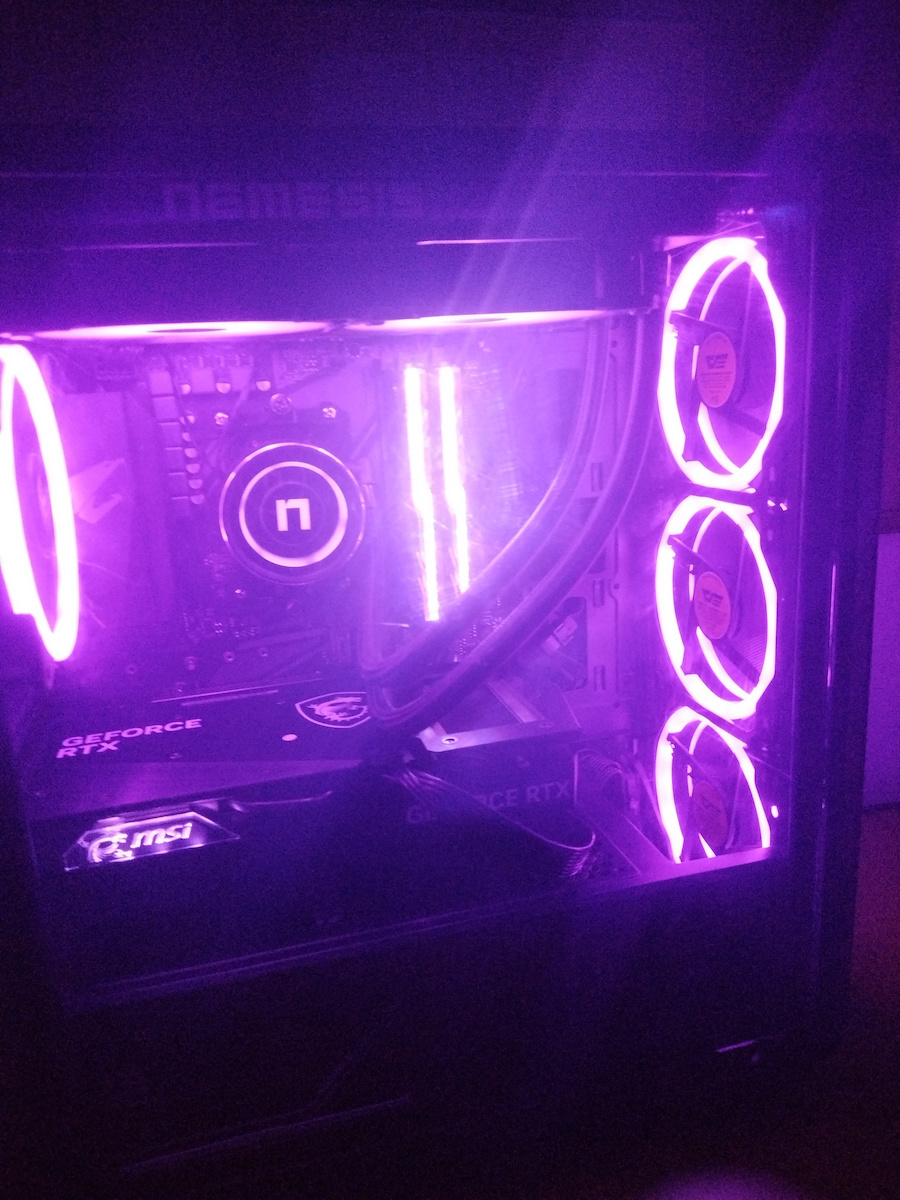
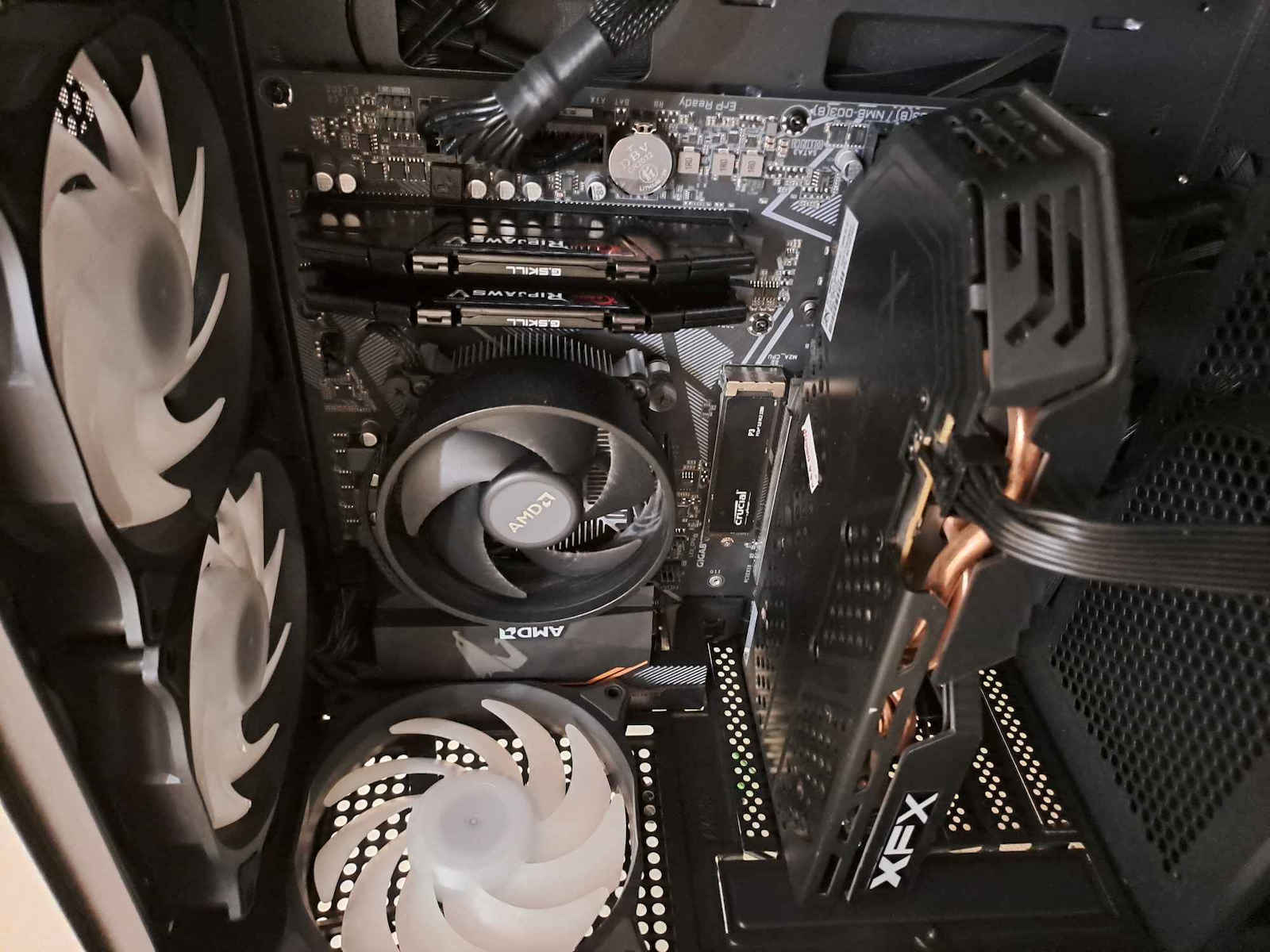
I successfully built my first desktop (so far at least). The rest of the components are:
1) AMD Ryzen 5 5600G with Radeon Graphics 3.90 GHz
2) G.Skill Ripjaws V 16GB DDR4 RAM with 2 Modules (2x8GB) and Speed 3600 for Desktop
3) Kingston NV2 SSD 1TB M.2 NVMe PCI Express 4.0
4) I did not install any other graphics card besides the CPU.
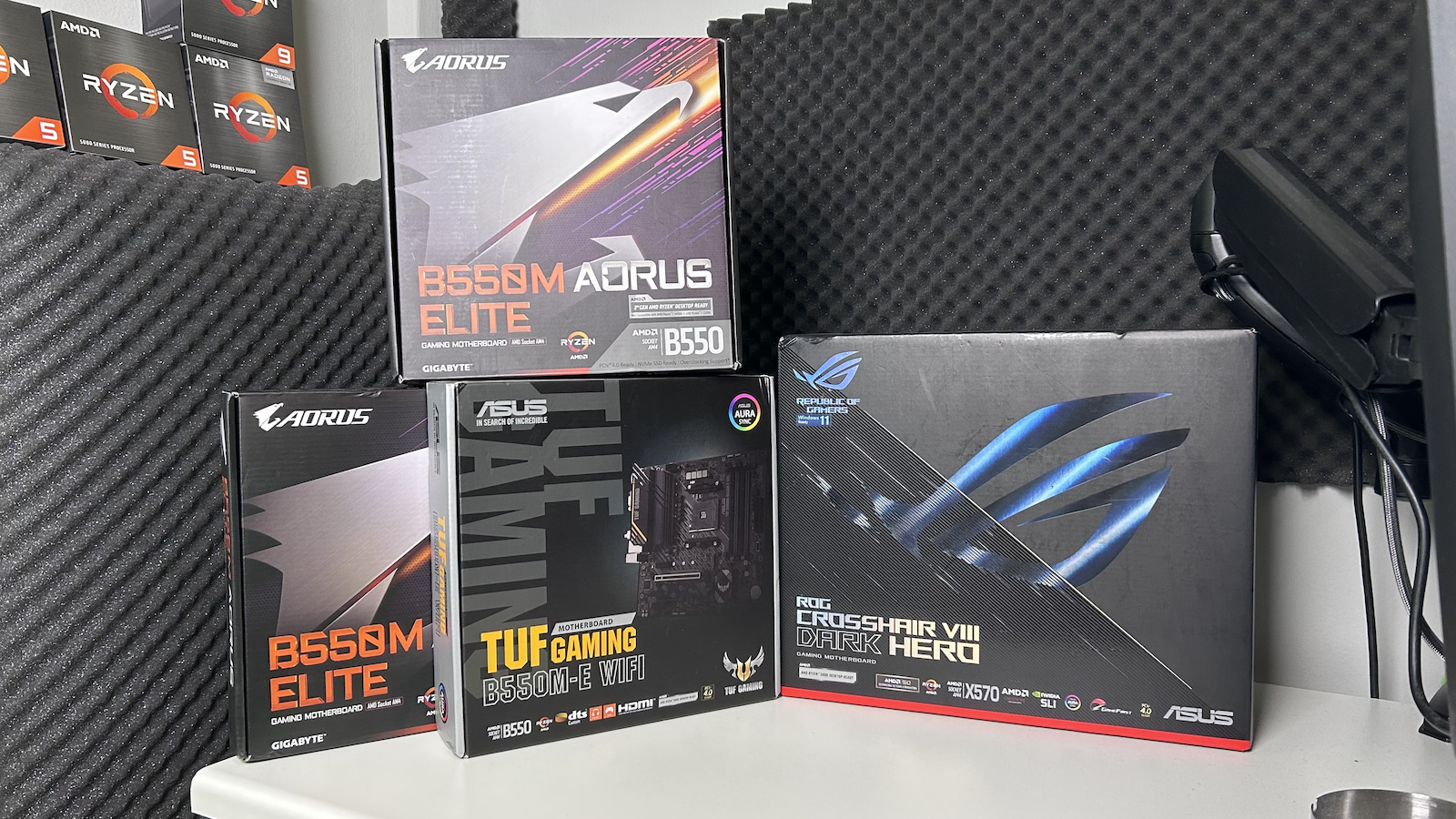
5) This is the motherboard.
I made a mistake and placed the RAM modules in slots 1 and 3. I entered the BIOS (with delete) and activated XMP to fully utilize the RAM's potential. Along the way, I realized that my RAM was running at 2133MHz and started researching it.
That's when I first realized my mistake with the slots. I shut down the PC and the power supply and changed the position of the modules, placing them in slots 2 and 4 to take advantage of dual channel. I entered the BIOS and reactivated XMP.
When I exited the BIOS, a new problem arose and the PC wouldn't boot. My RGB mouse didn't display its RGB, the screen didn't receive data, while the fans were working fine. Try searching the internet with the appropriate keywords and you will see that everyone writes their long and short stories on well-known forums, even that the components are NOT compatible (mobo with RAM). At this point, seeing so many sites mentioning the same problem and no one giving a normal answer, I was disappointed and said, "What did I expect, I went and got involved with the crazy people who build their own desktops." After some research and videos (this motherboard is popular and fortunately, you will find many helpful videos to solve your problems), I realized that I needed to boot the PC first. I took a screwdriver and touched the two pins on the mobo's CMOS to reset the BIOS settings. That worked and the PC booted. I started testing to see if there was an issue with any slot on the mobo or any RAM module. The PC continued to not boot with XMP enabled.
Until a guy with a Mississippi State accent solved all my problems, I'm providing the link:
https://www.youtube.com/watch?v=ENiLBW2wt48&ab_channel=DavesTechway
I entered the BIOS again, put aside my stubbornness, didn't touch XMP again, and manually activated the 3600MHz and it worked! I am running at 3600MHz, I had never experienced such a thing before. Images open in a fraction of a second, everything opens quickly.
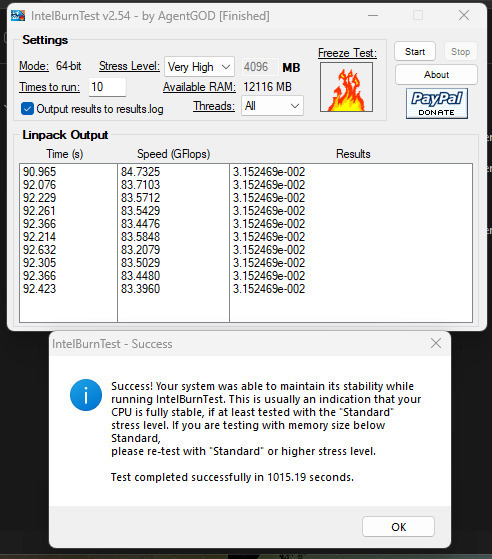
I tested the stability with IntelBurnTest (I have a photo) with memory stress set to very high and everything seems to be working fine so far.
Καλησπέρες,
Επειδή συνήθως οι άνθρωποι δε γράφουν για το πως λύνουν ένα πρόβλημα όταν πράγματι το λύνουν, είπα να κάνω τη διαφορά και να μοιραστώ με μελλοντικούς αγοραστές μία εμπειρία που μπορεί να ζήσουν με τη συγκεκριμένη μητρική και να τους βοηθήσω. Δεν είχα ιδέα από PC hardware έως πριν λίγους μήνες, οπότε συγχωρήστε μου ενδεχόμενα μικρο λάθη, το θέμα είναι η ουσία.
Έστησα το πρώτο μου desktop, επιτυχημένα (ως τώρα τουλάχιστον). Τα υπόλοιπα components είναι:
1) AMD Ryzen 5 5600G with Radeon Graphics 3.90 GHz
2) G.Skill Ripjaws V 16GB DDR4 RAM με 2 Modules (2x8GB) και Ταχύτητα 3600 για Desktop
3) Kingston NV2 SSD 1TB M.2 NVMe PCI Express 4.0
4) Δεν έβαλα άλλη κάρτα γραφικών πέραν της CPU.
5) Η μητρική είναι ετούτη εδώ.
Έκανα ένα λάθος και τοποθέτησα τα ram modules στα slots 1 και 3. Μπήκα στο BIOS (με το delete) και ενεργοποίησα ωστόσο το XMP για να αξιοποίησω ολόκληρη τη δυναμική της ram. Στην πορεία κατάλαβα ότι η ram μου ήταν στα 2133MHz και ξεκίνησα να το ερευνώ.
Εκεί πρωτοκατάλαβα το λάθος μου με τα slots. Έκλεισα το PC και την τροφοδοσία και άλλαξα τη θέση των modules και τα τοποθέτησα στις θέσεις 2 και 4 για να εκμεταλλευτώ το dual channel. Μπήκα στο BIOS και ξαναενεργοποίησα το XMP.
Όταν βγήκα από το BIOS προέκυψε νέο πρόβλημα και το PC δε bootare. Το rgb ποντίκι μου δεν εμφάνιζε το rgb του, η οθόνη δεν έπαιρνε δεδομένα ενώ τα ανεμιστηράκια λειτουργούσαν κανονικά. Δοκιμάστε να ψάξετε στο internet με τις κατάλληλες λέξεις κλειδιά και θα δείτε ότι ο καθένας γράφει το μακρύ του και το κοντό του σε πολύ γνωστά forums, μέχρι και το ότι τα components ΔΕΝ είναι συμβατα (mobo με ram). Σε αυτό το σημείο και βλέποντας τόσα sites στα οποία αναφέρονταν το ίδιο πρόβλημα και κανένας ΔΕΝ έδινε μία normal απάντηση είχα απογοητευτεί και έλεγα "τι το ήθελα, πήγα και έμπλεξα με τους τρελούς που χτίζουν μόνοι τους desktops". Μετά από κάποια έρευνα και videos (είναι δημοφιλής η συγκεκριμένη mobo και ευτυχώς θα βρείτε πολλά βοηθητικά video για να λύσετε τα προβλήματά σας) κατάλαβα ότι για αρχή έπρεπε να bootarei το PC. Πήρα ένα κατσαβίδι και ακούμπησα τα δύο pins στο CMOS της mobo για να κάνω reset τα settings του BIOS. Αυτό έπιασε και το PC bootare. Ξεκίνησα να κάνω δοκιμές για να δω αν έχει θέμα κάποιο slot της mobo ή κάποιο ram module. Το PC συνέχισε να μη bootarei με τπτ με το XMP ενεργοποιημένο.
Μέχρι που ένας τύπος με προφορά Mississippi State μου έλυσε όλα μου τα προβλήματα, παραθέτω link:
https://www.youtube.com/watch?v=ENiLBW2wt48&ab_channel=DavesTechway
Ξαναμπήκα στο BIOS, άφησα το πείσμα στην άκρη, δεν ξαναπείραξα το XMP και ενεργοποίησα manually τα 3600Mhz και δούλεψε! Είμαι με 3600MHz, δεν είχα ξαναβιώσει τέτοια εμπειρία. Οι εικόνες ανοίγουν σε κλάσμα δευτερολέπτου, όλα ανοίγουν ταχύτατα.
Ήλεγξα τη σταθερότητα με το intelburntest (έχω και φώτο) με την καταπόνηση της μνήμης να είναι στο very high και όλα μοιάζουν να λειτουργούν καλά ως τώρα.