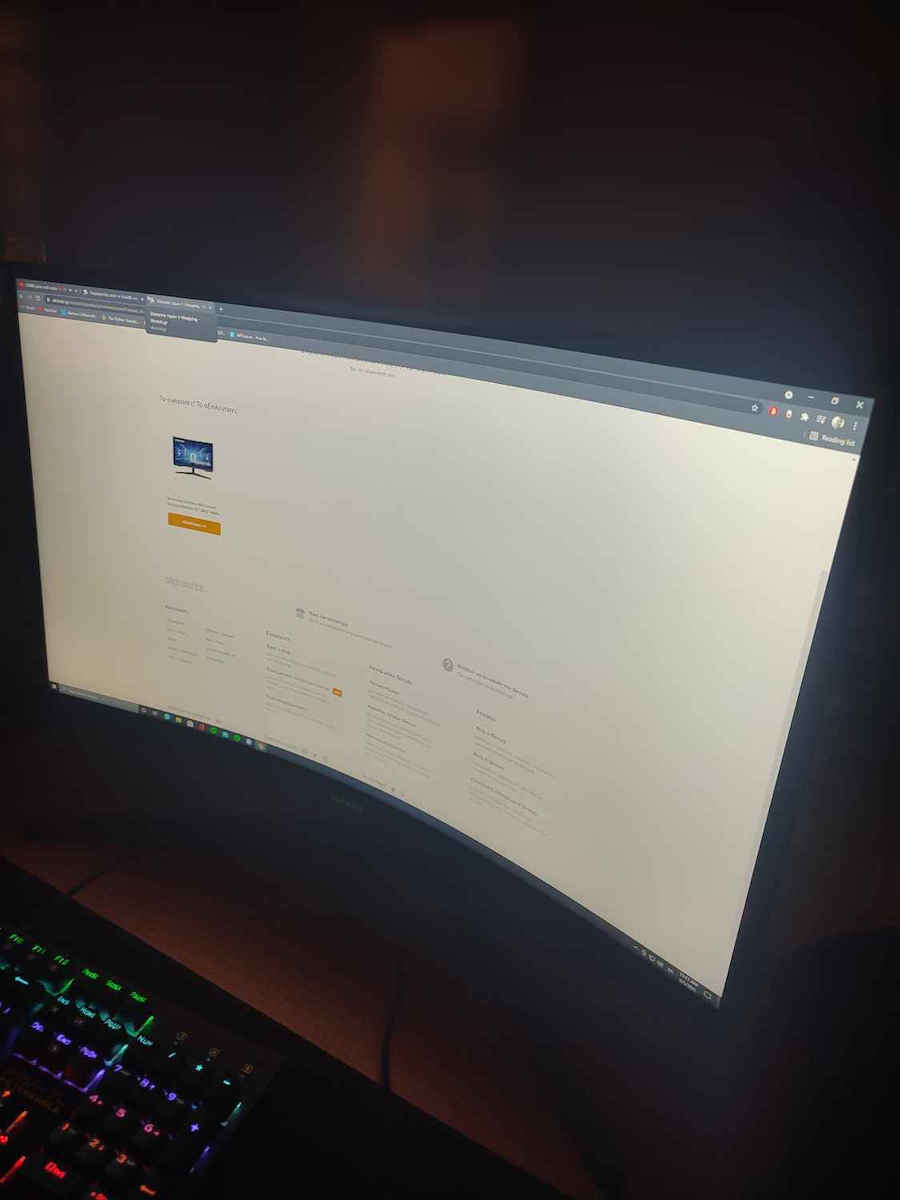
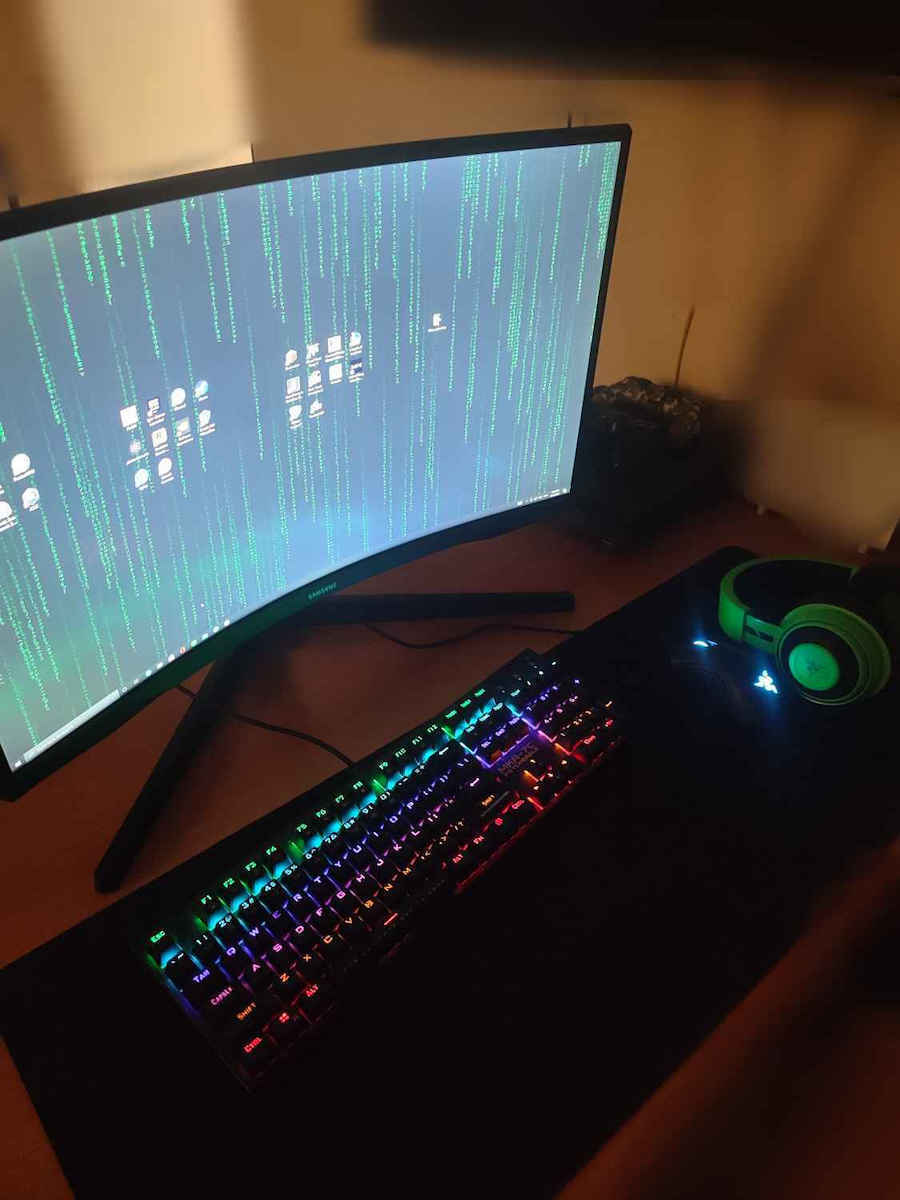
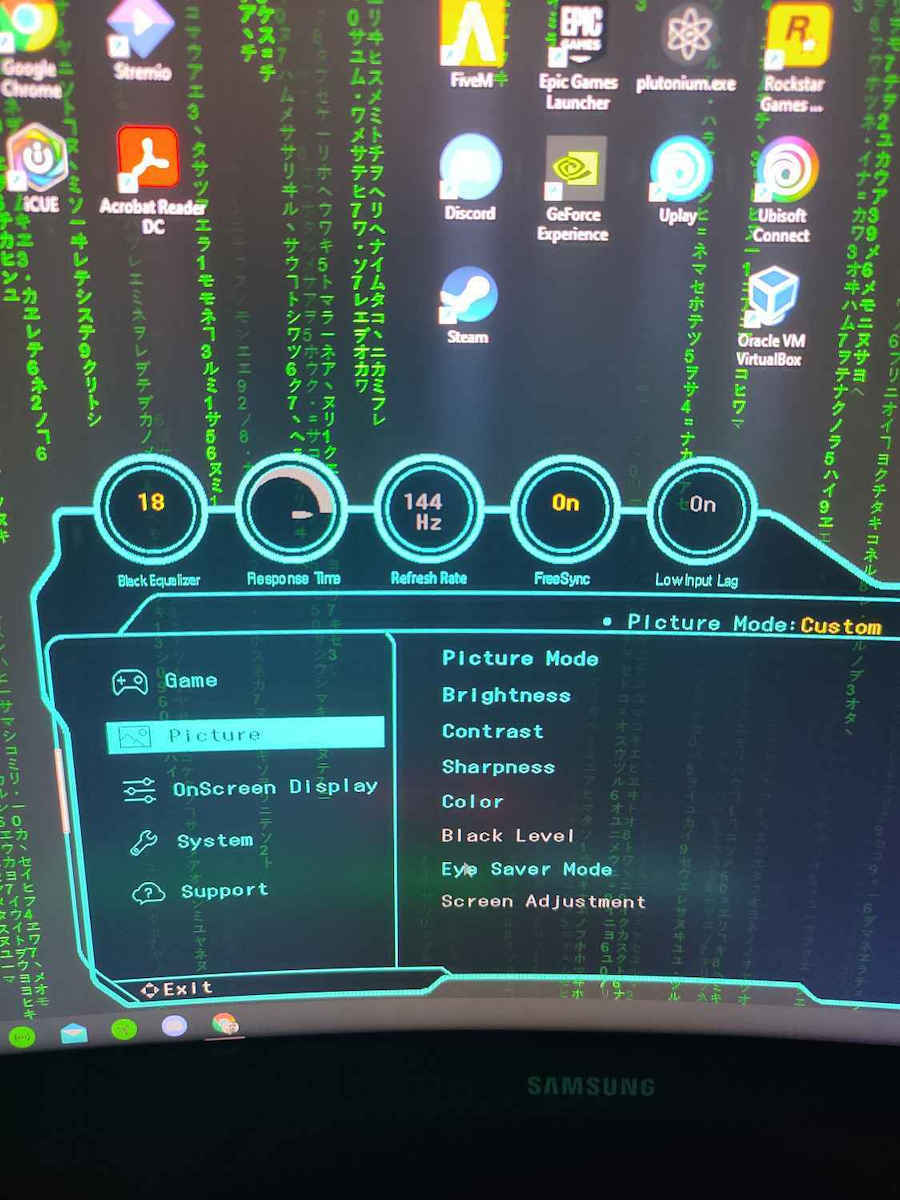
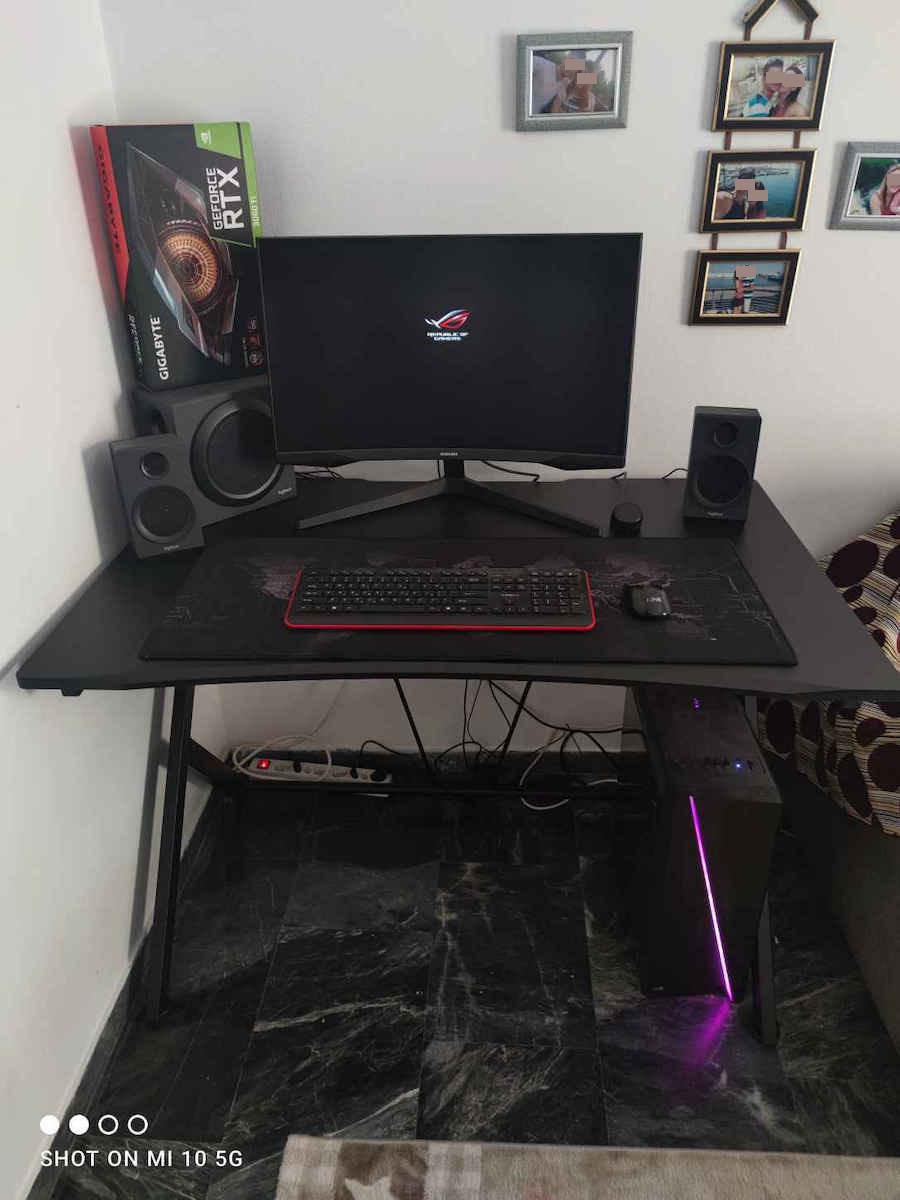
The monitor was purchased on 28/12/2020 and came with firmware version .1002, which did not support gsync via HDMI, only through DP. It was upgraded to version 1005 with the official firmware and gsync now works properly with both DP and HDMI, as long as it is the latest version. I haven't had the chance to analyze it in depth or measure nits, but in all the tests on testufo.com, it consistently reaches 144 with gsync.
The monitor was purchased as a more affordable substitute for gsync ultimate. It is a freesync monitor and although it is not listed on Nvidia's official list here: [link], it is unofficially supported by many. For a detailed presentation on RGB and understanding what is being read and to which audience it refers, check here: [link].
In practice, it was tested with titles from 2019 and 2020, and with vsync off (which is supposed to be paid for), the monitor delivers what it advertises. It is truly a "proper" substitute for gsync on a freesync monitor, with no stuttering, flickering, tearing, or input lag (tested on Destiny 2). Depending on the game's engine and connected to a 2070super, the monitor stays locked at 144, but it works perfectly at 120 and 100 as well (although I don't see a reason to pay for such a monitor and use it at 60).
Although in my eyes, the smoothness of the animation is the same whether at 60, 100, or 120, if you enable the frame counter, you will see that it actually reaches the nominal Hz and therefore fps (if the game doesn't have a frame cap limit like Mortal Kombat).
With HDR10, the colors are incredible and due to the VA panel, there is no light bleed. Not that anyone would notice it in the chaos of a game, but if you have Blu-ray or HDR-compatible games, the difference is immediately noticeable.
The gsync, although compatible, has nothing to envy from the purebred gsync of my other Predator monitor, which makes it a very good purchase for someone who wants a compatible freesync. There are cheaper options, but they either come without a good warranty or without HDR. (Imagine receiving a monitor with a dead pixel for that price and being told it's not covered).
The reason for giving it 4 stars instead of 5 is because gsync via HDMI is not available to the user by default, even with a newer cable version, and the user has to perform a firmware update to access features that the competition has as standard.
Overall, it performs very well in games with smooth motion and no flickering. In a work environment, I found the easy setting box very useful, where I can have pre-set dimensions for the programs I work with. For example, I can have my SQL on the left half and my notes on the right half.
There are many things to adjust in terms of color temperature, things that every good monitor has, it doesn't differ in that aspect nor does it introduce any innovation in it, and I found the joystick function very useful compared to the buttons of my old monitor, I set it up to my liking in less than 3 minutes.
Comfortable white, comfortable blue, and a special function for low lighting.
Due to quarantine, it will be used equally for work (8 hours) and for some gaming, so if someone wants a hybrid monitor that will utilize all the new synchronization technologies and be able to work for long hours, it is a very good choice.
Be careful with the price in overpriced stores. Don't pay for a freesync monitor for gsync. The monitor for freesync is marketed and advertised and should have a corresponding price.
The tests were done with the driver version 460.89 studio edition and NOT game ready. We never install game ready drivers when working with editing programs.
The only thing I changed in the driver settings was the power management mode to maximum so that the card can draw as much resources and power as it needs when producing 144fps, and the preferred refresh rate to highest available again for the same reason.
Also, in games, I play with Image sharpening turned on but it doesn't affect the frames.
I set the monitor technology as G-sync compatible but I didn't see any changes with DP and the new firmware, only with the factory firmware it didn't recognize it with HDMI.
I highly recommend it as a hybrid work and gaming monitor, it has all the features that a good gaming monitor should have, it utilizes synchronization technologies (either one way or another) at a satisfactory level, and the first 8-hour work session ended comfortably in custom user mode with 75 brightness/75 contrast/Color tone: Normal/ Gamma mode, the second factory mode
H οθονη αγοραστηκε 28/12/2020 , ηρθε με εκδοση fw .1002 οπου δεν υποστηριζε gsync με HDMI, παρα μονο μεσω DP, αναβαθμιστηκε σε εκδοση 1005 με το επισημο firmware και δουλευει κανονικα το GSYNC με DP και με εκδοση HDMI αρκει να είναι η τελευταια. δεν εχω κατσει ακομα να την αναλυσω εις βαθος να μετρησω nits παντως μια φορα σε ολα τα τεστ του testufo.com πιανει κανονικα 144 με gsync.
Ο οθονη αγοραστηκε με σκοπο ενα οικονομικοτερο υποκατασταστο του gsync ultimate, ειναι freesync οθονη και παρολο που δεν ειναι γραμμενη στη λιστα της nvidia την επισημη εδω https://www.nvidia.com/en-us/geforce/products/g-sync-monitors/specs/
ειναι σε αρκετες ανεπισημες. Για οποιον θελει αναλυτικη παρουσιαση σε επιπεδο RGB και καταλαβαινει τι διαβαζει και σε ποιο κοινο αναφερεται δειτε εδώ:
https://www.rtings.com/monitor/reviews/samsung/odyssey-g5
Στην πραξη δοκιμαστηκαν τιτλοι του 2019 και 2020 και με κλειστο vsync(αυτό υποτιθεται ότι πληρωνεις) η οθονη κανει οσα διαφημιζει. Πραγματικα "σωστο" υποκατασταστο gsync για freesync οθονη, καθολου σπασιματα, καθολου flickering, καθολου tearing και καθολου input lag (δοκιμασμενο σε destiny 2). Αναλογα με τη μηχανη του καθε παιχνιδιου και συνδεμένη σε μια 2070super η οθονη μενει "καρφωμενη" στα 144 αλλα οποιον δε θελει να πιεζει την καρτα γραφικων του , η οθονη συνεργαζεται αψογα και στα 120 και στα 100 και στα 60 (αν και δε βλεπω το λογο καποιος να πληρωσει τετοια οθονη και να την εχει στα 60).
Αν και στα δικα μου ματια η ομαλοτητα στο animation ειτε εισαι στα 60 ειτε στα 100 ειτε στα 120 ειναι ιδια, ωστοσο αν ενεργοποιησεις frame counter στην πραξη θα δεις οτι πραγματικα τα πιανει τα ονομαστικα hz αρα και fps (αν το παιχνιδι δεν εχει frame cap οριο όπως πχ το Mortal kombat)
To HDMI σε μερικα σημεια με πολυ δραση μπουκωνε και ειχα frame drops απο 144 στα 114 και 100 ακομα, αλλα αυτο γινοταν αισθητο μονο αν εβλεπες το νουμερο με τα frames , στο ιδιο το παιχνιδι σαν animation και σαν ομαλοτητα δεν ειδα διαφορες που να φαινονται, αν δεν εχεις το frame counter παιζει να μη το παρεις μυρωδια και ποτε.
Απο χρωματα λογο του HDR10 εχει απιστευτα μαυρα και λογω του VA panel γλιτωνεις απο το light bleed, όχι ότι μεσα στο χαμο ενός παιχνιδιου θα κατσει κανεις να τα προσεξει αλλα αν εχετε bluray ή συμβατα παιχνιδια με HDR φαινεται αμεσως η διαφορα.
To gsync της αν και συμβατο δεν εχει να ζηλεψει τιποτα απο το καθαροαιμο gsync της αλλης μου οθονης της predator , πραγμα που την κανει πολυ καλη αγορα στην τιμη της για καποιον που θελει μια συμβατη freesync , υπαρχουν και οικονομικοτερες αλλα ειτε ερχονται χωρις καλη εγγυηση ειτε χωρις HDR. (φαντασου να σου ερθει με καμμενο Pixel τοσα λεφτα οθονη και να σου λενε ότι δε το καλυπτουν)
τα 4 αστερια και οχι 5 ειναι επειδη απο default δεν ειναι διαθεσιμο στο χρηστη το gsync μεσω hdmi ακομα και με νεοτερη εκδοση καλωδιου και πρεπει ο χρηστης να κανει firmware update για να παρει δυνατοτητες που ο ανταγωνισμος τα εχει αυτονοητα.
Πολυ καλη λοιπον σε παιχνιδια πολυ ομαλη κινηση, και χωρις flickering.
Σε περιβαλλον εργασιας βρηκα πολυ χρησιμο το easy setting box οπου μπορω να εχω προ ρυθμισμένες διαστασεις στα προγραμματα που δουλευω , πχ στο πρωτο μισο αριστερα τον sql μου και στο δεύτερο δεξι μισο, να το χωρισω στα 2 και να εχω τις σημειωσεις μου κλπ.
Εχει πολλα πραγματα να πειραξεις σε θερμοκρασιες χρωματος , πραγματα που καθε καλη οθονη εχει , δε διαφερει σε αυτό ουτε πλασαρει καποια καινοτομια σε αυτο, και βρηκα πολυ χρησιμη τη λειτουργια joystick που εχει σε αντιθεση με τα κουμπια της παλιας μου, την εφερα στα μετρα μου σε λιγοτερο απο 3 λεπτα.
Ξεκουραστο ασπρο , ξεκουραστο μπλε και ειδικη λειτουργια για χαμηλο φωτισμο.
Λογο καραντινας θα χρησιμοποιηθει εξισου και για δουλεια (8ωρο) και για κανα παιχνιδακι οποτε αν καποιος θελει μια υβριδικη οθονη , που θα αξιοποιει ολες τις νεες τεχνολογιες συγχρονισμου και να μπορει να δουλεψει και σαν ανθρωπος τοσες ωρες ειναι μια πολυ καλη προταση.
Προσοχη στην τιμη στα overpriced μαγαζια. Μην πληρωσετε οθονη freesync για gsync. Η οθονη για freesync πλασαρεται και διαφημιζεται και τετοια αναλογη τιμη θα πρεπει να εχει.
Οι δοκιμες εγιναν με την εκδοση driver 460.89 studio edition και ΟΧΙ game ready. Ποτε δε βαζουμε game ready driver όταν δουλευουμε προγραμματα edit.
Το μονο που αλλαξα σε επιπεδο driver ηταν το power management mode σε maximum για να μπορει η καρτα να τραβαει ότι θελει από πορους και ρευμα όταν παραγει τα 144fps , και το preferred refresh rate σε highest available ξανα για τον ιδιο λογο.
Επισεις στα παιχνιδια παιζω με Image sharpening ανοικτο αλλα δεν εχει επιπτωση στα frames.
Monitor technology της εβαλα καρφωτο G-sync compatible αλλα δεν ειδα να την πειραζει με DP και το νέο fw, μονο στο εργοστασιακο fw δε το εβλεπε και με hdmi
Τη συστηνω ανεπιφυλακτα σαν υβριδικη οθονη εργασιας και δουλειας, εχει όλα τα feature που θα πρεπε να εχει μια καλη Gaming οθονη , αξιοποιει τις τεχνολογιες συγχρονισμου (ειτε με τον ένα τροπο ειτε με τον άλλο) σε ικανοποιητικοτατο επιπεδο και το πρωτο 8ωρο εργασιας εκλεισε ξεκουραστα σε custom user mode με 75brightness/75 contrast/Color tone: Normal/ Gamma mode το δεύτερο εργοστασιακο mode 2