I have had it for about 5 years.
I'm not a handyman, relatively little use. Mainly on work cars, on my own, on some friends'.
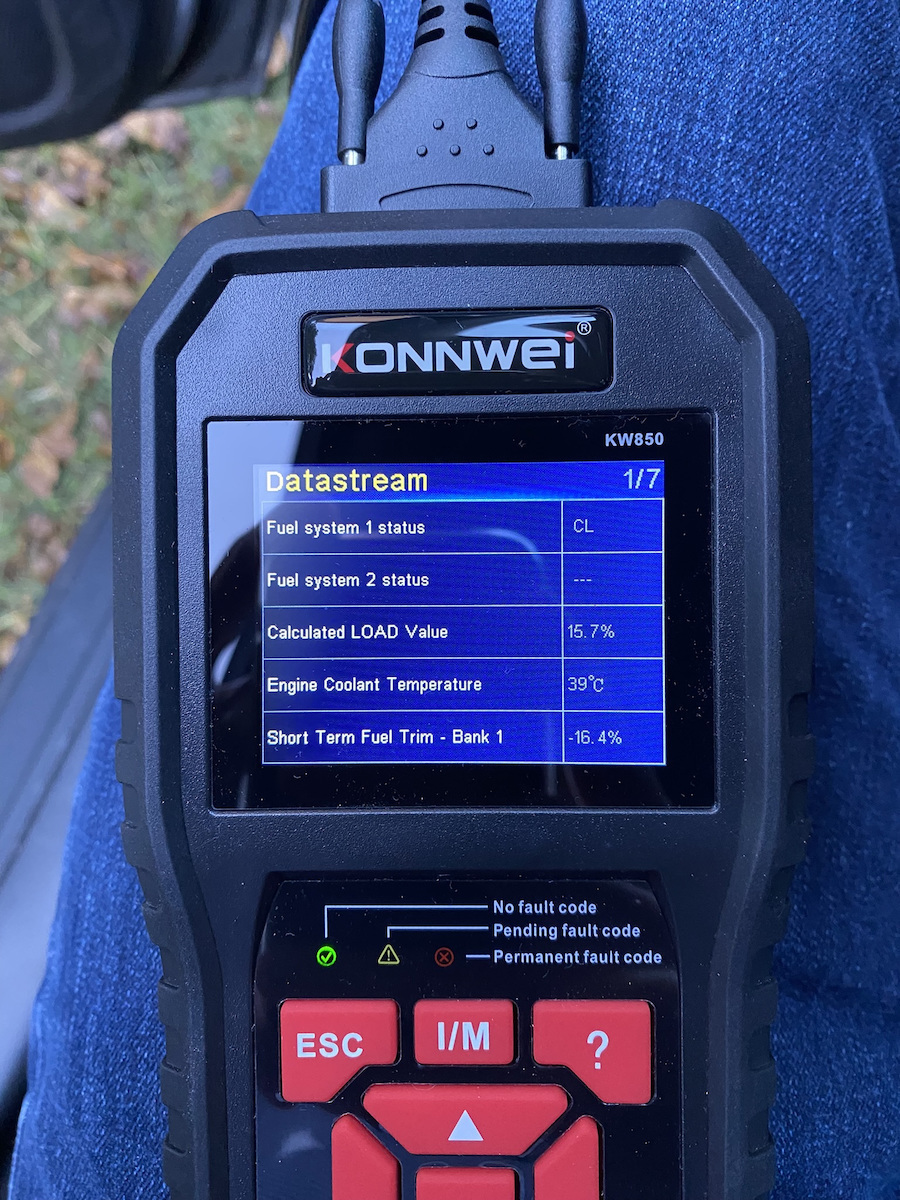
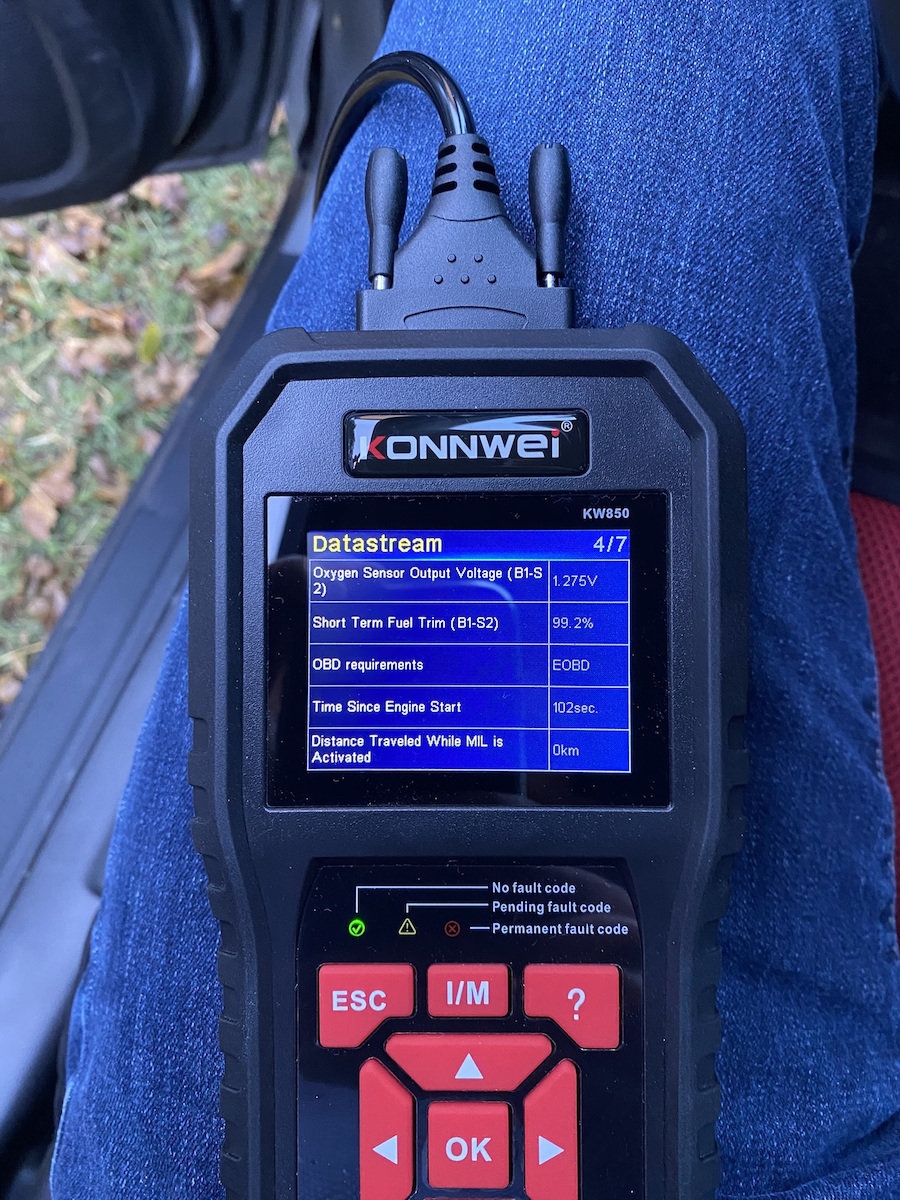
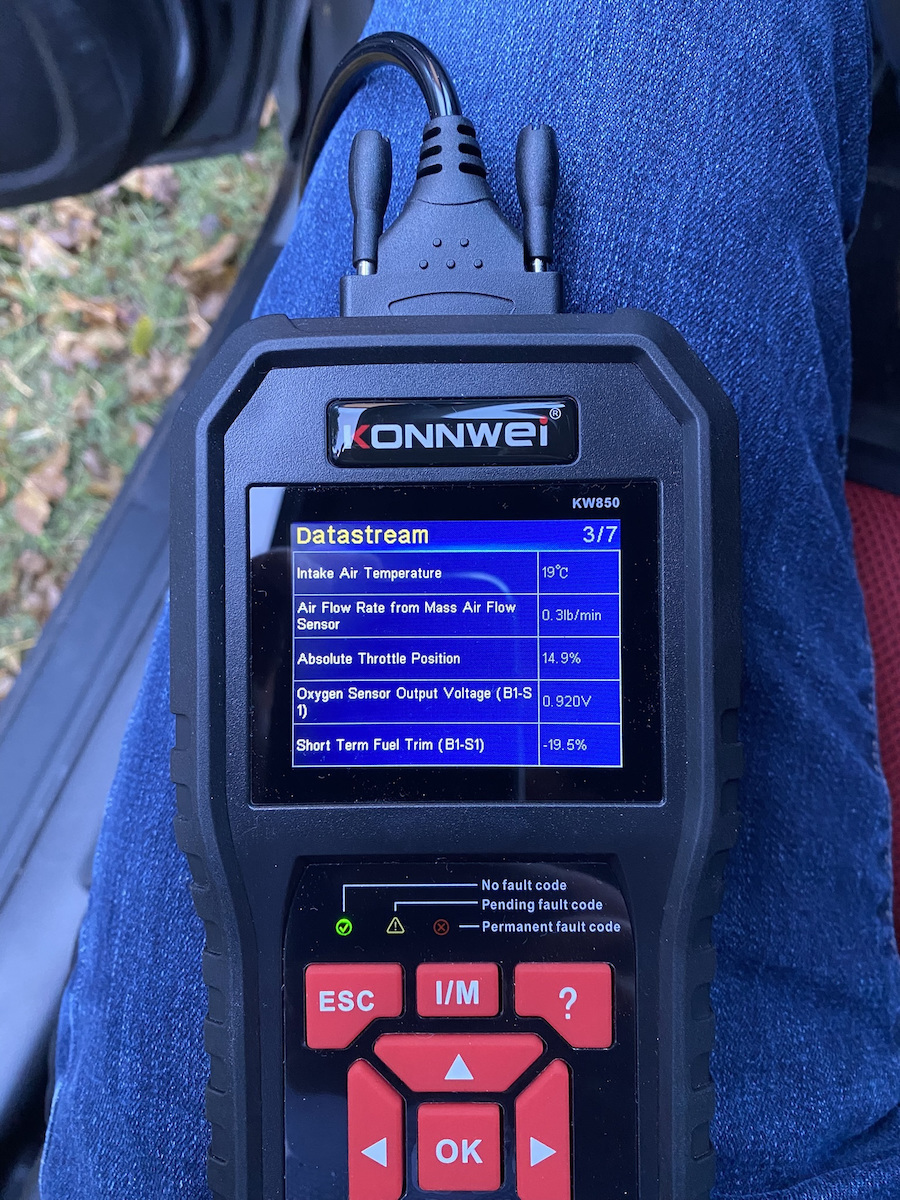
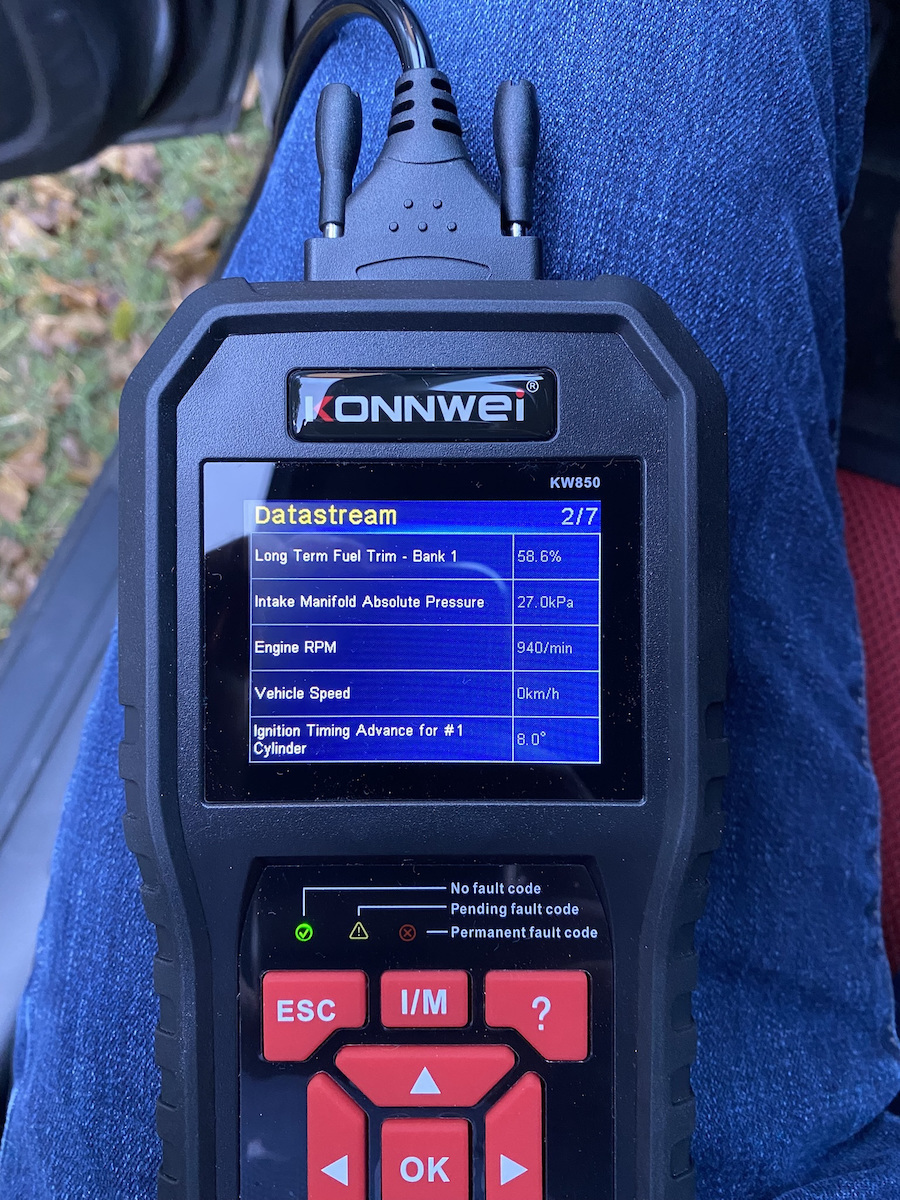
Anyway, it works, on any car I've put it on it opens normally, automatically finds the chip it needs, reads faults, clears faults. That's it... it will find basic things, don't expect it to show you everything like a good paid workshop program, authorized, etc.
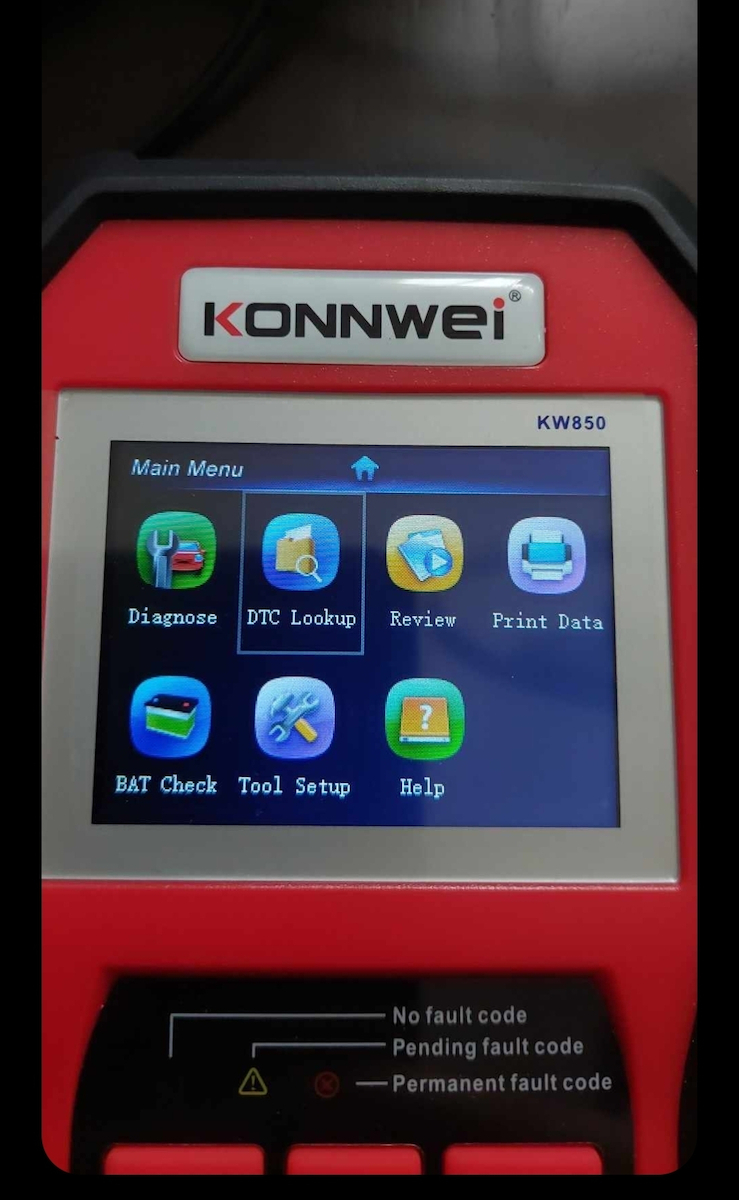
However, in general, you can do the same job with a simple 10€ OBD with Bluetooth connection and any mobile phone. There, of course, the app plays a role, with a good paid app you can do a much better job than this. It's just that this one is convenient, no other devices (laptop, mobile), no need to connect phones, download apps, etc... you plug it in and in 1 minute you get your job done.
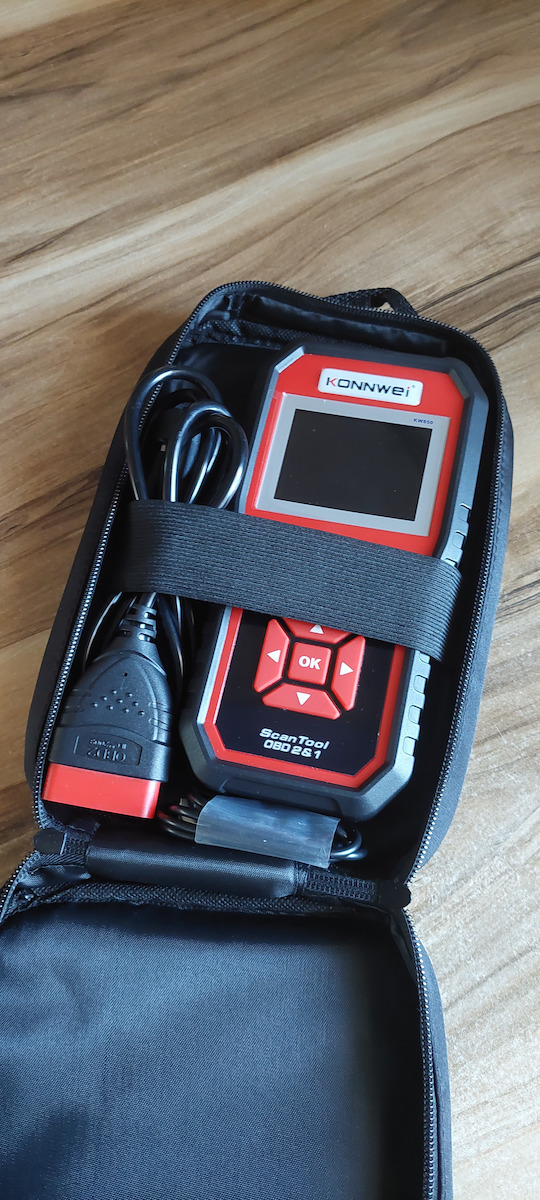
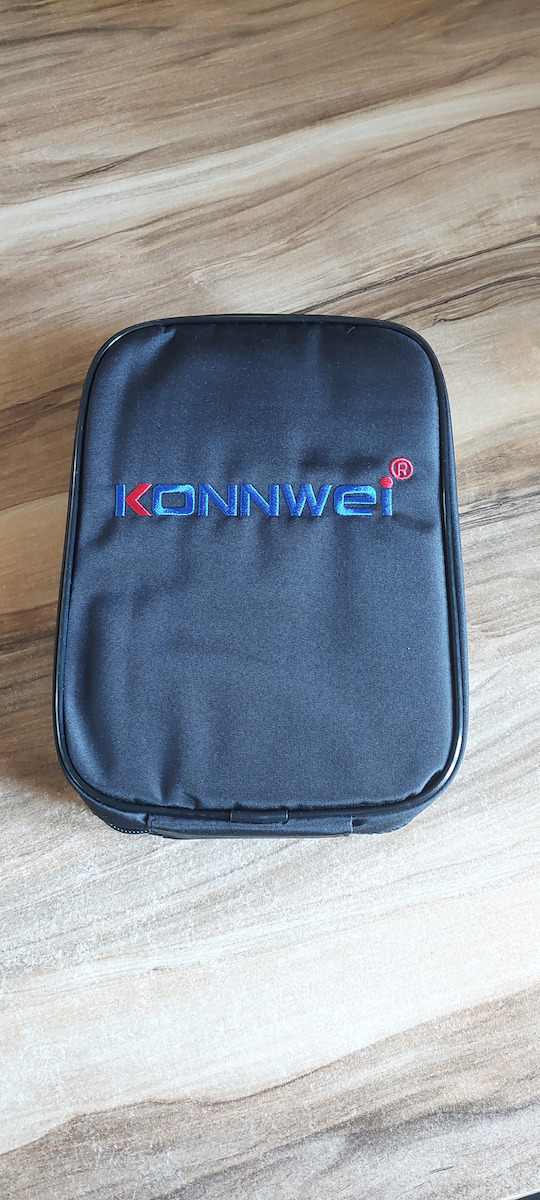
It also has a nice little case so you keep it inside and know where it is, it doesn't need a battery or charging or anything. In general, in one word: Convenience.
It was a good purchase, I haven't regretted it at all and I would buy it again.
Το εχω περιπου 5 χρονια.
Δεν ειμαι και μαστορας, σχετικα λιγη χρηση. Στα αμαξια της δουλειας κυριως, στα δικα μου, σε καποιων φιλων.
Παντως λειτουργει, σε οποιο αμαξι κι αν το εχω βαλει κανονικα ανοιγει, βρισκει αυτοματα το chip που πρεπει, διαβαζει βλαβες, σβηνει βλαβες. Αυτα.. βασικα πραγματα θα βρει μην περιμενετε να σας βγαλει τα παντα σαν ενα καλο πληρωμενο προγραμμα συνεργειου, εξουσιοδοτημενο κτλ.
Ωστοσο γενικα μπορειτε να κανετε την ιδια δουλεια με ενα απλο OBD των 10€ με συνδεση Bluetooth και οποιοδηποτε κινητο. Εκει πλεον παιζει ρολο η εφαρμογη φυσικα, με μια καλη πληρωμενη εφαρμογη κανεις και πολυ καλυτερη δουλεια απο αυτο. Απλα το συγκεκριμενο εχει την ευκολια του, ουτε αλλες συσκευες (laptop, κινητο) ουτε κινητα να συνδεσεις, να κατεβαζεις εφαρμογες κτλ.. το βαζεις και σε 1 λεπτο κανεις την δουλεια σου.
Εχει και ενα βαλιτσακι ωραιο που το εχεις μεσα και ξερεις που ειναι, ουτε μπαταρια θελει ουτε φορτιση ουτε τιποτα. Γενικα με μια λεξη: Ευκολια.
Ηταν καλη αγορα δεν το εχω μετανιωσει καθολου και θα το ξαναγοραζα.