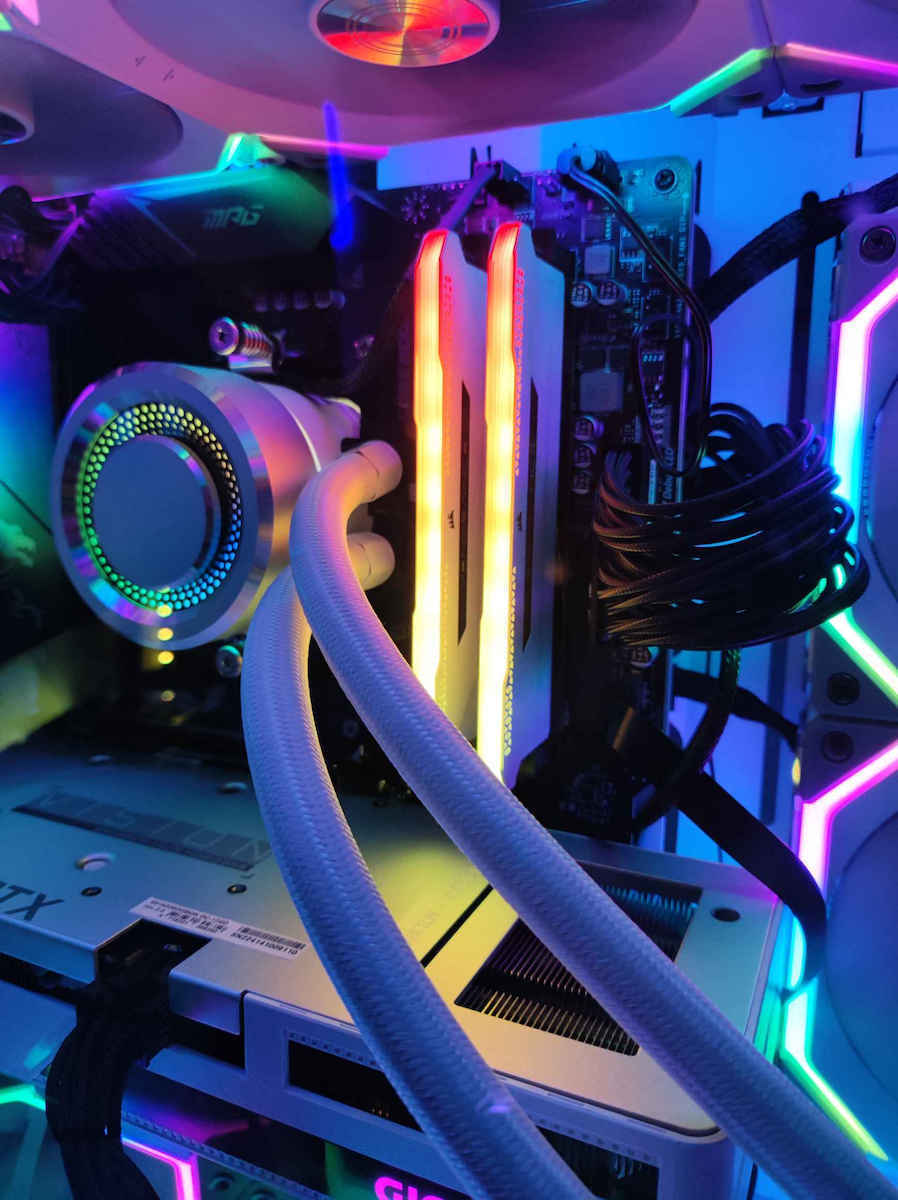
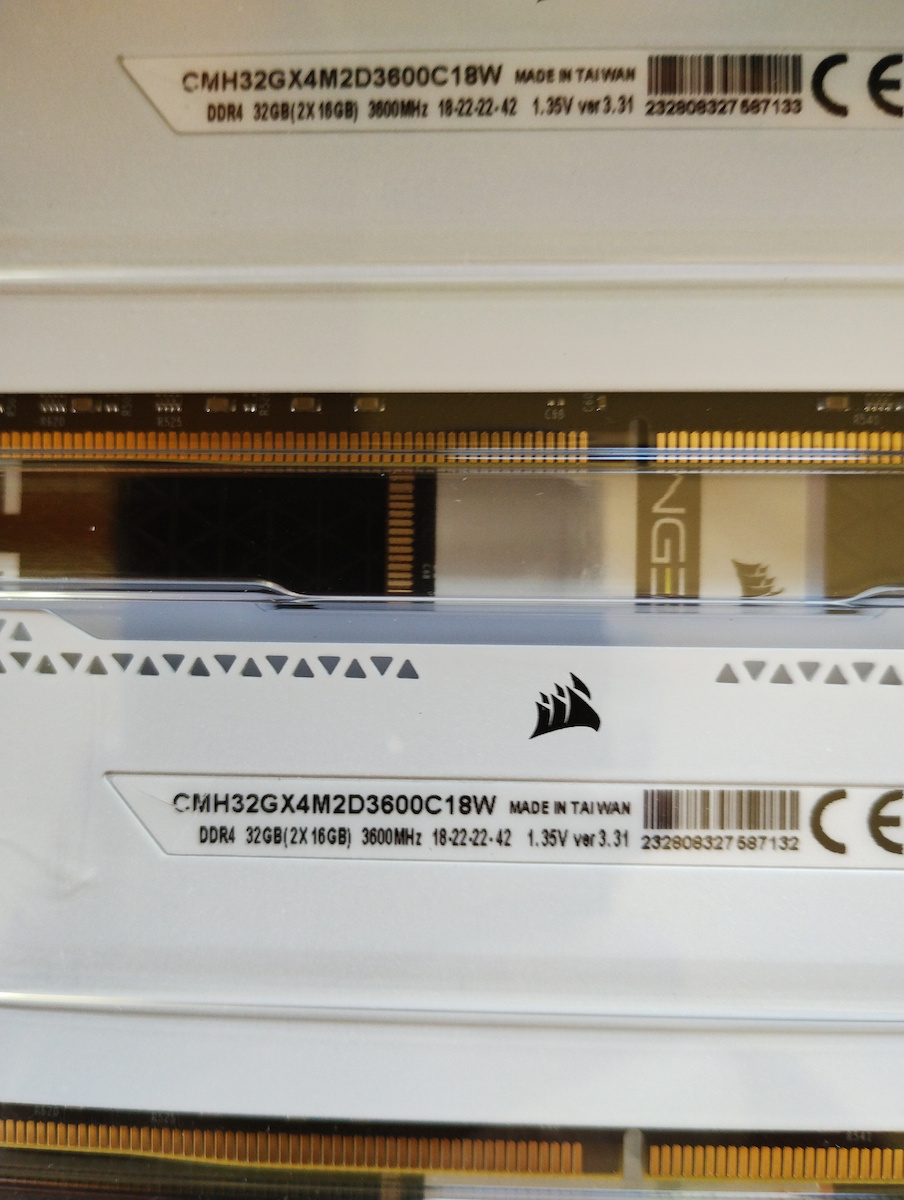
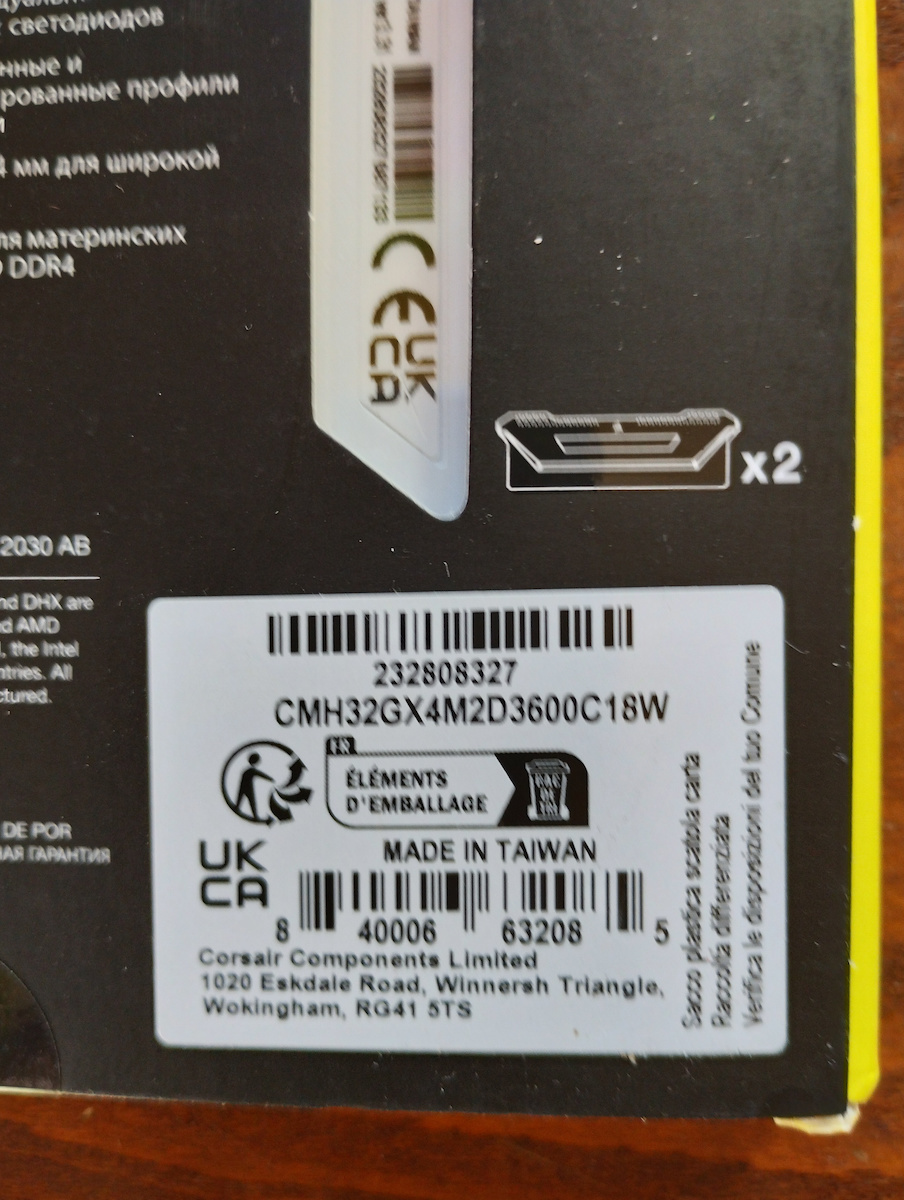
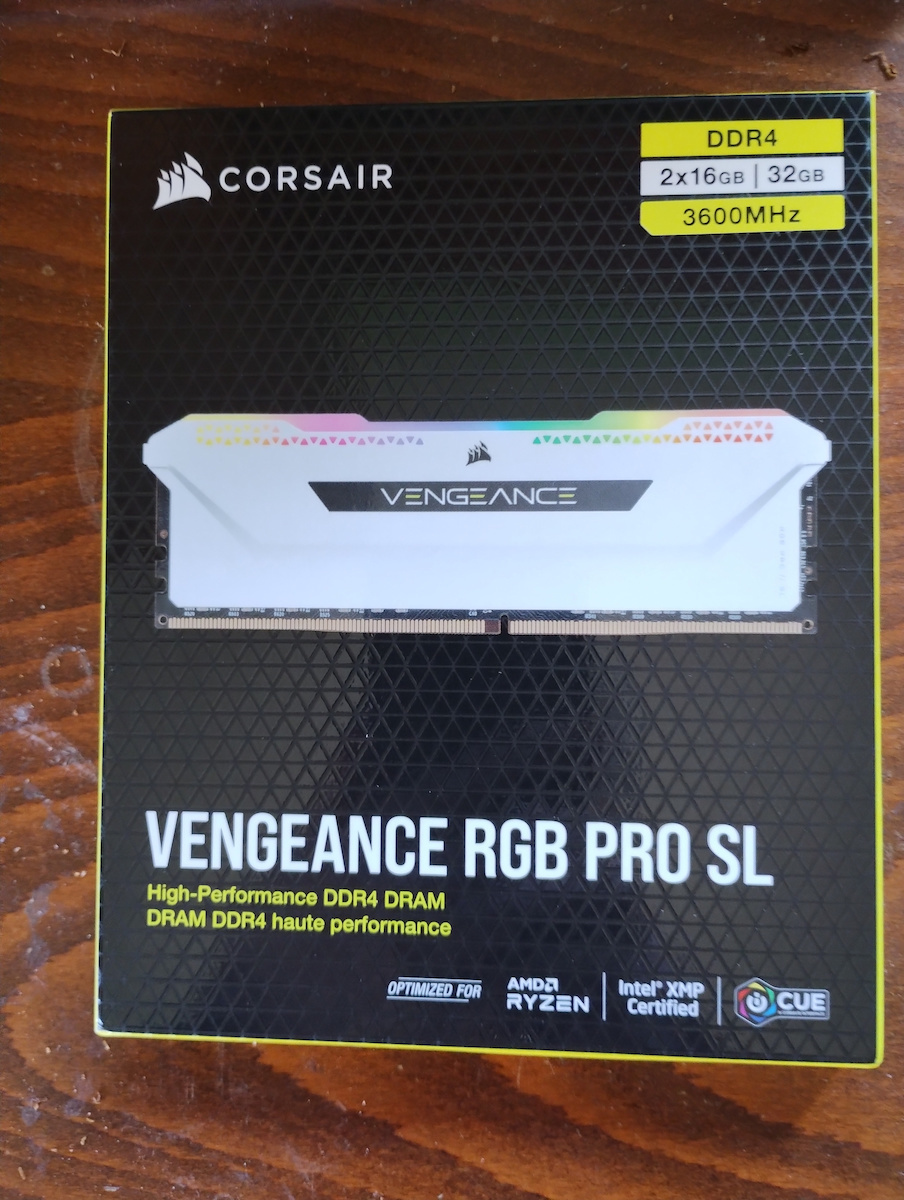
I had them running at 3600Mhz but I noticed that not only does it increase the temperatures of the processor (Ryzen 7 5800X) when cooled with a simple 240 liquid cooler at 1900rpm from Lian Li, but it often presents overheating problems on the processor + the fact that the screen would freeze and give me a blue screen.
Now, this may be due to the liquid cooling not being in the same cubic capacity as the processor. I lowered them back to stock (2133Mhz) and for now, I haven't encountered any problems, even with long hours of mainly gaming use. I will try undervolting the processor in the future for "better performance" but mainly lower temperatures.
In my opinion, though, I don't think anyone would find a difference in performance by overclocking the RAM and adjusting their frequencies, other than finding higher temperatures on the processor and RAM. Despite lowering the frequencies to stock (at most, a decrease of 1-2 fps, which is nothing compared to overclocked), I noticed that they still have the same performance and the same graphics and speeds in: (Fortnite, Forza Horizon 5, Minecraft RTX: ON, GTAV, Pubg...).
Nevertheless, they are very high-quality and fast, and I might expand them again in the future.
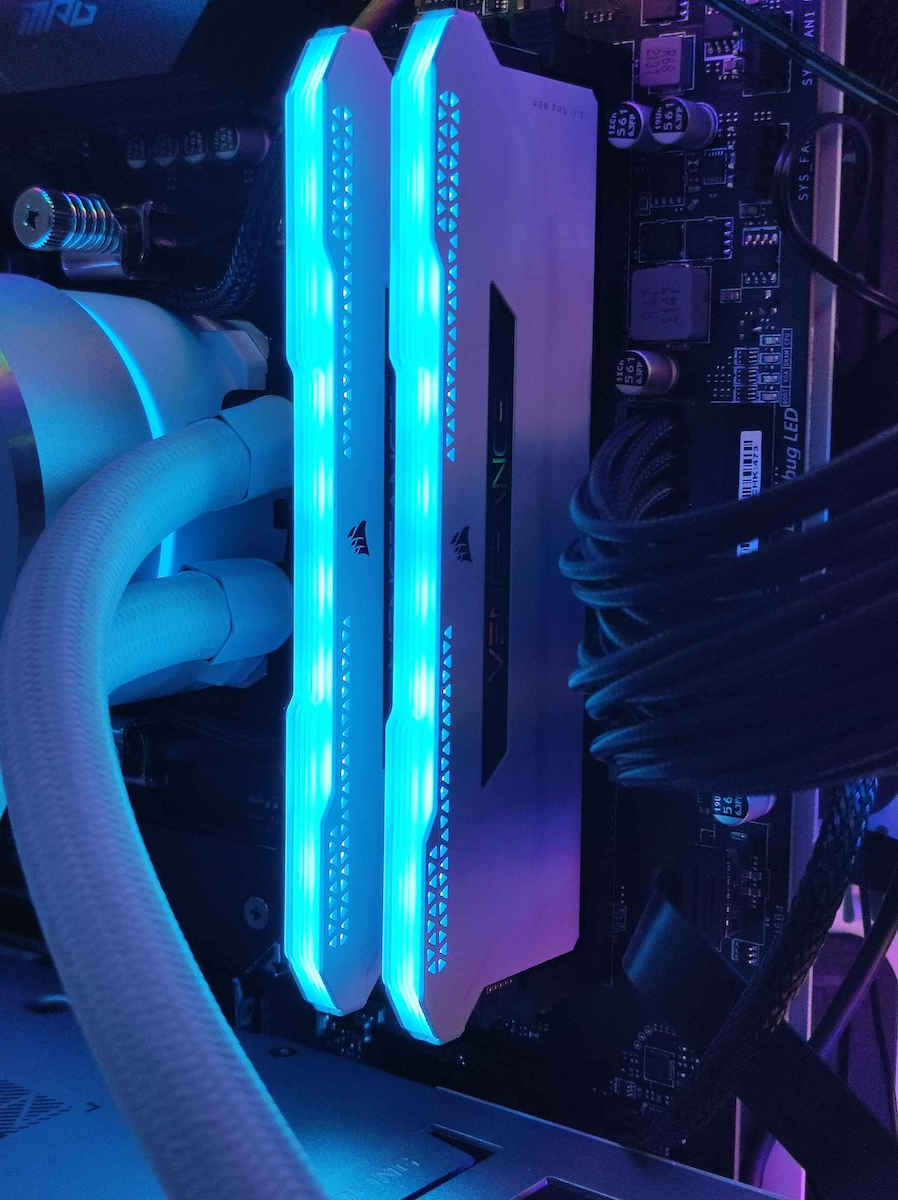
As for their lighting, you need to download the Corsair iCube software and control them either from there or preferably from the motherboard's software.