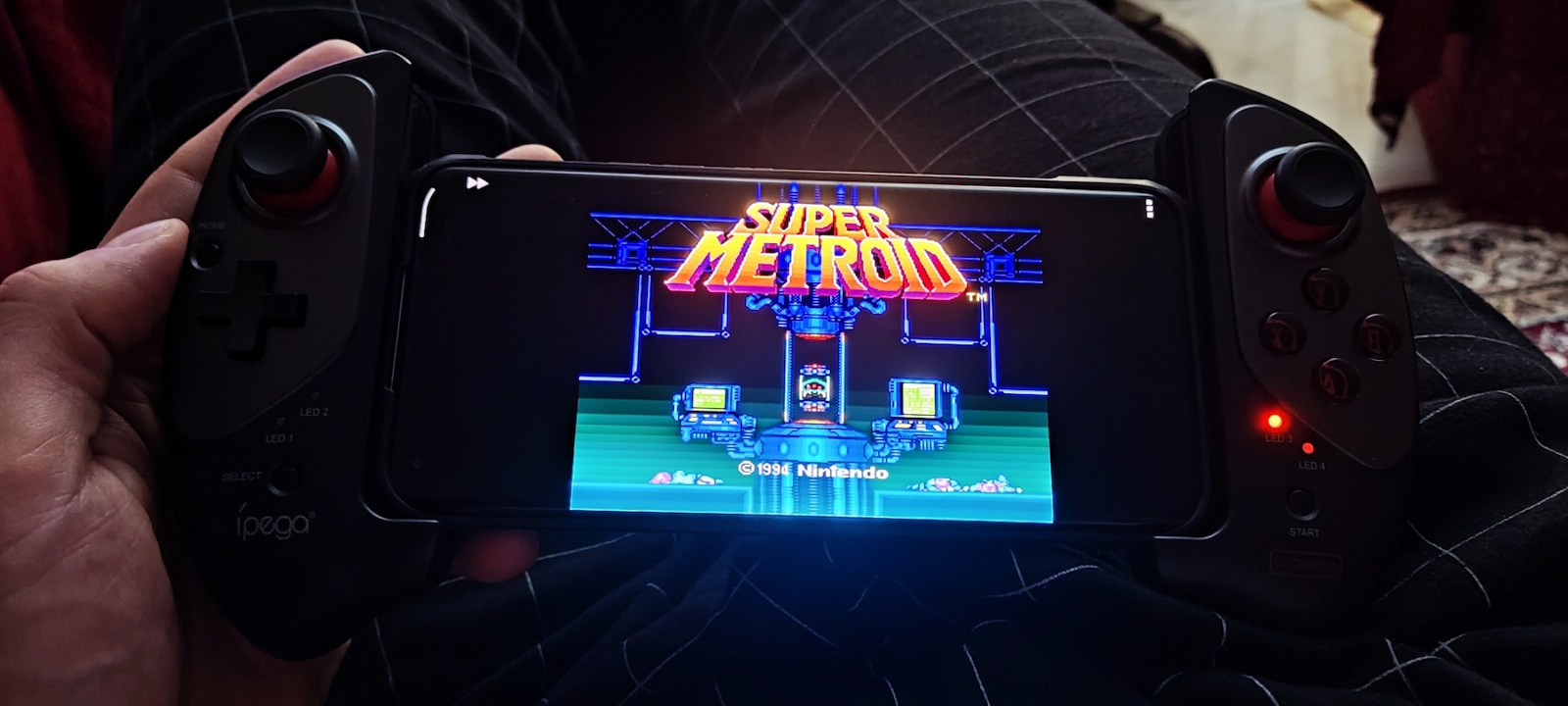
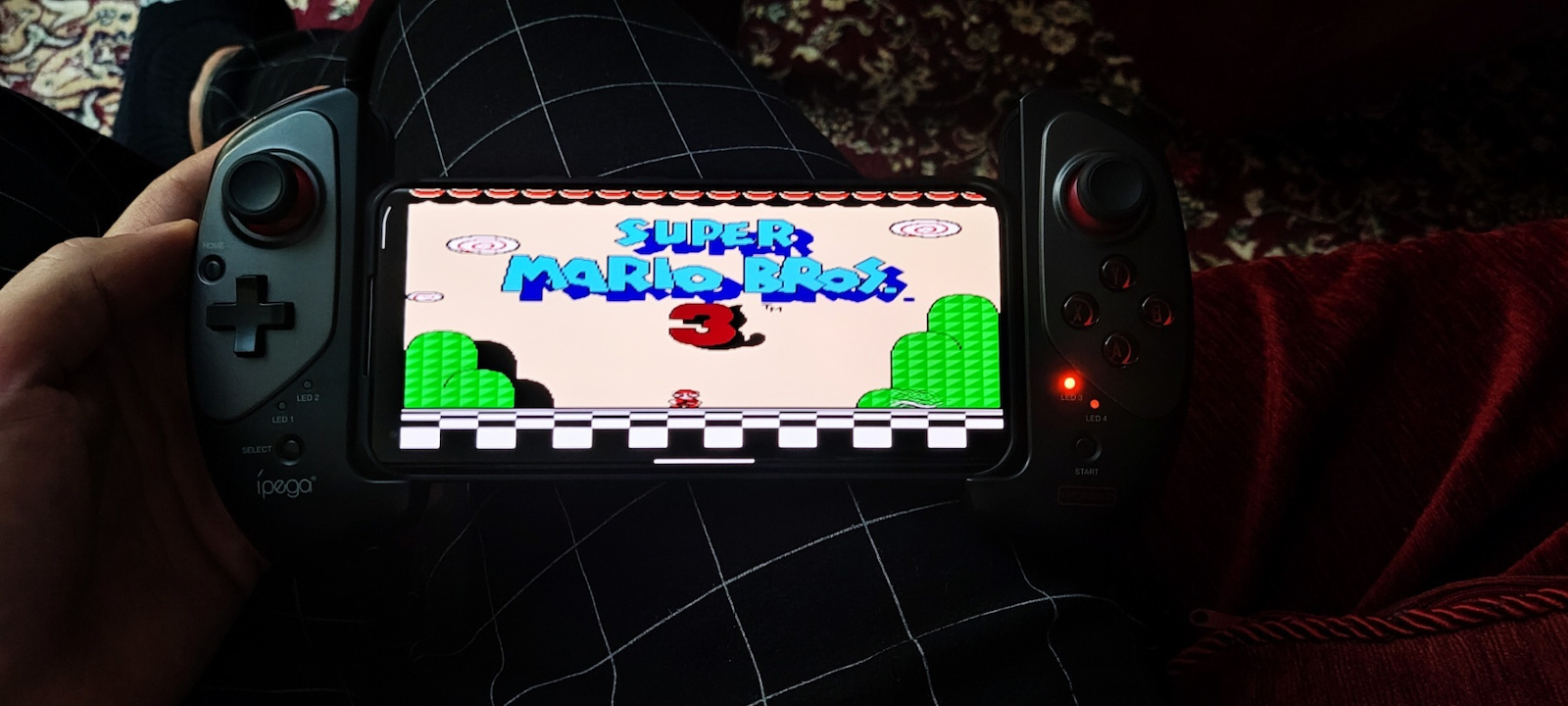
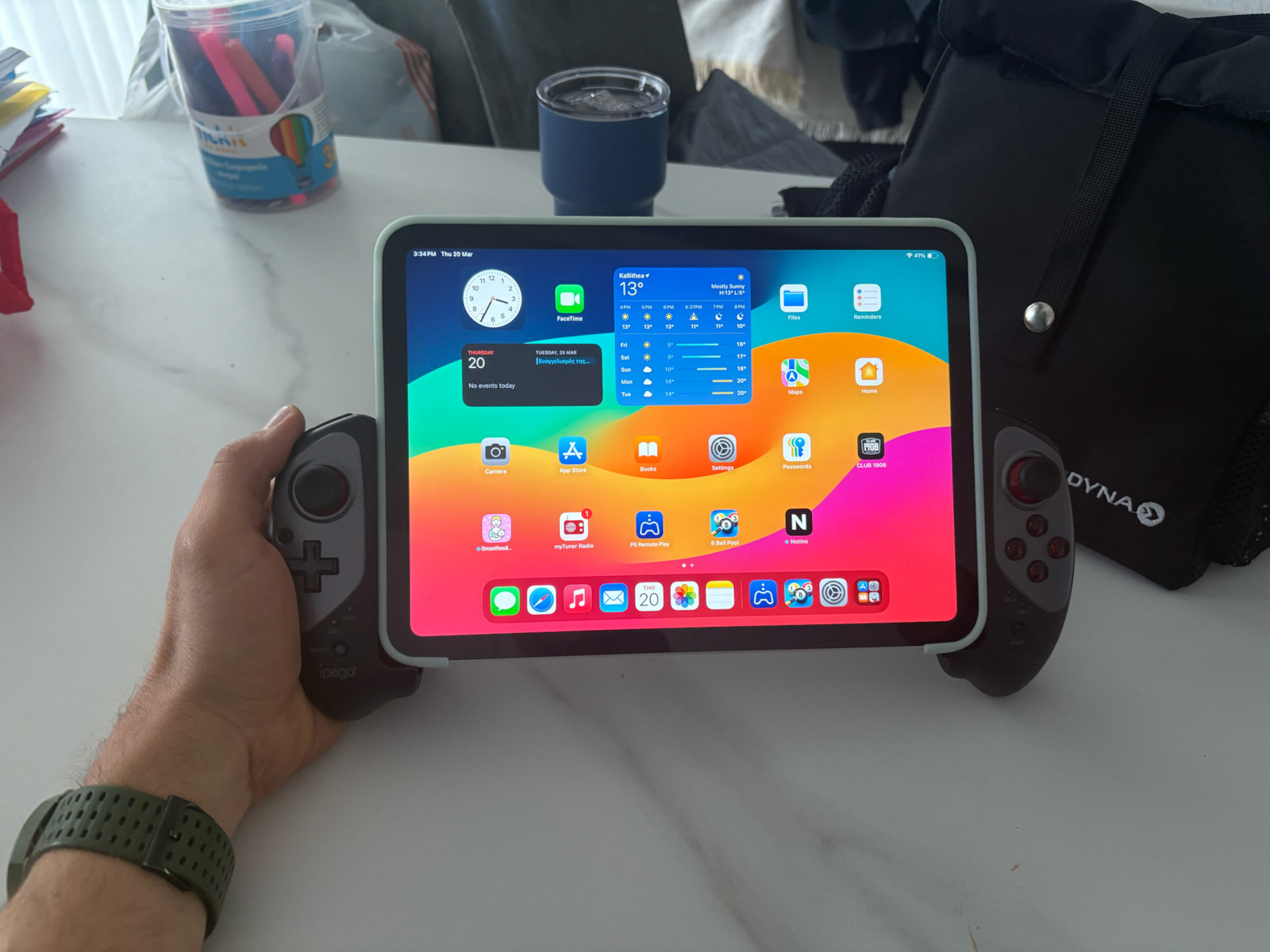
I have had this particular controller for almost a year and the truth is that it has served me very well! I connect it to an Android tablet (10.6 inches) and an Android mobile phone (about 6.5 inches) via Bluetooth and it works perfectly with the battery lasting for many days! But unfortunately, things are not so perfect.
First of all, after half an hour to an hour of gaming, it starts to strain/tire my hands a lot, to the point where I have to put it down to continue (I have relatively large hands). Also, in my case, the left stick has malfunctioned many times (meaning it moves to the left on its own even if I didn't do anything, etc.), but it gets fixed every time I open it up and clean it with alcohol (maybe because dust accumulates? or maybe because I use it heavily and it develops issues on its own? I don't know the exact reason and this case is very strange).
Additionally, this controller has 3 modes: native Android/x-input, which I use by default for many games with controller support as well as emulators, and it works very well in certain cases, such as Aethersx2, Dolphin MMJR, PPSSPP, Duckstation, Skyline, etc., with some of them automatically mapping. However, in Retroarch on my mobile phone (Xiaomi Poco X3 Pro), for some reason, it has an issue and reverses the A and B buttons, as well as incorrectly or not detecting some other buttons. I'm not sure if the problem still persists because I haven't used Retroarch in a while, but it seems that I'm not the only one with this issue: [Reddit link].
Unfortunately, the X-input mode is not supported via Bluetooth, only with a cable and after pressing a combination. Specifically, you need to continuously press the R1 button before plugging in the USB cable to the device, and if the process is done correctly, the LED 1 and LED 3 will flash. I tried it on a PC and it works normally as if it were an Xbox 360 controller.
It also has another mode that allows you to map controls using an application (shooting plus v3) for games that only support touchscreen and not controllers. The aforementioned application works and does what it says, but it's a bit of a hassle and requires some trial and error to find the best settings. You can save up to four mapping profiles on the controller, and switching between them is done through certain combinations. One problem I had with the application is that when I connected another Bluetooth device (e.g., headphones), it didn't detect the iPega and I had to disconnect all other devices for it to work.
Personally, I believe that if you specifically want it for emulators and native Android games with controller support, then it's worth it. But for anything else, I would only recommend it for those who have a lot of patience. I would prefer it to be larger to fit better in the hands and to have vibration, but I think that would significantly drain the battery.
EDIT
Unfortunately, after extensive use, the right side of the controller has stopped functioning properly. The reason for this is because it has a ribbon cable inside that connects the left and right sides, which is very thin, and the repeated opening and closing of the controller (to properly attach the corresponding device) has caused it to become damaged. In theory, it can be fixed by finding the corresponding cable, but it is still unpredictable how long it will last. It seems that I am not the only one with this problem... watch the following video to understand what I mean: https://www.youtube.com/watch?v=G6gb0pVUNyQ&ab_channel=VicNuman
Το συγκεκριμένο controller το έχω σχεδόν ένα χρόνο και η αλήθεια είναι ότι με έχει βολέψει πολύ! Το συνδέω με ανδροειδές τάμπλετ (10.6 ιντσες) και ανδροειδές κινητό (περίπου 6.5 ίντσες) με Bluetooth και δουλεύει μια χαρά με την μπαταριά να κρατάει πολλές μέρες! Αλλά δυστυχώς δεν είναι τόσο ρόδινα τα πράγματα.
Καταρχήν, μετά από μισή έως και μια ώρα gaming αρχίζει και κουράζει/μουδιάζει τα χέρια πάρα πολύ που πρέπει να το αφήσεις κάτω για να συνεχίσεις (έχω σχετικά μεγάλα χέρια).
Επίσης στην δικιά μου περίπτωση έχει τύχει ο αριστερό μοχλός (left stick) να χαλάει πάρα πολλές φορές (δλδ να πηγαίνει μόνο του προς τα αριστερά ακόμα και αν δεν έκανες κάτι κτλ.) αλλά να φτιάχνεται κάθε φορά που το ανοίγω και το καθαρίζω με οινόπνευμα (ίσως επειδή μαζεύεται σκόνη? ή ίσως επειδή του κάνω βαριά χρήση και παθαίνει κάτι από μόνο του? Δεν γνωρίζω ακριβώς τον λόγο και είναι πολύ περιέργη η περιπτώση αυτή).
Επιπρόσθετα, το συγκεκριμένο έχει 3 modes native android/x-input που και χρησιμοποιώ by default για πολλά games με υποστήριξη controller αλλά και emulators και τα πάει πολύ καλά και σε ορισμένες περιπτώσεις πχ. Aethersx2, Dolphin MMJR, PPSSPP, Duckstation, Skyline κτλ. με κάποια απο αυτά να κάνουν αυτομάτως mapping. Βέβαια σε Retroarch στο κινητό μου (Xiaomi Poco X3 Pro) για κάποιο λόγο έχει ενα θέμα και βάζει ανάποδα τα κουμπιά A, B καθώς και κάποια άλλα buttons να μην εντοπίζονται σωστά ή και καθόλου, δεν είμαι σίγουρος αν το πρόβλημα παραμένει γιατί έχω καιρό να χρησιμοποιήσω το Retroarch αλλά από ότι φαίνεται δεν είμαι ο μόνος με αυτό το πρόβλημα: https://www.reddit.com/r/RetroArch/comments/f2huar/using_ipega_9083s_controller_with_retroarch/
To X-input δυστυχώς δεν υποστηρίζεται μέσω Bluetooth αλλά μόνο με καλώδιο και αφού πατήσεις ένα συνδυασμό. Πιο συγκεκριμένα: πρέπει να έχεις συνεχώς πατημένο το κουμπί R1 προτού βάλεις το καλώδιο USB στην συσκευή και αν έγινε σωστά η διαδικασία θα ανάψει φλασ στα led1 και led 3. Το δοκίμασα σε PC και λειτουργεί κανονικά σαν να είναι ένα Xbox-360 controller.
Έχει και ένα άλλο mode που σου επιτρέπει να κάνεις mapping μέσω μιας εφαρμόγης (shooting plus v3) για παιχνίδια που υποστηρίζουν μόνο touchscreen και όχι controllers. Η προαναφερόμενη εφαρμογή δουλεύει και όντως κάνει αυτά που λέει αλλά είναι λίγο μπελάς και θέλει λίγο trial and error μέχρι να βρεις αυτό που αρμόζει καλύτερα. Μπορείς να αποθηκεύσεις μέρχι τέσσερα mapping profiles στο χειριστήριο και η εναλλαγή τους γίνεται μέσω κάποιων συνδυασμών. Ένα πρόβλημα που είχα με την εφαρμογή είναι όταν σύνδεα κάποια άλλη Bluetooth συσκευή (πχ. ακουστικά) δεν εντόπιζε το iPega και έπρεπε αναγκαστικά να αποσυνδέω όλα τις άλλες συσκευές για να δουλέψει.
Προσωπικά πιστεύω αν το θέλει κάνεις αποκλειστικά για emulators και native android games με υποστήριξη controller τότε αξίζει, αλλά για οτιδήποτε άλλο θα το πρότεινα μόνο για αυτούς που έχουν τεράστια υπομονή. θα προτιμούσα να ήταν πιο μεγάλο για να κάθετε καλά στα χέρια, καθώς να είχε και δόνηση αλλά πιστεύω θα έτρωγε αρκετά την μπαταρία.
EDIT
Δυστυχώς μετα από αρκετή χρήση το δεξί μέρος του controller έχει παύσει να λειτουργεί σωστά. Ο λόγος που συνέβη αυτό είναι επειδή μέσα έχει ένα ribbon cable που ενώνει το αριστερό με το δεξί μέρος το οποίο είναι πολύ λεπτό και με το επαναλαμβανόμενο άνοιγμα και κλείσιμο του controller (για να κουμπώσει καλά η αντίστοιχη συσκευή) να έχει σαν αποτέλεσμα τσαλακωθεί. Θεωρητικά μπορεί να φτιαχτεί βρίσκοντας το αντίστοιχο καλώδιο αλλά και πάλι είναι απρόβλεπτο το πόσο θα κρατήσει..
Από ότι φαίνεται δεν είμαι ο μοναδικός με αυτό το πρόβλημα... δείτε το παρακάτω βίντεο για να καταλάβετε τι εννοώ: https://www.youtube.com/watch?v=G6gb0pVUNyQ&ab_channel=VicNuman