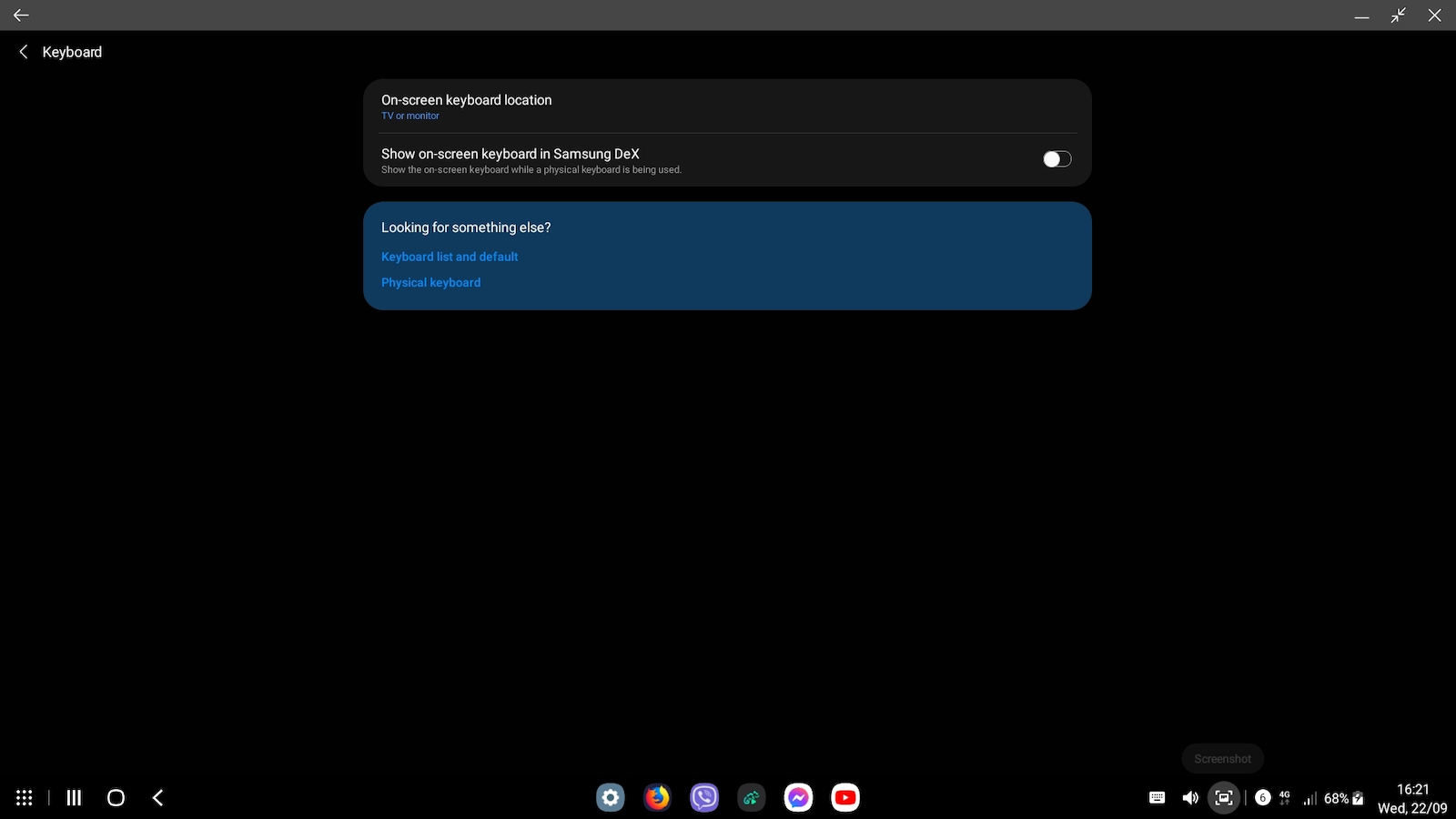
If your phone supports Samsung DeX (I have the S20 FE 2021 4G), I highly recommend it. I have connected a keyboard, mouse, Xbox USB controller, 1080p monitor, and I am having a blast. It feels like sitting at a PC, but running on Android, of course. It doesn't require external power supply, all the mentioned devices work without any power adapter. If you want, you can use one to charge your phone simultaneously.
Now, some tips. 1) Do not use a case while using DeX, as it may cause overheating issues, especially if you are charging it. It may close apps due to overheating. (I placed a fan behind it instead of removing the case all the time)
2) In the DeX settings, set the keyboard to only appear on the monitor, otherwise, the phone's screen will keep turning on unnecessarily.
And finally, 3) Firefox doesn't work perfectly, it has some bugs. Initially, it doesn't open at all. You need to go to the dex settings and enter "about Samsung DeX", then tap on the logo five times to enter developer mode. After that, you can open Firefox (after exiting and re-entering DeX).
10/10 very good - ign
Εαν το κινητο σας υποστιριζει samsung dex (εχω το s20 fe 2021 4g) σας το προτεινω ανεπιφύλακτα
εχω συνδεσει πανω πληκτρολογιο, ποντικι, xbox usb controller, 1080p monitor και εχω παθει την πλακα μου. νομιζεις οτι εχεις κατσει σε pc. ενα pc που τρεχει android βεβαια. δεν θελει εξωτερικη τροφοδοσια, ολα αυτα που ανεφερα τα σηκωνει χωρις καποιο τροφοδοτικο, εαν θες του βαζεις ενα για να φορτιζει και το κινητο ταυτοχρονα.
καποια tips τωρα. 1) να το βαζετε χωρις θυκη γιατι θα ζωριστει αρκετα ιδικα εαν το φορτιζετε κιολας και θα κλεινει τις εφαρμογες λογο υπερθερμανσης. (Εγω εβαλα απο πισω εναν fan αντι να βγαζω την θήκη ολη την ωρα)
2) Στις ρυθμισεις του dex να βαλετε το πληκτρολογιο να βγαινει μονο στο monitor αλλιώς καθε τρεις και λιγο θα αναβει η οθονη του κινητου χωρις λογο.
και τελος 3) ο firefox δεν λειτουργει στο 100% εχει καποια bugs, αρχικα δεν τον ανοιγει καν, πρεπει να πας στα settings του dex και να μπεις "about samsung dex", μετα πατας πανω στο logo 5 φορες και μπαινει σε developer mode, μετα απο αυτο ανοιγει τον firefox (αφου βγεις απο dex και ξαναμπεις)
10/10 very good - ign