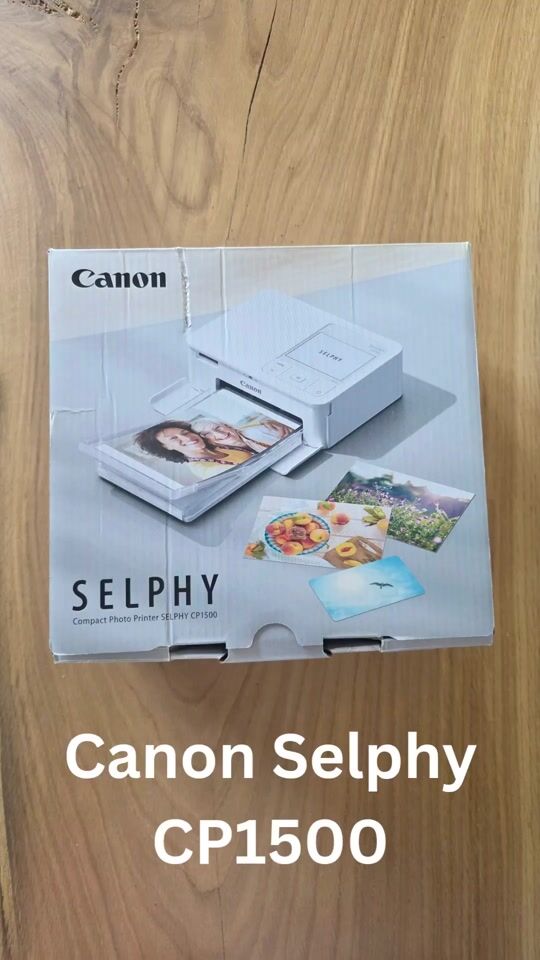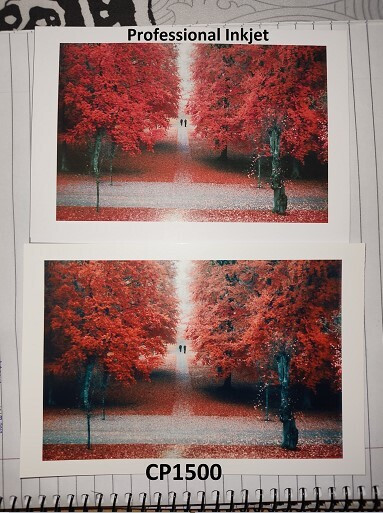
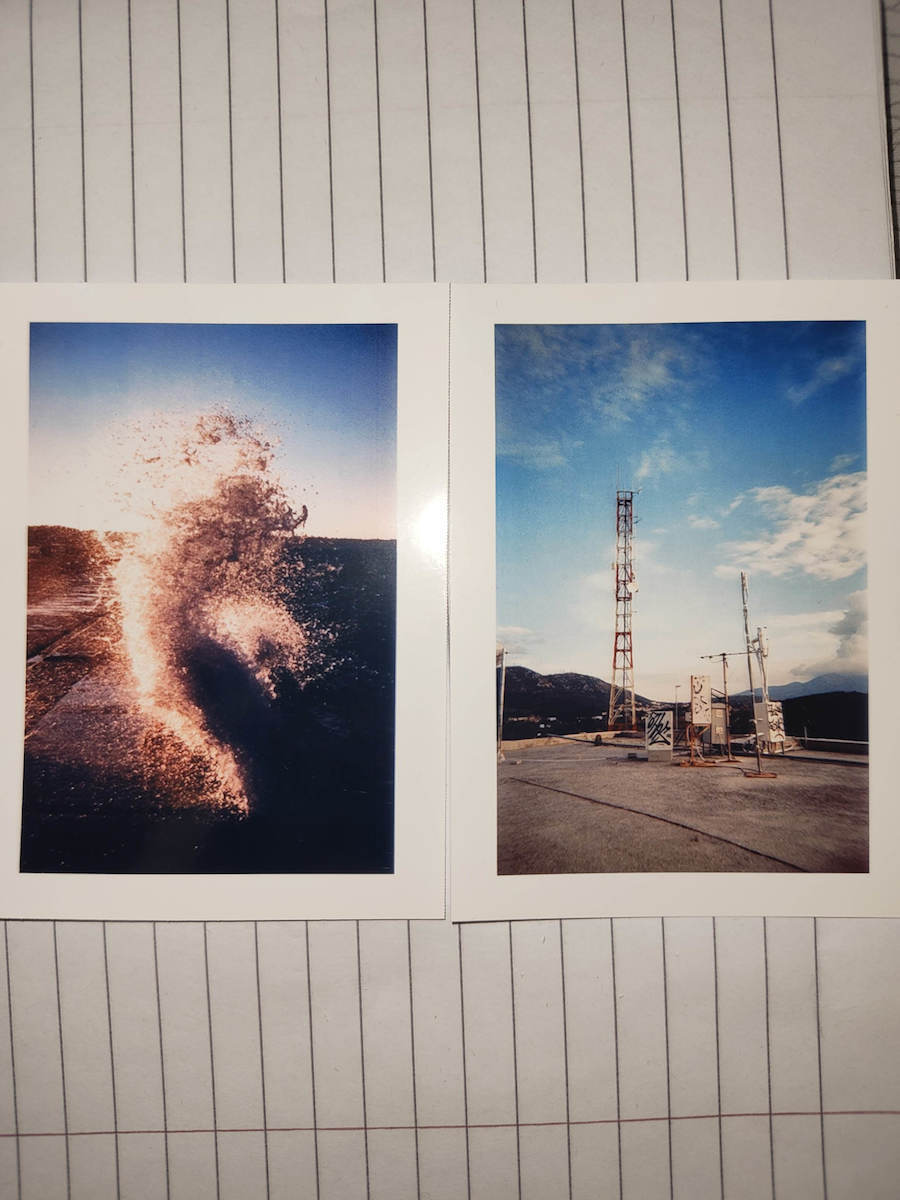
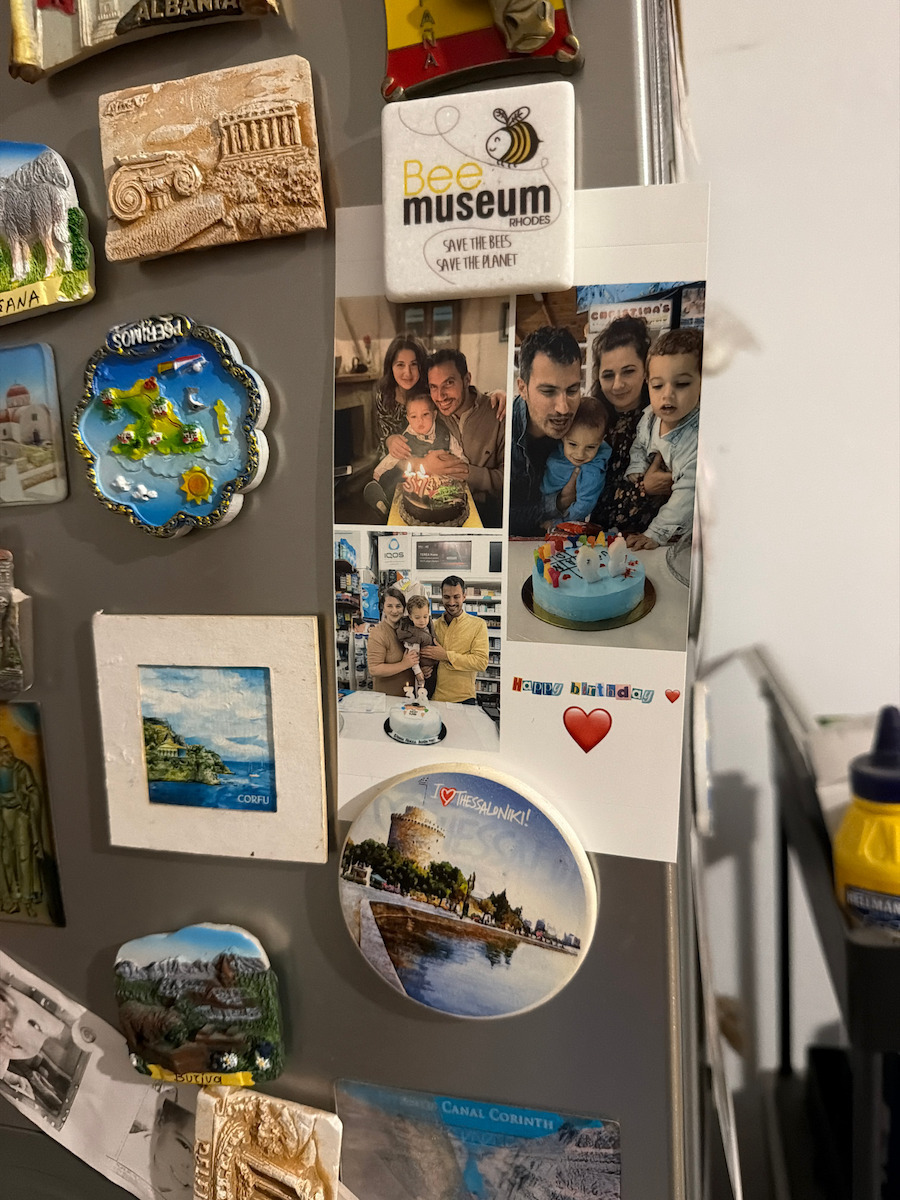
The best you can get. (It has only one issue that you will see below)
I usually use it by wirelessly sending images from my phone, but in the past I have also used it from Windows, via USB-A to USB-C if I remember correctly. There is the possibility to print directly from an SD card, from the printer's menu and buttons, but I have never tried it.
When sending photos from a mobile phone, you need to have the WiFi on the phone turned on for them to communicate (I think the GPS too). The printer creates a WiFi Access Point (a.k.a Hotspot) to which the phone connects for a few seconds to send the photo (no internet connection is needed).
For the phone, there is an application called "SELPHY Photo Layout", through which you can select which photos you want to print (you can print multiple on the same paper). However, you can also, when viewing a photo in the "Gallery" of the phone, press Share and select the Selphy application to print it a little faster.
Each photo takes a few seconds to come out because it goes in and out 4 times. As it prints, the paper moves back and behind the printer, so it needs a little space behind. So, you cannot stick the printer all the way back to the wall.
The photo papers I use are "Canon RP-108" and they work perfectly. They contain 2 ink cartridges and 108 papers. That means each ink cartridge corresponds exactly to 54 papers.
If you go to use the device after a long time, blow a little on the first paper so that it doesn't have any dust because if the printer takes the paper with a little dust on it, that dust will be permanently in the photo and will appear as spots.
The only problem I found with the printer is that sometimes, in some photos, a very faint and thin vertical line is visible (with difficulty). This line, when it exists, always appears in the same spot, regardless of the papers and ink. I have tried everything and it has to do with the printer. From what I later searched, this is a characteristic of the entire Selphy series, not just the CP1500 model. Before I searched for this problem, I took the printer back to the store where I bought it because I thought it was something unique to mine. The person there couldn't even see the line with his eyes, I had to take a photo of the line with a large magnification for him to understand. But then I searched for the problem and realized that they are all like that, and I really forgot about it as a problem since it rarely appears, and when it does, you can only see it with effort.
As for the battery, it is not included with the printer. The battery supported according to Canon is the "Canon NB-CP2LI" which is currently no longer available on Skroutz, but even when it was available, it was over 200€. Instead of getting such an expensive battery that is only used in one device, you can get a Power Station like the "EcoFlow River 2 256ah", which is at the same price but you can connect any other device you want on top of it. I use the printer in combination with this Power Station without any problems. (Of course, such a solution adds volume and weight)
Ότι καλύτερο μπορείτε να πάρετε. (Έχει μόνο ένα θεματάκι που θα δείτε παρακάτω)
Συνήθως το χρησιμοποιώ στέλνοντας εικόνες ασύρματα από το κινητό, όμως στο παρελθόν το έχω χρησιμοποιήσει και από windows, μέσω USB-A to USB-C όμως αν θυμάμαι καλά. Υπάρχει η δυνατότητα να εκτυπώσετε και κατευθείαν από SD κάρτα, από το μενού και τα κουμπάκια του εκτυπωτή, όμως δεν το έχω δοκιμάσει ποτέ.
Όταν στέλνετε φωτογραφίες μέσω κινητού, θα πρέπει να έχετε ανοιχτό το WiFi στο κινητό για να επικοινωνήσουν (νομίζω και το GPS). Ο εκτυπωτής δημιουργεί ένα WiFi Access Point (a.k.a Hotspot) στο οποίο το κινητό συνδέεται για λίγα δευτερόλεπτα για να σταλεί η φωτογραφία (δεν χρειάζεται σύνδεση στο ιντερνετ).
Για το κινητό υπάρχει μια εφαρμογή "SELPHY Photo Layout", μέσω της οποίας μπορείτε να επιλέξετε ποιες φώτος θέλετε να εκτυπώσετε (μπορείτε και πολλές στo ίδιο χαρτί). Μπορείτε όμως επίσης όταν βλέπετε μια φωτογραφία πχ στη "Συλλογή" του κινητού, να πατήσετε Share και να επιλέξετε την Selphy εφαρμογή για να την εκτυπώσετε λίγο πιο γρήγογα.
Η κάθε φώτο κάνει μερικά δευτερόλεπτα να βγει, επειδή μπαινοβγαίνει 4 φορές. Όσο εκτυπώνεται, το χαρτί μετακινείται και πίσω απ τον εκτυπωτή, οπότε χρειάζεται λίγο χώρο από πίσω. Δεν μπορείτε να κολλήσετε δηλαδή τον εκτυπωτή τέρμα πίσω στον τοίχο.
Τα φωτογραφικά χαρτιά που χρησιμοποιώ είναι τα "Canon RP-108" και λειτουργούν άψογα. Περιέχουν 2 μελάνια και 108 χαρτιά. Και δηλαδή κάθε μελάνι αντιστοιχεί ακριβώς σε 54 χαρτιά.
Αν πάτε να χρησιμοποιήσετε τη συσκευή μετά από πολύ καιρό, φυσήξτε λίγο το πρώτο χαρτί για να μην έχει καμία σκονίτσα γιατί αν ο εκτυπωτής πάρει το χαρτί με λίγη σκόνη πάνω, αυτή η σκόνη θα μπει για πάντα μες τη φώτο και θα φαίνονται σαν στίγματα.
Το μόνο πρόβλημα που βρήκα στον εκτυπωτή είναι ότι κάποιες φορές, σε κάποιες φωτογραφίες, είναι ορατή (με δυσκολία) μια πολύ αχνή και λεπτή κάθετη γραμμή. Η γραμμή αυτή, όταν υπάρχει, εμφανίζεται πάντα στο ίδιο σημείο, ανεξαρτήτως χαρτιών και μελανιού. Έχω δοκιμάσει τα πάντα και έχει να κάνει με τον εκτυπωτή. Απ'όσο έψαξα αργότερα, αυτό είναι ένα χαρακτηριστικό όλης της σειράς Selphy, και όχι μόνο του μοντέλου CP1500. Πριν ψάξω αυτό το πρόβλημα, είχα πάει τον εκτυπωτή πίσω στο μαγαζί που τον αγόρασα γιατί νόμιζα ότι είχε κάτι μόνο ο δικός μου. Ο άνθρωπος εκεί δε μπορούσε καν να δει τη γραμμή με τα μάτια του, έπρεπε να βγάλω τη γραμμή φωτογραφία με μεγάλη μεγέθυνση για να καταλάβει. Μετά όμως έψαξα το πρόβλημα και κατάλαβα ότι όλοι είναι έτσι, και πραγματικά το έχω ξεχάσει σαν πρόβλημα αφού εμφανίζεται σπάνια, και όταν φαίνεται τη βλέπεις με προσπάθεια.
Όσο για τη μπαταρία, δεν περιλαμβάνεται με τον εκτυπωτή. Η μπαταρία που υποστηρίζεται σύμφωνα με την Canon είναι η "Canon NB-CP2LI" η οποία αυτή τη στιγμή δεν υπάρχει πλέον στο Skroutz, αλλά και όταν υπήρχε είχε πάνω από 200€. Αντί να πάρετε μια τόσο ακριβή μπαταρία που χρησιμοποιείται μόνο σε μια συσκευή, μπορείτε να πάρετε ένα Power Station όπως το "EcoFlow River 2 256ah", το οποίο είναι στα ίδια χρήματα αλλά μπορείτε να συνδέσετε πάνω ότι άλλη συσκευή θέλετε. Χρησιμοποιώ τον εκτυπωτή σε συνδυασμό με αυτό το Power Station απροβλημάτιστα. (Εννοείται όμως ότι μια τέτοια λύση προσθέτει όγκο και βάρος)