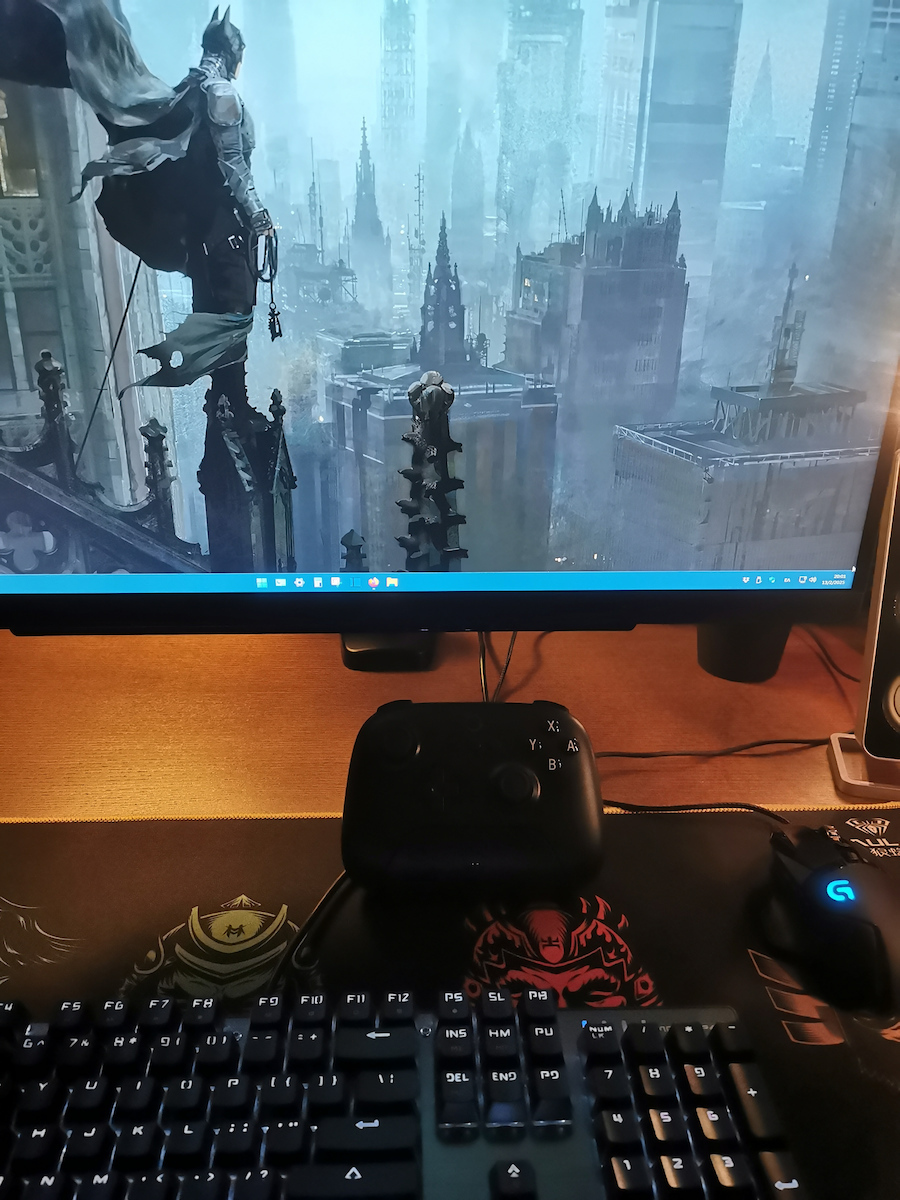
In my opinion, it is the best value for money gamepad available at the moment.
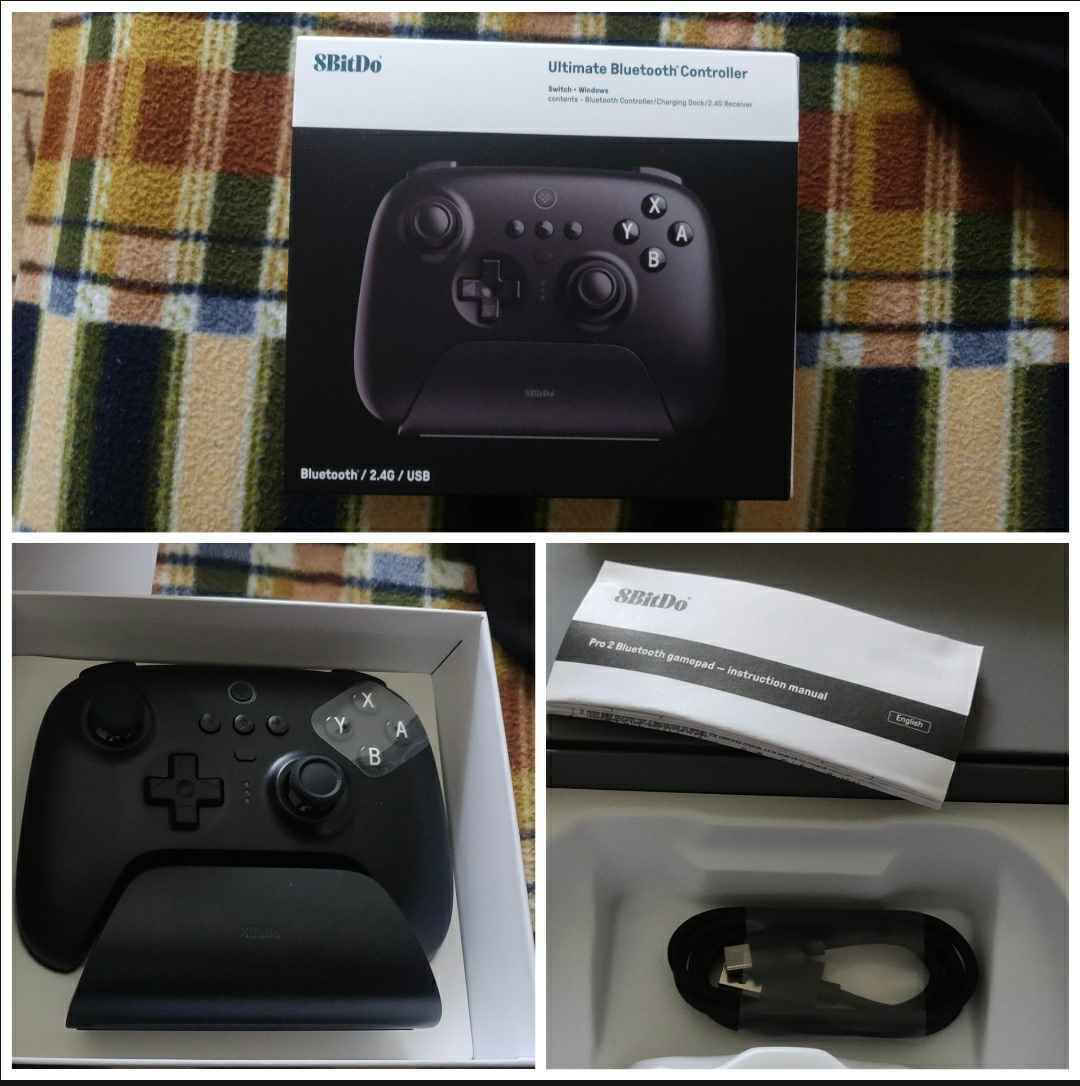
I cannot know how long it will last, but judging from other products of the same company that I have, it will not break within 4 years. For me, it is unacceptable to have good equipment and whether you lose or not, to treat it poorly and break it. It shows solid construction both in terms of grip and appearance. Good quality plastics, smooth but not slippery in the hand, buttons are almost silent or make minimal noise... almost imperceptible noise. The packaging also shows that it is premium. It includes the base, inside of which is the dongle and the cable, along with the instructions.
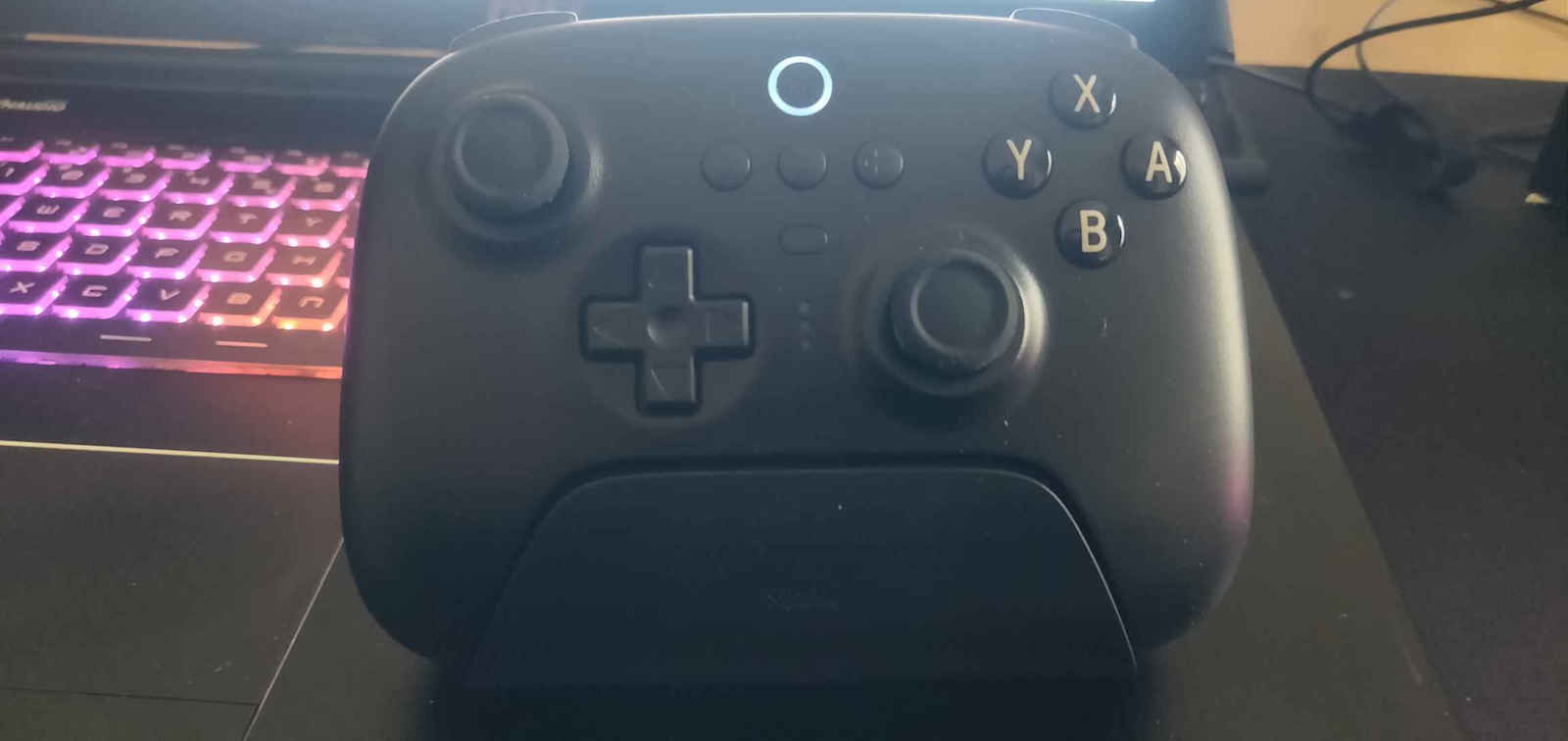
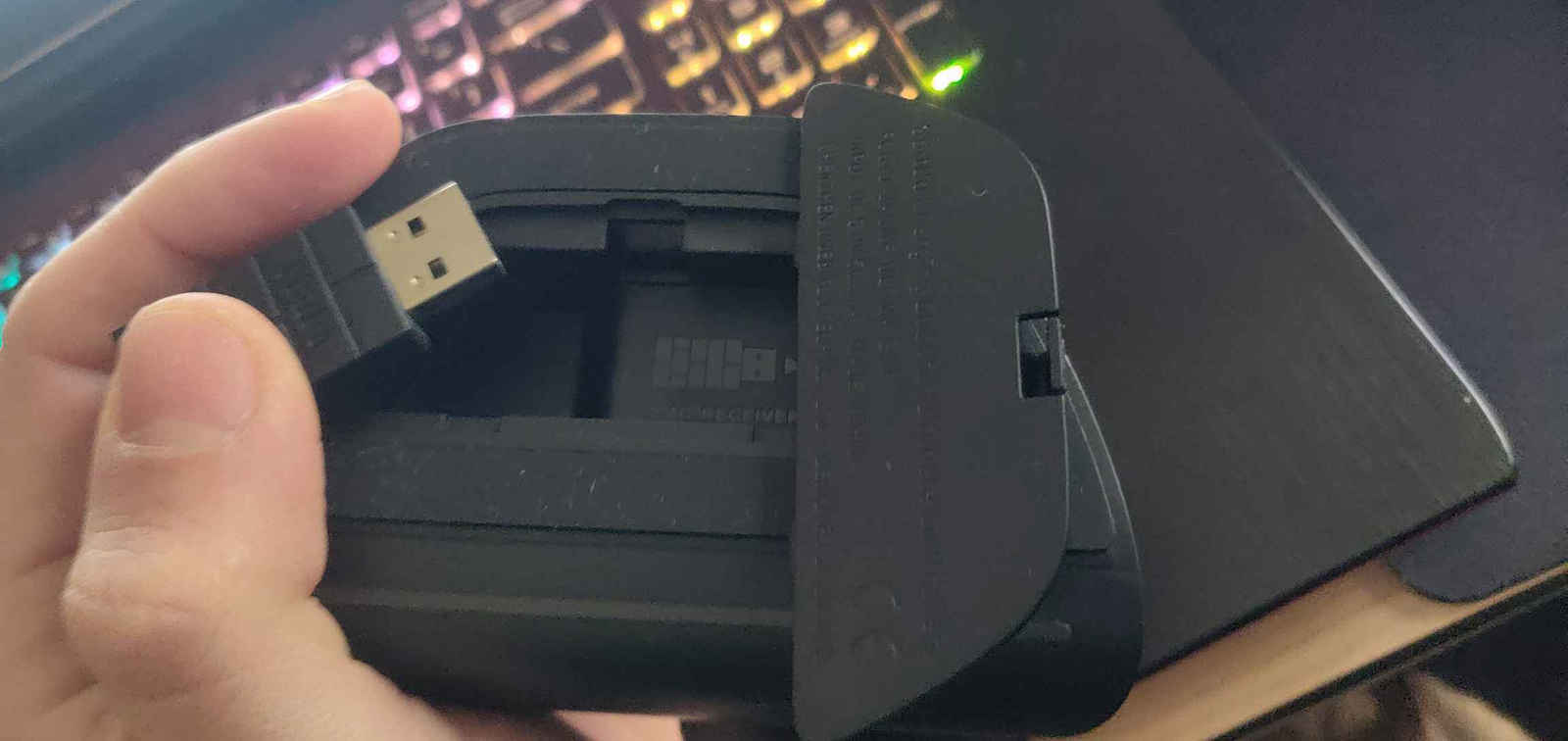
The base is designed so that when you place it on top to charge, there is no fear of it falling. Below and slightly in front, it has an LED bar that lights up in white when connected to power and the gamepad is attached. Just below it, on the base, there is a cover and inside is the USB dongle.
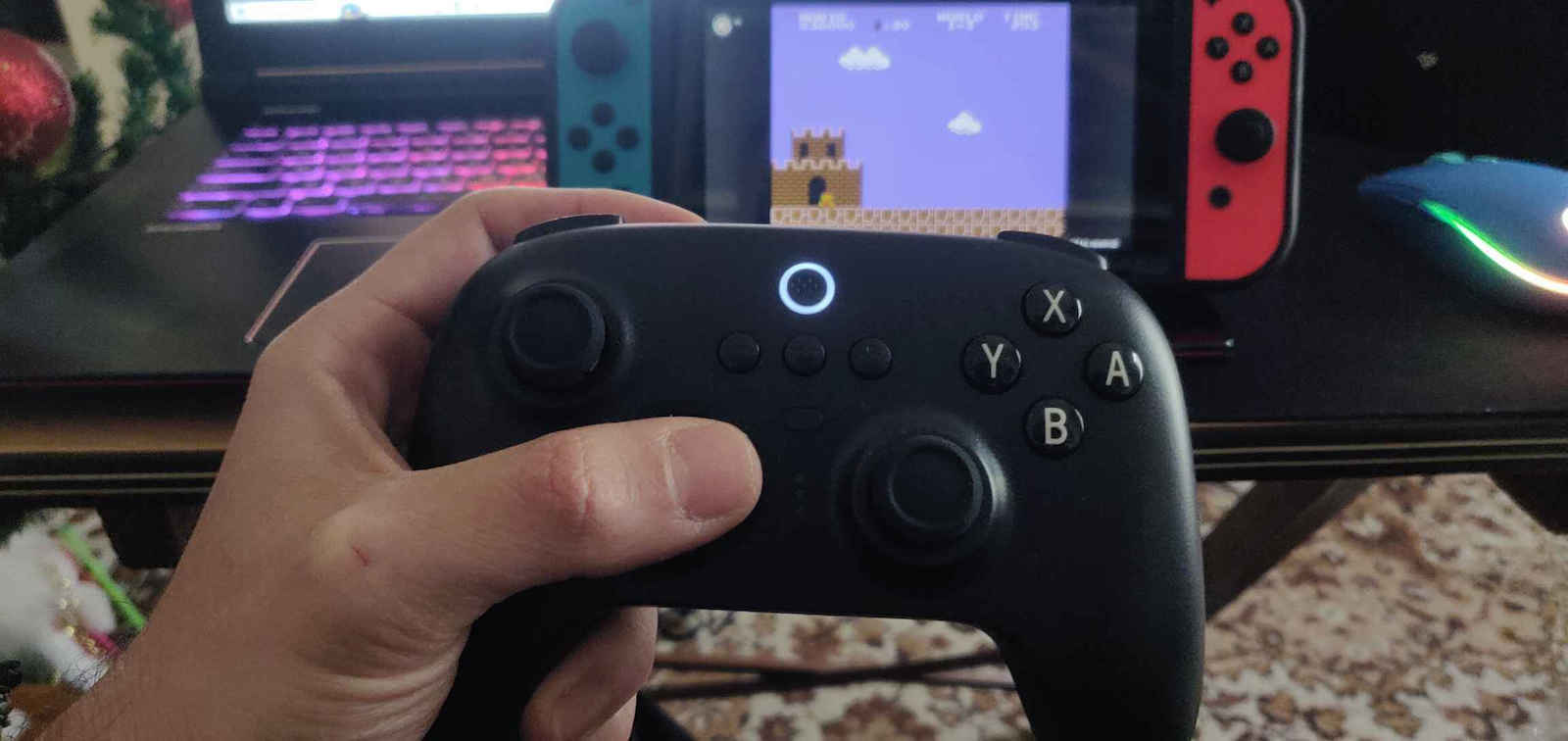
It can be connected with a USB cable, either Bluetooth or wireless 2.4. I rarely connect it to the Nintendo Switch Dock, but when I do, I use the dongle. On the Nintendo Switch, I connect it directly via Bluetooth, without a cable or dongle: initially, I turn it upside down under the gamepad, press the circular button on top, then go to the console's settings, Controllers, Change Grip/Order, and from there, I locate it and activate it. You will feel a vibration when it connects. Similarly, you can do the settings with the receiver, but ALSO with the cable in the dock.
On the PC, I connect it with the 2.4 USB receiver it comes with. Simply plug it in, turn the switch on the bottom surface of the gamepad to the other side, press the circular button on top again, and it will automatically find it. On the laptop, I have used it with the cable a few times and it worked without any issues. Usually, I use the receiver. In these cases, just know that it is in xinput mode.
You can customize and organize the buttons with the company's Ultimate Software.
It weighs 245g, which you can feel a bit, but it is not bothersome. It has a built-in battery. The dock itself weighs 130g. In terms of dimensions, it resembles an Xbox controller more. According to the booklet, the dimensions are 147x104x61.5 centimeters for the gamepad and 112.1x68.8x65.9 centimeters for the dock. The gamepad has a battery of around 1000mAh.
It has an LED for the profile and separate LEDs for its status (battery, charging, etc.).
Κατά τη γνώμη μου, είναι ο.τι πιο value for money υπάρχει σε gamepad αυτή τη στιγμή.
Δε μπορώ να ξέρω πόσο θα αντέξει στο χρόνο, κρίνοντας όμως από τα άλλα της εταιρείας που έχω, δε θα χαλάσει μέσα στην 4ετια. Για μένα είναι ανεπίτρεπτο να έχεις καλό εξοπλισμό και είτε χάσεις είτε όχι να κάνεις σας πίθηκος και να τα χαλάς. Δείχνει γερή κατασκευή και από το κράτημα και από την εικόνα. Καλής ποιότητας πλαστικά, λείο αλλά χωρίς να γλιστράει από το το χέρι, τα κουμπιά σχεδόν όλα αθόρυβα ή ελάχιστα... ανεπαίσθητο θόρυβο. Επίσης και η συσκευασία του δείχνει ότι είναι premium. Σε αυτή περιέχεται και η βάση, μέσα στην οποία είναι και τον dongle και το καλώδιο συν οι οδηγίες.
Η βάση είναι φτιαγμένη έτσι ώστε όταν θα το βάλετε πάνω να φορτίσει να μην έχει φόβο να πέσει. Κάτω και ελαφρώς μπροστά έχει μια λεντομπαρα που όταν είναι συνδεδεμένο στο ρεύμα, με το που κουμπώσει το gamepad φωτίζει σε λευκό. Ακριβώς από κάτω του, στη βάση, έχει καπάκι και μέσα είναι το usb dongle.
Η σύνδεση του είναι με usb καλώδιο, αυτό που περιέχεται ή Bluetooth ή wireless 2.4. Στο Nintendo Switch Dock το συνδέω σπάνια αλλά με τη χρήση του dongle. Στο Nintendo Switch, απευθείας με Bluetooth, χωρίς καλώδιο ή dongle: αρχικά από κάτω από το gamepad το γυρνάω στην αριστερή θέση, πατάω πάνω στρογγυλό κουμπί και στην κονσόλα πάω στις ρυθμίσεις, Controllers, Change Grip/Order, και από εκεί το εντοπίζω και ενεργοποιείται. Θα νιώσετε μια δόνηση όταν συνδεθεί. Ομοίως κάνετε τις ρυθμίσεις με το receiver αλλά ΚΑΙ με το καλώδιο στο dock.
Στον pc το συνδέω με το 2.4 usb receiver που έχει. Απλά το κουμπωνετε, γυρνάτε το διακοπτακι στην κάτω επιφάνεια του gamepad από την άλλη μεριά, ξανά πιέζετε το πάνω στρογγυλό κουμπί και τα βρίσκει αυτόματα. Στο λάπτοπ κάποιες φορές το είχα με το καλώδιο και δούλεψε χωρίς θέματα. Συνήθως με το receiver. Στις περιπτώσεις αυτές να ξέρετε είναι σε xinput mode.
Μπορείτε να ρυθμίζετε ναι να οργανώνετε τα κουμπιά με το Ultimate Software της εταιρίας.
Είναι στα 245γρ βάρος που το νιώθετε λίγο αλλά χωρίς να ενοχλεί. Έχει ενσωματωμένη τη μπαταρία. Το ίδιο το dock έχει 130γρ βάρος. Στις διαστάσεις φέρνει πιο πολύ σε xbox controller. Οι διαστάσεις κατά το booklet είναι 147x104x61.5 εκατοστά για το gamepad και 112.1x68.8x65.9 εκατοστά για το dock. Το gamepad έχει κάπου 1000mAh μπαταρία.
Έχει LED για το προφίλ και ξεχωριστά για την κατάσταση του (μπαταρια, αν φορτίζει κλπ).