DSL Modems / Routers

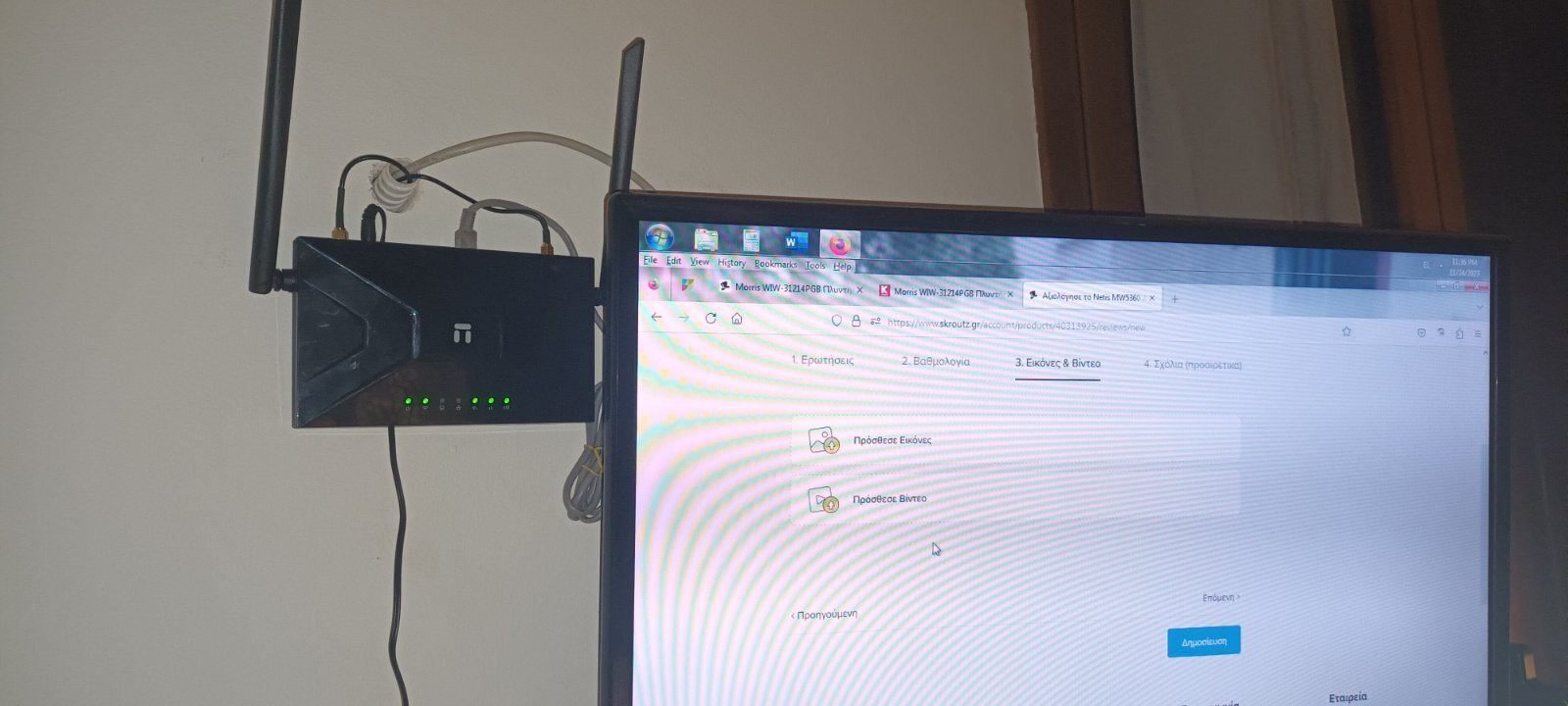
Netis MW5360 Wireless 4G Router

Key features:

  • Wireless Speed 300Mbps
  • Maximum LAN Speed 100 Mbps
  • WPS Button
  • SIM card Slot
See full description
  • See all

Description

Description

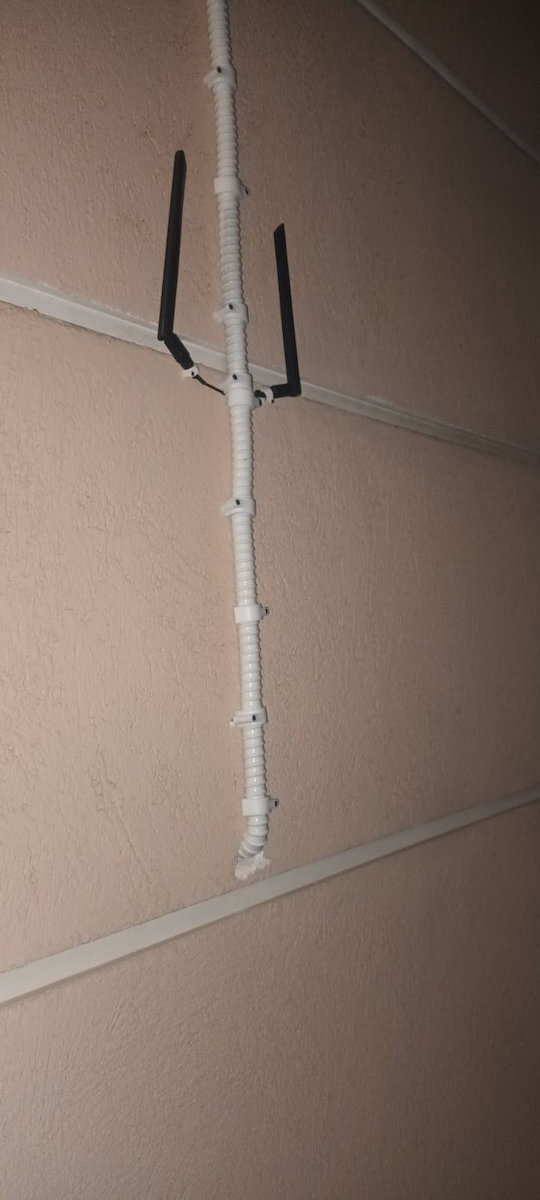
The Netis 4G LTE MW5360 router is equipped with a 4G LTE module, allowing you to access the internet with a SIM card. With its separate WiFi antenna systems and unique detachable 4G antenna port design, it allows you to place the 4G antennas anywhere inside or outside your home, providing you with better 4G speed and better WiFi performance. The MW5360 also offers a wired WAN port that can be used as a common wireless router.

Manufacturer

See full description

Specifications

Specifications

Network Specifications

Type
4G/5G Router
Mobile Network
4G
Maximum Wireless Speed
300 Mbps
Portable Hotspot
No
Wi-Fi Frequency
Dual Band (2.4 & 5GHz)

Connectivity

Wireless network
Yes
Ethernet LAN connections
1
ISDN Connection
No
SIM slot
Yes
WAN Port
Yes
GPON Port (Direct Fiber)
-

Security

Encryption Protocols
WEP, WPA, WPA2, WPS
MAC Address Filtering
No

Extras

Virtual Private Network (VPN)
Yes
VoIP
No
Mesh
No

Important information

Specifications are collected from official manufacturer websites. Please verify the specifications before proceeding with your final purchase. If you notice any problem you can report it here.

See all specifications

Reviews (8)

Reviews

  1. 4
  2. 4 stars
    0
  3. 2
  4. 2 stars
    0
  5. 2
Review this product
  • Ease of installation
  • Operational Stability
  • Value for money
  • Speed

Reviews by our members

  • K__MatenliS
    3
    3 out of 3 members found this review helpful

    I got it for everyday use at home. For someone who doesn't have high demands and just wants to watch 1080p videos on YouTube, it's fine. Still, I would struggle to pay €55 for it.

    Every time it reached (with difficulty and acrobatics to find a signal) 30Mbps, it would shut down and get excessively hot. In comparison, a pocket router would reach 45Mbps without even trying.
    It should be noted that the speed on my mobile was 100-120Mbps!! Which I now have with a different router.

    Average speed is 20-25 Mbps and not stable at all. The Wi-Fi would randomly shut down.

    To connect to COSMOTE internet, you need to go to the APN settings and enter: internet!!

    Translated from Greek ·
    • Ease of installation
    • Value for money
    • Speed
    • Operational stability
    Did you find this review helpful?
  • John Tsiftis
    5
    25 out of 25 members found this review helpful

    Verified purchase

    Very good product for its price.
    WARNING!
    For use with COSMOTE card, you will need to enter the device's interface (192.168.1.1 using username and password), click on the 4G MODE icon at the bottom right, and there enter the card's PIN (if it has one) and write the word "internet" in the APN field. IF YOU DO NOT DO THIS, IT WILL NOT CONNECT TO THE INTERNET.

    Translated from Greek ·
    • Operational stability
    • Ease of installation
    • Speed
    • Value for money
    Did you find this review helpful?
  • leondrog

    Verified purchase

    • Operational stability
    • Ease of installation
    • Speed
    • Value for money
  • 1
    0 out of 1 members found this review helpful

    Verified purchase

    It does not recognize any sim, neither Cosmote nor Vodafone.
    Wasted money.

    Translated from Greek ·
    • Ease of installation
    • Speed
    • Value for money
    Did you find this review helpful?
  • Verified purchase

    • Ease of installation
    • Operational Stability
    • Speed
    • Value for money
    • Operational stability
    • Ease of installation
    • Speed
    • Value for money
  • Verified purchase

    • Operational stability
    • Ease of installation
    • Value for money
    • Speed
  • I got it for everyday use at home. For someone who doesn't have high demands and just wants to watch 1080p videos on YouTube, it's fine. Still, I would struggle to pay €55 for it.

    Every time it reached (with difficulty and acrobatics to find a signal) 30Mbps, it would shut down and get excessively hot. In comparison, a pocket router would reach 45Mbps without even trying.
    It should be noted that the speed on my mobile was 100-120Mbps!! Which I now have with a different router.

    Average speed is 20-25 Mbps and not stable at all. The Wi-Fi would randomly shut down.

    To connect to COSMOTE internet, you need to go to the APN settings and enter: internet!!

    Translated from Greek ·
    3
  • Very good product for its price.
    WARNING!
    For use with COSMOTE card, you will need to enter the device's interface (192.168.1.1 using username and password), click on the 4G MODE icon at the bottom right, and there enter the card's PIN (if it has one) and write the word "internet" in the APN field. IF YOU DO NOT DO THIS, IT WILL NOT CONNECT TO THE INTERNET.

    Translated from Greek ·
    25
  • 0
  • It does not recognize any sim, neither Cosmote nor Vodafone.
    Wasted money.

    Translated from Greek ·
    0
  • 0
  • See all

Description & Specifications

The Netis 4G LTE MW5360 router is equipped with a 4G LTE module, allowing you to access the internet with a SIM card. With its separate WiFi antenna systems and unique detachable 4G antenna port design, it allows you to place the 4G antennas anywhere inside or outside your home, providing you with better 4G speed and better WiFi performance. The MW5360 also offers a wired WAN port that can be used as a common wireless router.

Manufacturer

Network Specifications

Type
4G/5G Router
Mobile Network
4G
Maximum Wireless Speed
300 Mbps
Portable Hotspot
No
Wi-Fi Frequency
Dual Band (2.4 & 5GHz)

Connectivity

Wireless network
Yes
Ethernet LAN connections
1
ISDN Connection
No
SIM slot
Yes
WAN Port
Yes
GPON Port (Direct Fiber)
-

Security

Encryption Protocols
WEP, WPA, WPA2, WPS
MAC Address Filtering
No

Extras

Virtual Private Network (VPN)
Yes
VoIP
No
Mesh
No

Important information

Specifications are collected from official manufacturer websites. Please verify the specifications before proceeding with your final purchase. If you notice any problem you can report it here.

Reviews (8)

  1. 4
  2. 4 stars
    0
  3. 2
  4. 2 stars
    0
  5. 2
Review this product
  • Ease of installation
  • Operational Stability
  • Value for money
  • Speed

Reviews by our members

  • K__MatenliS
    3
    3 out of 3 members found this review helpful

    I got it for everyday use at home. For someone who doesn't have high demands and just wants to watch 1080p videos on YouTube, it's fine. Still, I would struggle to pay €55 for it.

    Every time it reached (with difficulty and acrobatics to find a signal) 30Mbps, it would shut down and get excessively hot. In comparison, a pocket router would reach 45Mbps without even trying.
    It should be noted that the speed on my mobile was 100-120Mbps!! Which I now have with a different router.

    Average speed is 20-25 Mbps and not stable at all. The Wi-Fi would randomly shut down.

    To connect to COSMOTE internet, you need to go to the APN settings and enter: internet!!

    Translated from Greek ·
    • Ease of installation
    • Value for money
    • Speed
    • Operational stability
    Did you find this review helpful?
  • John Tsiftis
    5
    25 out of 25 members found this review helpful

    Verified purchase

    Very good product for its price.
    WARNING!
    For use with COSMOTE card, you will need to enter the device's interface (192.168.1.1 using username and password), click on the 4G MODE icon at the bottom right, and there enter the card's PIN (if it has one) and write the word "internet" in the APN field. IF YOU DO NOT DO THIS, IT WILL NOT CONNECT TO THE INTERNET.

    Translated from Greek ·
    • Operational stability
    • Ease of installation
    • Speed
    • Value for money
    Did you find this review helpful?
  • leondrog

    Verified purchase

    • Operational stability
    • Ease of installation
    • Speed
    • Value for money
  • 1
    0 out of 1 members found this review helpful

    Verified purchase

    It does not recognize any sim, neither Cosmote nor Vodafone.
    Wasted money.

    Translated from Greek ·
    • Ease of installation
    • Speed
    • Value for money
    Did you find this review helpful?
  • Verified purchase

    • Ease of installation
    • Operational Stability
    • Speed
    • Value for money
    • Operational stability
    • Ease of installation
    • Speed
    • Value for money
  • Verified purchase

    • Operational stability
    • Ease of installation
    • Value for money
    • Speed
  • I got it for everyday use at home. For someone who doesn't have high demands and just wants to watch 1080p videos on YouTube, it's fine. Still, I would struggle to pay €55 for it.

    Every time it reached (with difficulty and acrobatics to find a signal) 30Mbps, it would shut down and get excessively hot. In comparison, a pocket router would reach 45Mbps without even trying.
    It should be noted that the speed on my mobile was 100-120Mbps!! Which I now have with a different router.

    Average speed is 20-25 Mbps and not stable at all. The Wi-Fi would randomly shut down.

    To connect to COSMOTE internet, you need to go to the APN settings and enter: internet!!

    Translated from Greek ·
    3
  • Very good product for its price.
    WARNING!
    For use with COSMOTE card, you will need to enter the device's interface (192.168.1.1 using username and password), click on the 4G MODE icon at the bottom right, and there enter the card's PIN (if it has one) and write the word "internet" in the APN field. IF YOU DO NOT DO THIS, IT WILL NOT CONNECT TO THE INTERNET.

    Translated from Greek ·
    25
  • 0
  • It does not recognize any sim, neither Cosmote nor Vodafone.
    Wasted money.

    Translated from Greek ·
    0
  • 0
  • See all
79,00 €
14,00 €   shipping cost