


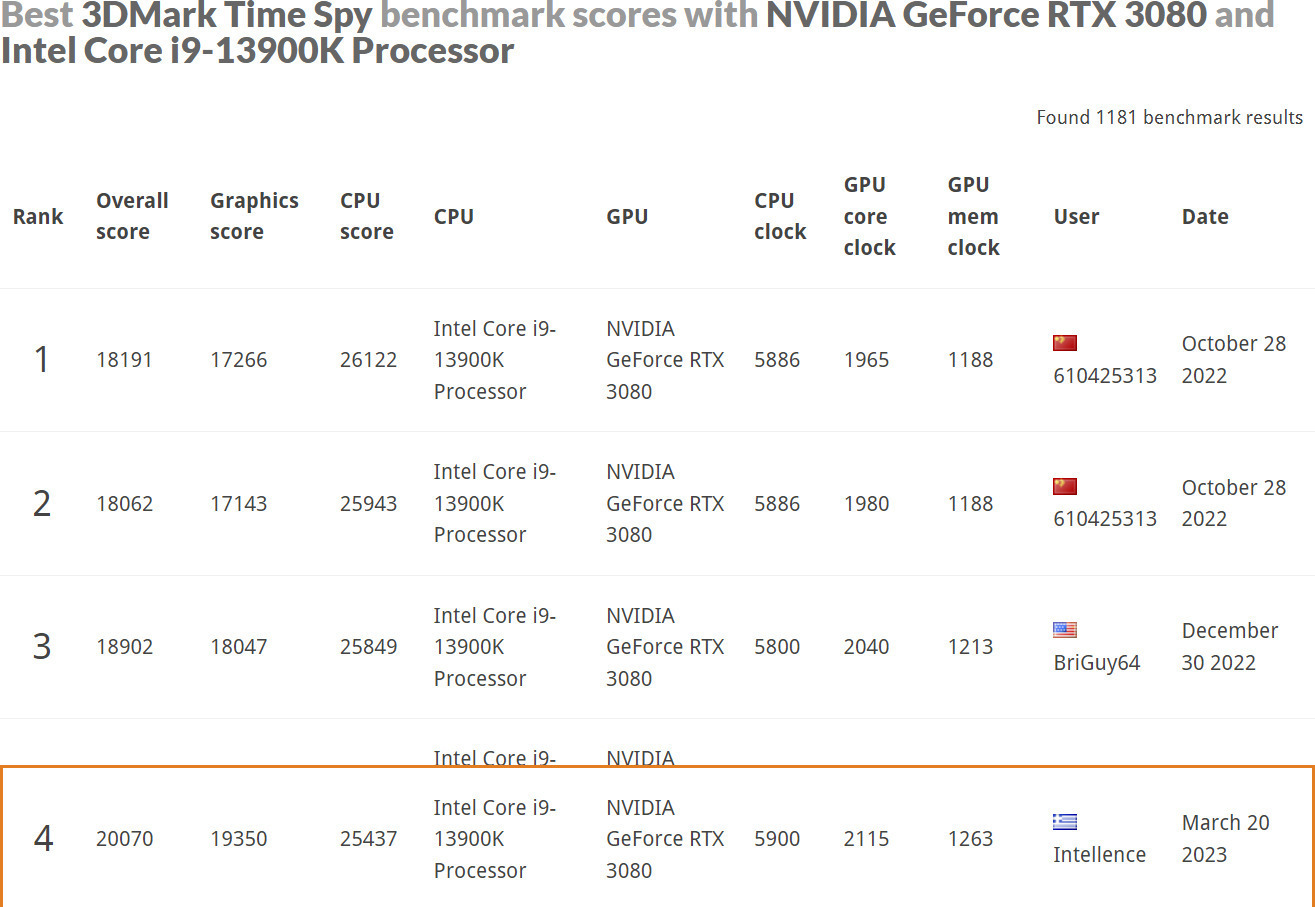
Tuning is now faster and smarter than ever. ASUS AI Overclocking profiles the CPU and cooling to predict the optimal configuration and push the system to its limits. The predicted values can be automatically applied or used as a starting point for further experimentation.


Specifications
Description
Product Details
- Size
- ATX
- Type
- Desktop
Processor
- Supported Processors
- Intel
- Models
- Celeron Dual Core, Core i3, Core i5, Core i7, Core i9, Pentium Dual Core
- Supported CPU Generation
- Alder Lake, Raptor Lake
- Socket
- 1700
Chipset
- Model
- Intel Z790
Memory
- Memory type
- DDR5
- Quantity
- 4 DIMM Slots
- Memory Speeds
- 4800, 5000, 5200, 5400, 5600, 5800OC, 6000OC, 6200OC, 6400OC, 6600OC, 6800OC, 7000OC, 7200OC, 7400OC, 7600OC, 7800OC
- Memory Channels
- Dual Channel
Internal Connectors
- PCI Express x16 3.0
- 1 Slot
- PCI Express x16 5.0
- 1 Slot
- SATA III 6Gb/s
- 4 Port
- M.2 Type
- 4 PCIe 4.0 Ports
- M.2 Slots
- 0
External Connectors
- Rear USB-A outputs
- 2 USB 2.0 Ports, 6 USB 3.2 Ports
- Rear USB-C outputs
- 1 USB 3.2 Port
- Ethernet (LAN)
- 1
- Screen Connections
- DisplayPort, HDMI
Specifications
- RGB Lighting
- No
- Wi-Fi/Bluetooth
- Yes
- Wi-Fi Generation
- -
- Extra
- Bios Flashback, Clear CMOS button, RGB Header
Sound
- Sound Card Channels
- 7.1
- Additional Audio Connections
- Optical S/PDIF
Top Specs
- Memory
- 4x DDR5
Important information
Specifications are collected from official manufacturer websites. Please verify the specifications before proceeding with your final purchase. If you notice any problem you can report it here.
Description
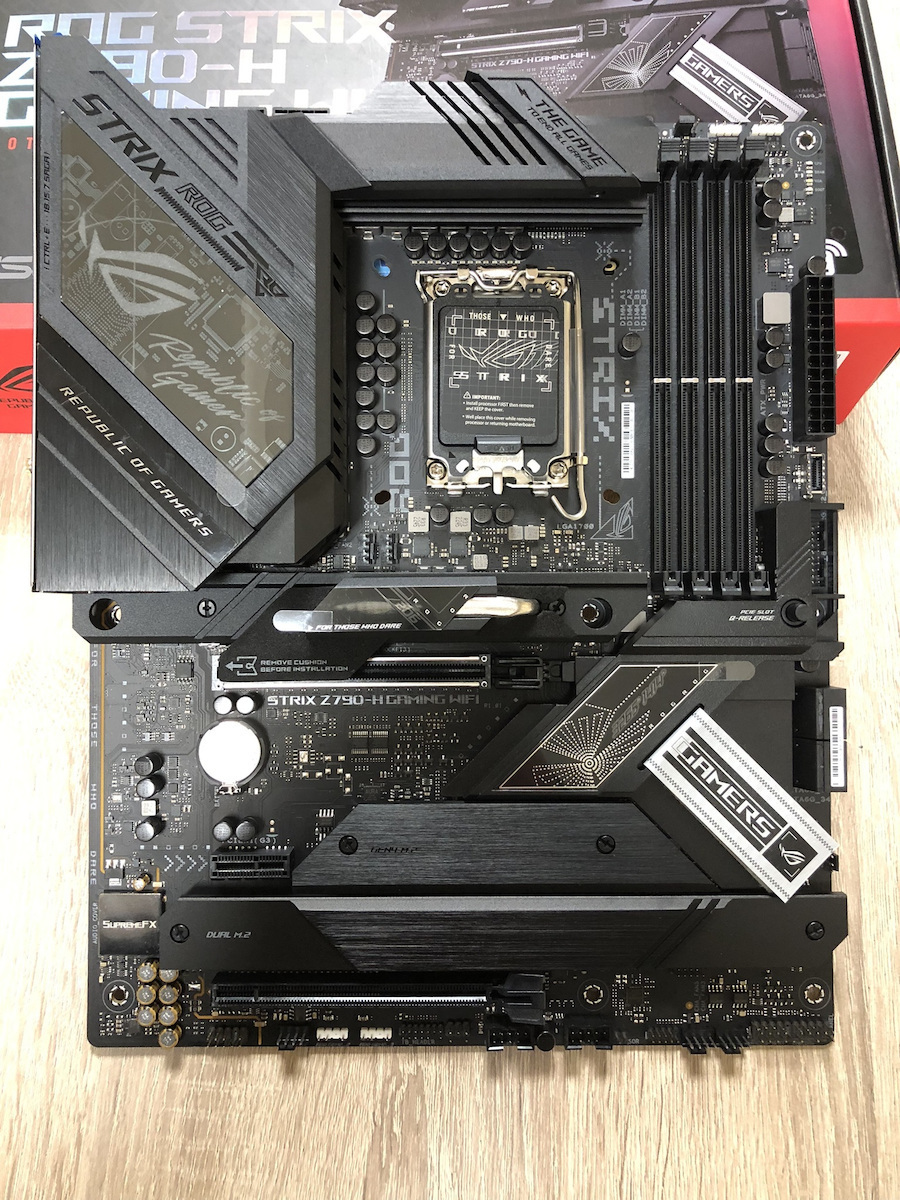
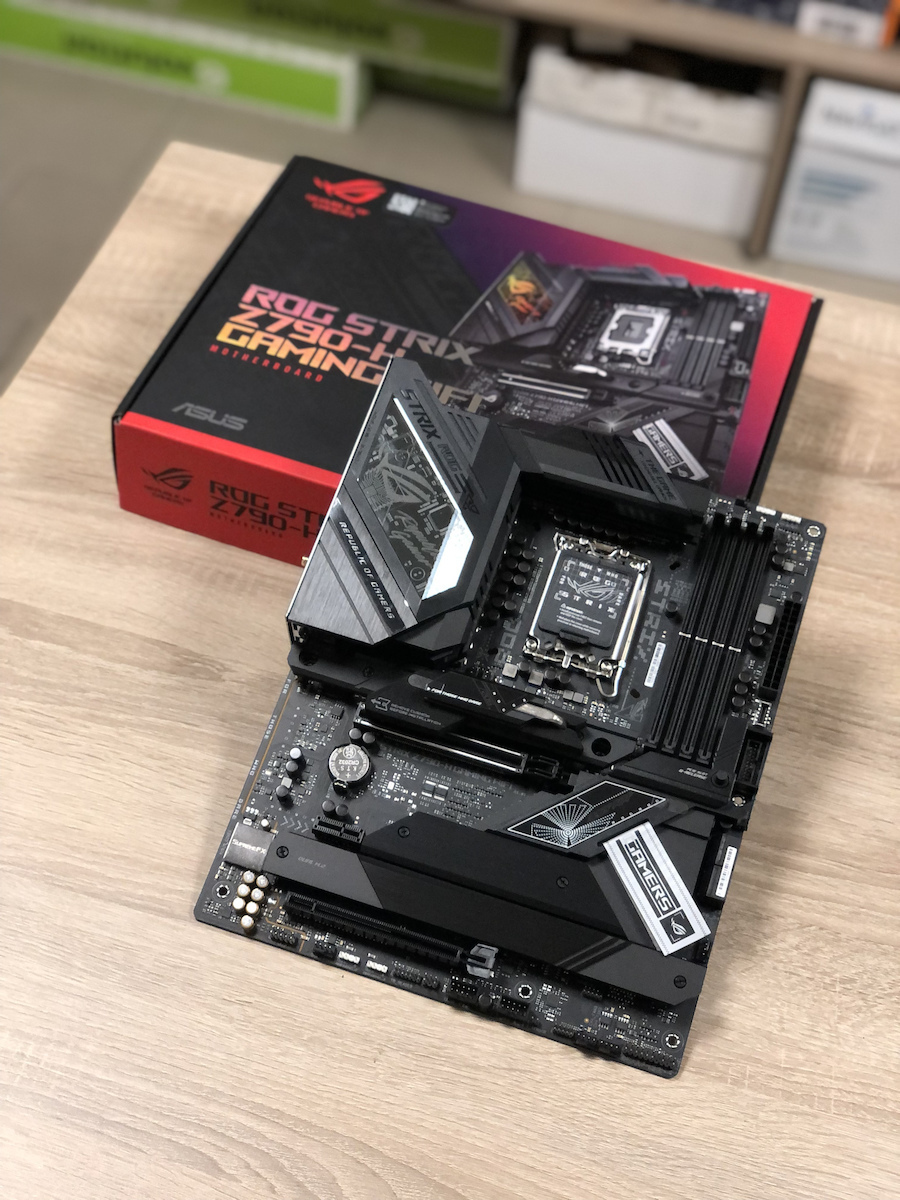
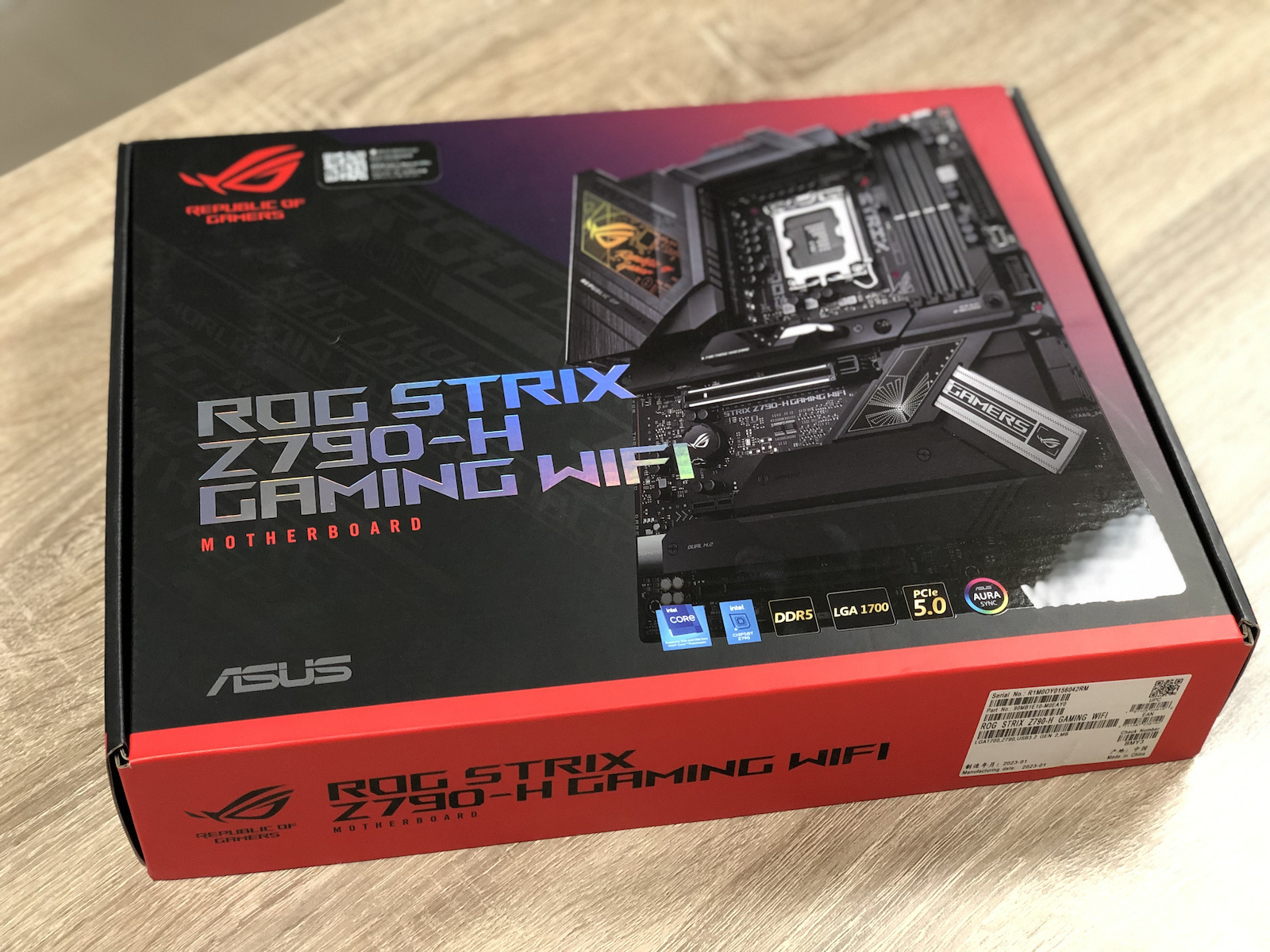
The Asus ROG Strix Z790-H Gaming WiFi motherboard is aimed at demanding users who seek a high-performance solution for assembling a gaming desktop computer. It is suitable for gamers, professional content creators, and other users who seek reliable performance and advanced features.
The Asus ROG Strix Z790-H Gaming WiFi supports 12th generation Intel Core processors (Alder Lake) and offers advanced features such as support for DDR5 memory, PCIe 5.0, USB 3.2 Gen2, and other connections. Additionally, it features integrated audio, advanced networking functions, and a rich selection of connectivity options.
Furthermore, the Asus ROG Strix Z790-H Gaming WiFi motherboard includes advanced gaming features such as enhanced audio, advanced overclocking functions, built-in WiFi, and RGB lighting, making it suitable for demanding gamers who desire the best possible performance in their games.
Overall, the Asus ROG Strix Z790-H Gaming WiFi motherboard is aimed at gamers, professional content creators, and other demanding users who seek reliable performance, advanced features, and an amazing gaming experience.

AI Overclocking
Tuning is now faster and smarter than ever. ASUS AI Overclocking profiles the CPU and cooling to predict the optimal configuration and push the system to its limits. The predicted values can be automatically applied or used as a starting point for further experimentation.
PCIE 5.0
The Strix Z790-H adds PCIe 5.0 support to its arsenal with an x16 expansion slot protected by a SafeSlot retention bracket to withstand the weight of the latest graphics cards.
Four PCIe 4.0 M.2 slots are covered with substantial heatsinks to dissipate the heat from high-performance SSDs.
DDR5 Memory
ROG has a long tradition of delivering the fastest memory performance, and DDR5 is no exception. Thanks to improved signal routing, enthusiast kits have far surpassed 7 GT/s on the Strix Z790-H, and who knows how far future DIMMs can go? Seasoned veterans can test their limits by playing with the extensive range of tuning options in the UEFI.
AEMP II
The ASUS Enhanced Memory Profile (AEMP) is an exclusive hardware and firmware solution for overclocking generic memory modules. The second version of AEMP allows for automatic tuning of kits during system startup and leverages the PCB trace optimizations of the Strix Z790-H to push frequencies to higher levels than ever before. AEMP II can even overclock mixed kits in a four-DIMM configuration, and the extensive support library now extends to nearly every DDR5 module that otherwise lacks XMP support.
VRM Cooling
A robust cooling array utilizes two heatsinks connected by a heat pipe, along with airflow channels cut into the aluminum. These features work together to effectively and easily dissipate heavy thermal loads.
M.2 Cooling
- M.2 COMBO-SINK
An M.2 heatsink with direct contact heat pipe effectively transfers thermal energy away from a mounted drive and into the path of chassis airflow, ensuring optimal operating temperatures.
- M.2 Backplate
An integrated backplate in the mid-board M.2 slot helps ensure that a high-performance PCIe 4.0 drive can deliver maximum performance, even when airflow is restricted.
- M.2 Thermal Covers
Heatsinks cover every slot to help keep installed SSDs at optimal temperatures for consistent performance and reliability.
CPU Cooling
- Placed near the top of the motherboard, a pair of PWM/DC fan headers provide easy access for CPU coolers.
- A dedicated PWM/DC header connects standalone water cooling setups.
Fan connectors
The Strix Z790-H features five chassis fan headers, each of which supports automatic detection of PWM or DC fans.
Network Connections
- The built-in WiFi 6E technology takes advantage of the new available spectrum in the 6 GHz band to provide up to seven 160 MHz channels for ultra-fast performance and better performance in dense wireless environments.
- Low-latency gaming, fast file transfers, and high-resolution video streaming are among the many advantages of the built-in Intel 2.5 Gbps Ethernet.
- The antenna features two built-in transmitters and receivers to enable faster transmission speeds and supports the 2.4, 5, and 6 GHz bands.
USB 3.2 GEN 2X2
The Strix Z790-H features two USB 3.2 Gen 2x2 Type-C ports for ultra-fast data transfers up to 20 Gbps.
ROG SupremeFX
ROG SupremeFX is a unique combination of hardware and software technologies that provide superior sound. The implementation of the Strix Z790-H features the S1220A codec for high-resolution playback up to 32 bit/192 kHz on all channels. The front output is transmitted through the integrated Savitech amplifier, which can drive high-fidelity audio on a wide variety of speakers and headphones.
Aura Sync
ROG Strix motherboards feature ASUS Aura technology, which allows full control of lighting and a variety of presets for both the built-in RGB LEDs and third-party accessories. The effects can easily be synchronized with compatible ROG graphics cards, monitors, keyboards, and mice to give your setup a unified look.
AI Cooling II
Balance the thermal and acoustic elements of any build with a single click. An exclusive ASUS algorithm reduces unnecessary noise while performing a quick stress test, and then monitors CPU temperatures to dynamically adjust fans to optimal speeds.
Bidirectional AI Noise Cancellation
This utility leverages a vast deep learning database to reduce over 5 million types of background noise from incoming or outgoing audio, helping to ensure crystal-clear communication in games or calls.
AI Networking
GameFirst VI optimizes networking performance by allocating bandwidth in real-time based on application usage scenarios and corresponding learning algorithms. The latest update includes dedicated support for GeForce NOW to ensure the lowest possible latency during intense game streaming sessions.
UEFI BIOS
ASUS renowned UEFI BIOS provides everything you need to configure, optimize, and tune your system. It offers intelligently simplified options for novice PC DIYers, as well as comprehensive features for seasoned users.
An intuitive advanced feature offered through UEFI allows you to take full control. An integrated search function makes it easy to find options, and various advanced features let you make smart and detailed adjustments, so you can fine-tune performance exactly as you want.
The EZ mode displays vital settings and statistics and also offers wizards, drag-and-drop functionality, and one-click application of important settings, all to help you get your rig up and running in no time.
Armoury Crate
Armoury Crate is a software utility designed to provide you with centralized control of supported gaming products, making it easy to configure the appearance and atmosphere of your system. From a single intuitive interface, Armoury Crate helps you customize RGB lighting and effects for compatible devices and synchronize them with Aura Sync to create a unified lighting system throughout your setup.
Additionally, Armoury Crate's Fan Xpert4 tool provides comprehensive control of fans, water pumps, and all-in-one (AIO) coolers.
You can also use Armoury Crate to download drivers, software, and user manuals, register products, and take advantage of a dedicated news feed that connects you to ASUS's global gaming community.