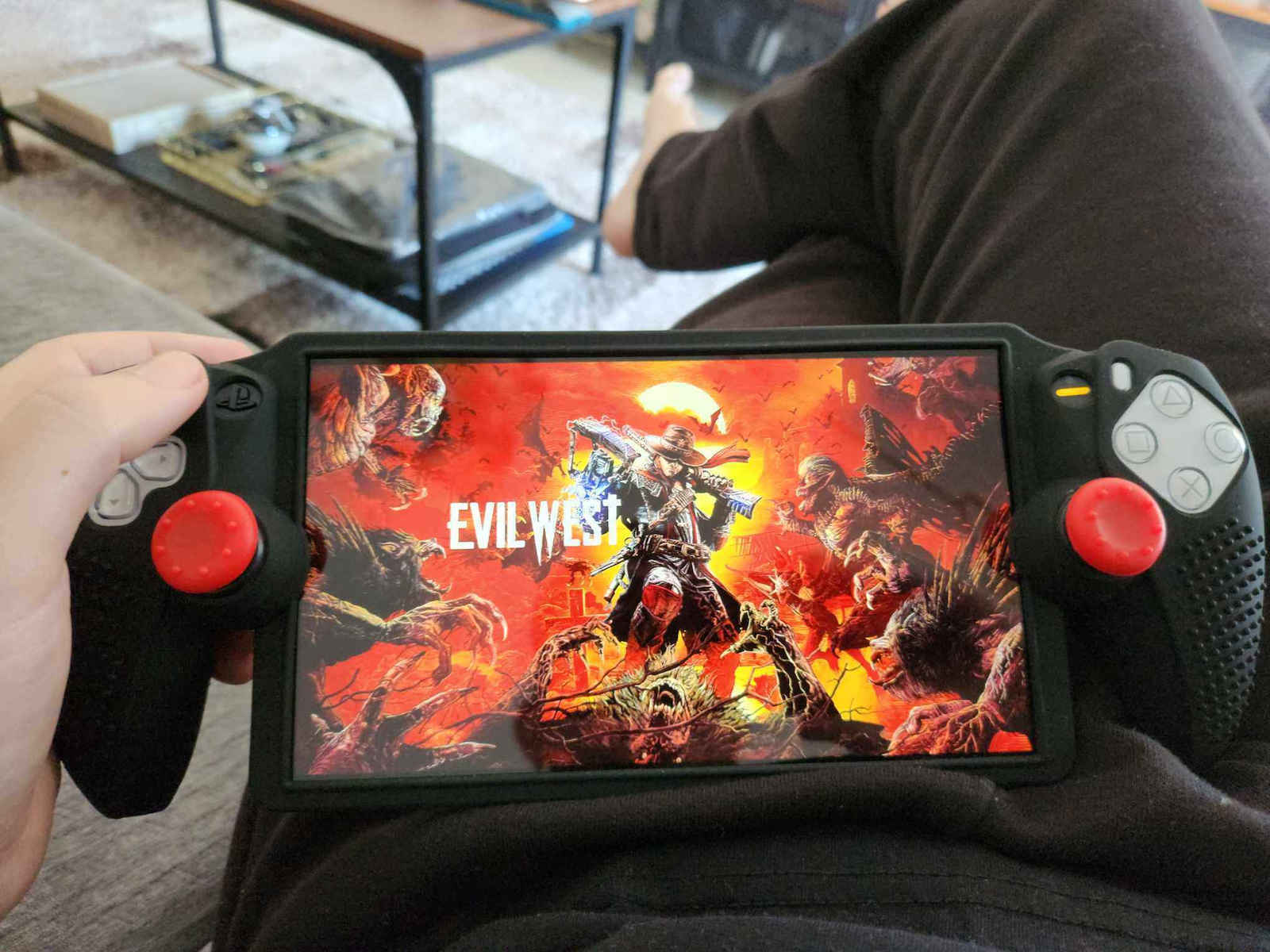
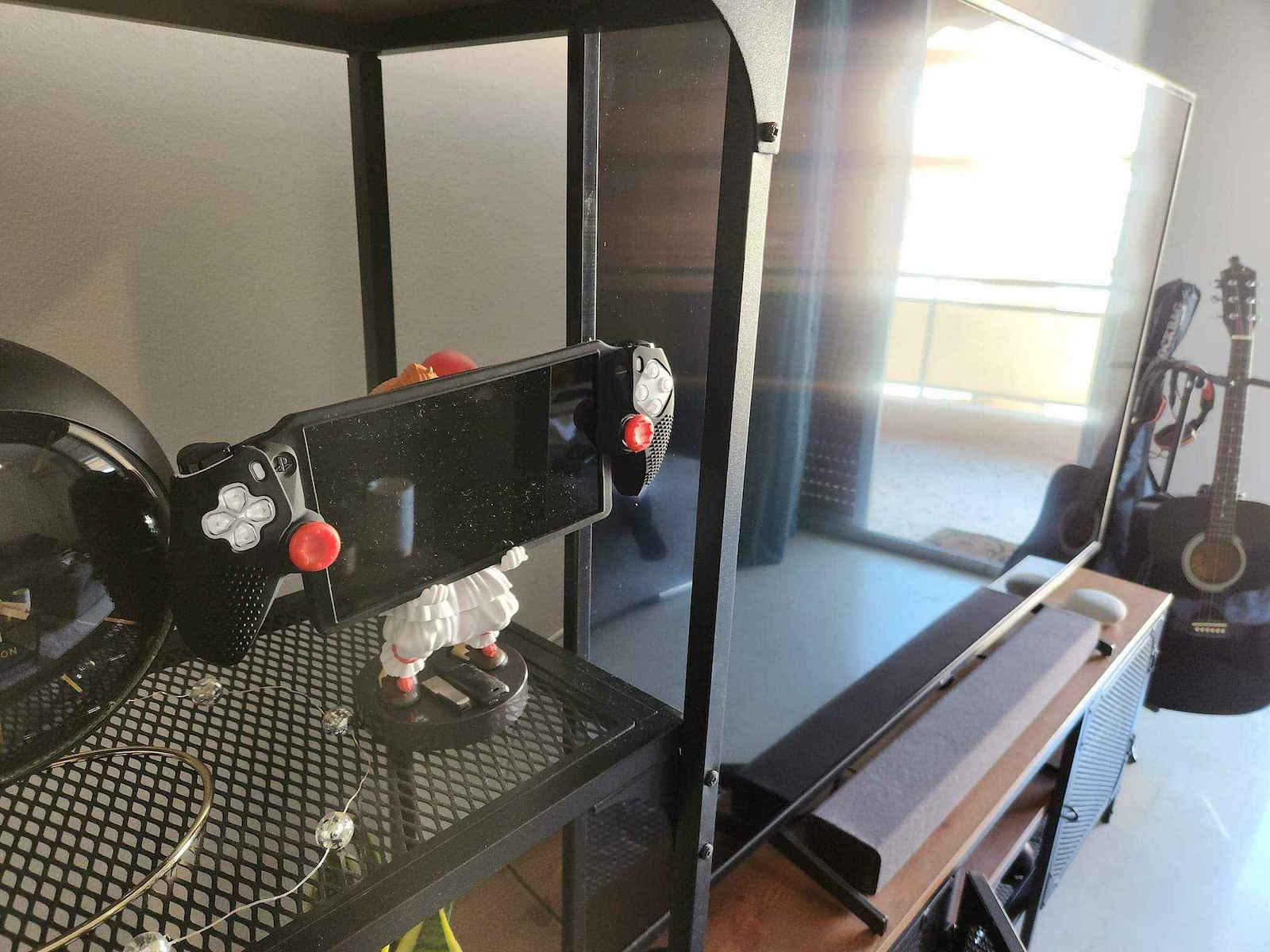
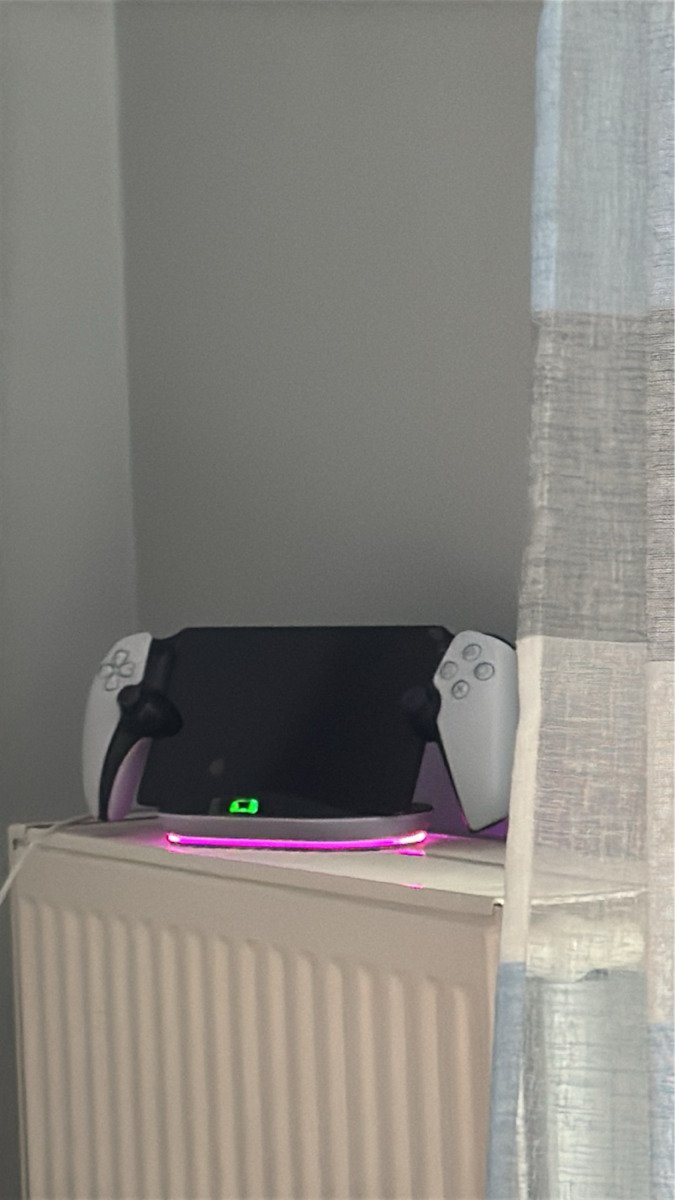
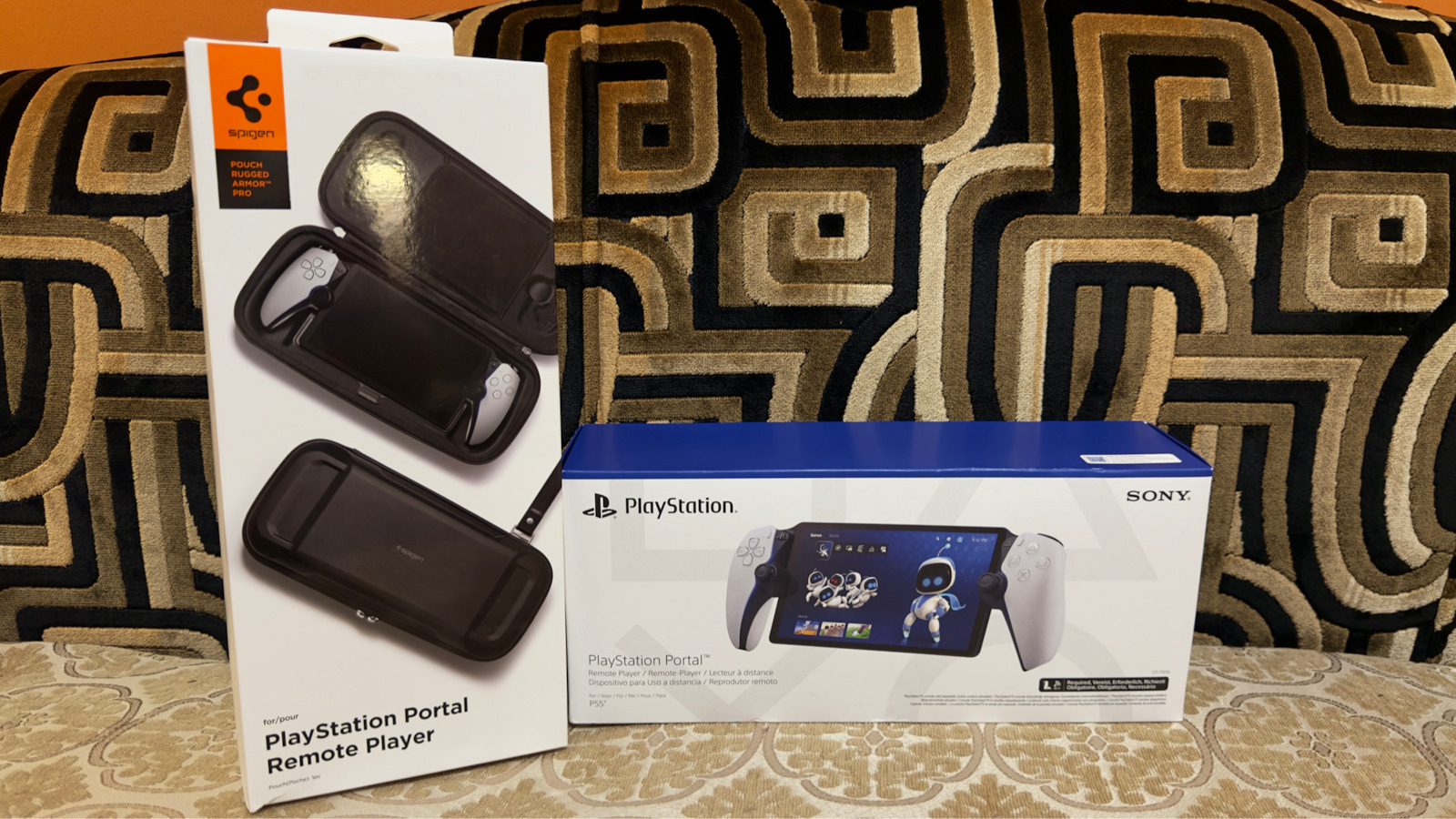
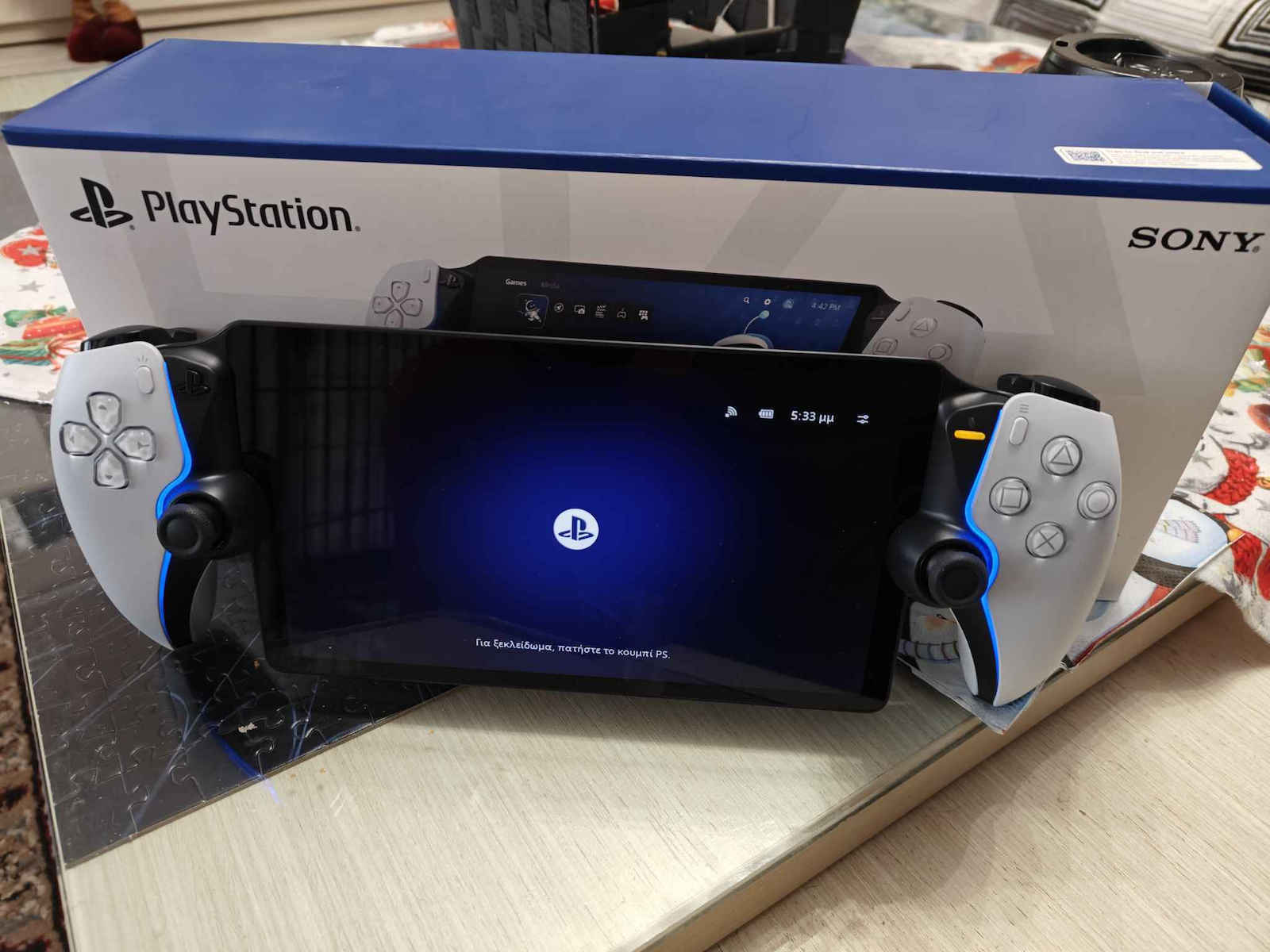
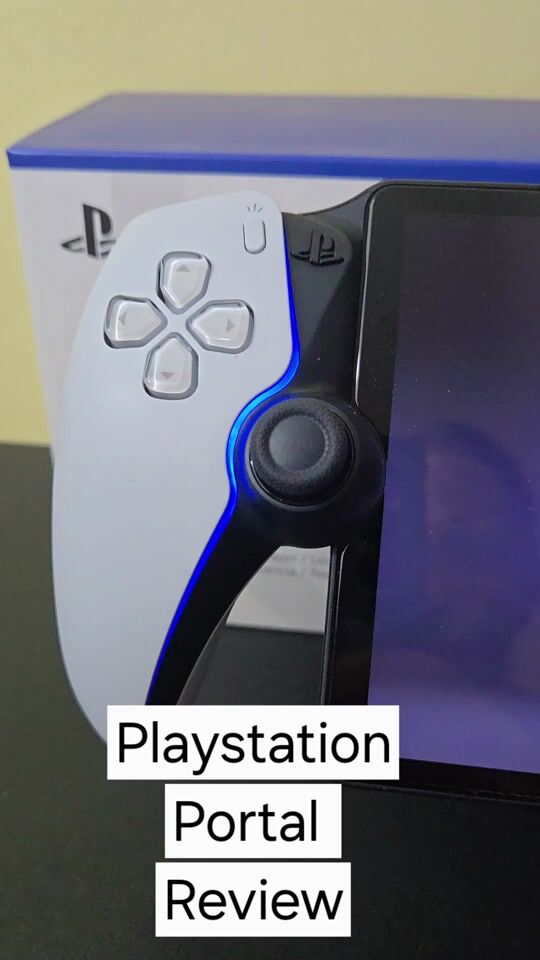
The Playstation Portal is essentially designed as a PS5 controller with a built-in screen. The build quality is excellent and the ergonomics are at a high level. All the buttons are easily accessible during use, and the addition of lighting is a nice touch to the design.
The touchscreen is LCD technology with an 8″ diagonal. Since the device is intended solely for streaming use, it does not contain computing mechanisms inside, making it particularly lightweight.
Because we are talking about streaming, the smooth user experience depends on the network speed.
Remote Play:
To connect to the PS5, we need to have the device in standby mode so that as soon as we select the connection from the portal, it activates immediately. When I am on a shared network, the connection is smooth. Essentially, we have a mirroring of the PS5 screen on the portal screen, allowing us to play all the games stored on the PS5 directly on the portal. The gameplay progresses smoothly without lag or disconnections. Both the screen and the sound help ensure that we do not miss anything from the enjoyment of the game compared to the PS5. The haptic feedback of the portal is on the same level as that of the PS5 controller and immerses you into the game. This is what stands out for me about using the Playstation Portal. Before I got the portal, I had tried remote play on both mobile and tablet mainly to test if my network could support it. And since I played comfortably and particularly enjoyably, especially on the Tab S9 Ultra screen, what makes the portal worthwhile is that it immerses you in the game as if you were playing directly on the PS5. I connected to the PS5 from a different network and was positively impressed by both the connection speed and how smoothly I played, regardless of the game I tried. No lags, image distortions, or disconnections.
Cloud Gaming:
The addition of cloud gaming is what truly elevated the Playstation Portal to another level. Of course, a prerequisite is to have an active Playstation Plus subscription at the premium level, which is also the most expensive. It gives us access to a large catalog of games that is constantly updated. Thus, it is not mandatory to own a PS5 to play on the portal. Here, the user experience is excellent. Smooth gameplay, without distortions, with some slight lags that may appear but do not affect the experience. Another positive aspect of cloud gaming is that in games we play via the cloud but have stored on the PS5, progress transfers from one device to another.
Overall, using the Playstation Portal left me with very good impressions. Lightweight, it does not cause fatigue even after hours of use, with a bright screen, nice colors, and strong sound. With brightness and sound at medium and vibration and feedback at maximum, the battery comfortably lasts 6-7 hours.
The Playstation Portal is aimed at someone who doesn't find much space on their TV to play, so they can do it with the portal. However, now with cloud gaming, it also targets someone who wants to enter the world of Playstation without needing to spend the money required for the PS5 and wants to play both indoors and outdoors. Personally, I hesitated quite a bit before proceeding with the purchase, but when I used it outside the house, I was thrilled!
PROS
- Cloud Gaming
- Ergonomics
CONS
- Dependence on network speed
Check out the detailed presentation of the PlaystationPortal on my YouTube channel.
Το Playstation Portal σχεδιαστικά στην ουσία είναι ένα χειριστήριο ps5 με ενσωματωμένη οθόνη. Η ποιότητα κατασκευής είναι εξαιρετική και η εργονομία σε υψηλό επίπεδο. Όλα τα κουμπιά είναι εύκολα προσβάσιμα κατά τη χρήση και η προσθήκη του φωτισμού μία ωραία πινελιά στη σχεδίαση.
Η οθόνη αφής είναι τεχνολογίας LCD με διαγώνιο 8″. Καθώς η συσκευή προορίζεται μόνο για χρήση μέσω streaming, δεν περιέχει υπολογιστικούς μηχανισμούς στο εσωτερικό της και αυτό την κάνει ιδιαιτέρως ελαφριά.
Επειδή μιλάμε για streaming η ομαλή εμπειρία χρήσης εξαρτάται από την ταχύτητα του δικτύου.
Remote Play:
Για τη σύνδεση με το ps5 θα πρέπει να έχουμε τη συσκευή σε αδράνεια ώστε μόλις επιλέξουμε τη σύνδεση από το portal, γίνεται άμεσα η ενεργοποίηση. Όταν είμαι σε κοινό δίκτυο η σύνδεση είναι ομαλή. Έχουμε στην ουσία αντικατροπτισμο της οθόνης του playstation 5 στην οθόνη του portal και έτσι μπορούμε να παίξουμε όλα τα παιχνίδια που έχουμε αποθηκευμένα στο ps5 άμεσα στο portal. Χωρίς κολλήματα και αποσυνδέσεις το παιχνίδι εξελίσσεται ομαλά. Τόσο η οθόνη όσο και ο ήχος βοηθάνε ώστε να μην στερηθούμε τίποτα από την απόλαυση του παιχνιδιού σε σύγκριση με το playstation 5. Η απτική ανάδραση του portal είναι στο ίδιο επίπεδο με του χειριστηρίου του ps5 και σε βάζει κανονικά μέσα στο παιχνίδι. Και αυτό είναι για μένα που ξεχωρίζει τη χρήση του playstation portal. Πριν πάρω το portal είχα δοκιμάσει το remote play τόσο στο κινητό όσο και στο tablet κυρίως για να δοκιμάσω αν μπορεί το δίκτυό μου να το υποστηρίξει. Και επειδή έπαιξα άνετα και ιδιαιτέρως απολαυστικά, ειδικά στην οθόνη του tab s9 ultra, αυτό που κάνει το portal να αξίζει είναι ότι σε βάζει μέσα στο παιχνίδι σαν να παίζεις απευθείας στο ps5. Συνδέθηκα στο ps5 και από διαφορετικό δίκτυο και μου έκανε θετική εντύπωση τόσο η ταχύτητα σύνδεσης όσο και το πόσο ομαλά έπαιξα, όποιο παιχνίδι και αν δοκίμασα. Χωρίς κολλήματα, αλλοιώσεις της εικόνας και αποσυνδέσεις.
Cloud Gaming:
Η προσθήκη της επιλογής του cloud gaming είναι αυτή που πραγματικά έβαλε το Playstation Portal σε ένα άλλο επίπεδο. Φυσικά απαραίτητη προϋπόθεση είναι να υπάρχει ενεργή συνδρομή playstation plus στο επίπεδο premium που φυσικά είναι και η πιο ακριβή. Μας δίνει πρόσβαση σε έναν μεγάλο κατάλογο παιχνιδιών που ανανεώνεται συνεχώς. Έτσι δεν είναι υποχρεωτικό να έχουμε στην κατοχή μας playstation 5 για να παίξουμε στο portal. Και εδώ η εμπειρία χρήσης είναι εξαιρετική. Ομαλό παιχνίδι, χωρίς αλλοιώσεις με κάποια ανεπαίσθητα κολλήματα που μπορεί να εμφανιστούν χωρίς όμως να επηρεάζουν. Ένα ακόμα θετικό που έχει το cloud gaming είναι πως σε παιχνίδια που παίζουμε μέσω cloud αλλά τα έχουμε αποθηκευμένα στο ps5, η πρόοδος μεταφέρεται από τη μία συσκευή στην άλλη.
Γενικά η χρήση του playstation portal μου άφησε πολύ καλές εντυπώσεις. Ελαφρύ, δεν κουράζει ακόμα και μετά από ώρες χρήσης, με φωτεινή οθόνη, με ωραία χρώματα και δυνατό ήχο. Με την φωτεινότητα και τον ήχο στην μέση και την δόνηση και την ανάδραση στο τέρμα, η μπαταρία κρατάει άνετα 6-7 ώρες.
Το Playstation Portal απευθύνεται σε κάποιον που δε βρίσκει πολύ χώρο στην τηλεόρασή του για να παίξει οπότε μπορεί να το κάνει με το portal. Πλέον όμως με το cloud gaming απευθύνεται και σε κάποιον που θέλει να μπει στον κόσμο του playstation χωρίς όμως να χρειάζεται να ξοδέψει τα χρήματα που απαιτούνται για το ps5 και θέλει να παίζει τόσο εντός όσο και εκτός σπιτιού. Προσωπικά αμφιταλαντευτηκα αρκετά για να προχωρήσω στην αγορά του αλλά όταν το χρησιμοποίησα εκτός σπιτιού, ενθουσιαστηκα!
PROS
- Cloud Gaming
- Εργονομία
CONS
- Εξάρτηση από ταχύτητα δικτύου
Δείτε την αναλυτική παρουσίαση του PlaystationPortal, στο κανάλι μου στο YouTube.