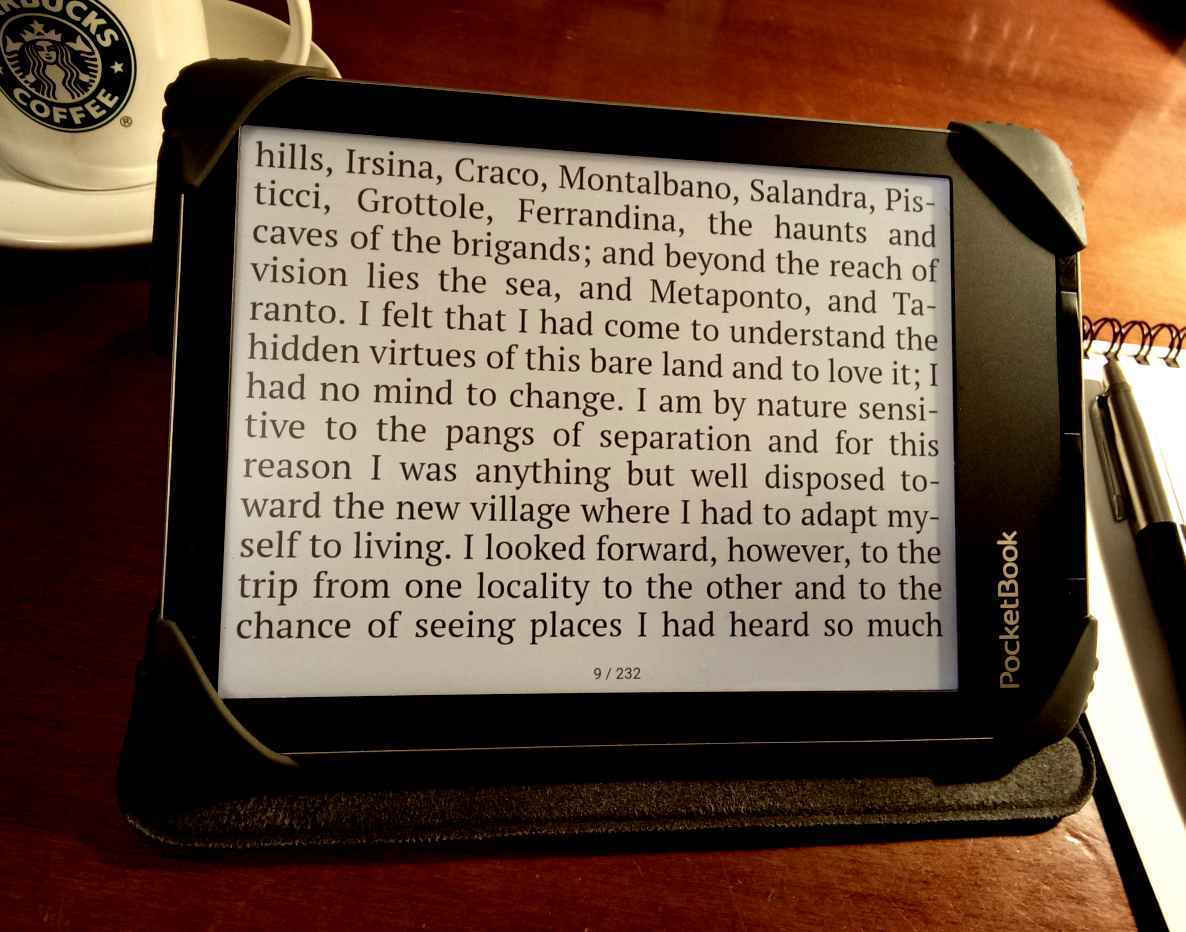
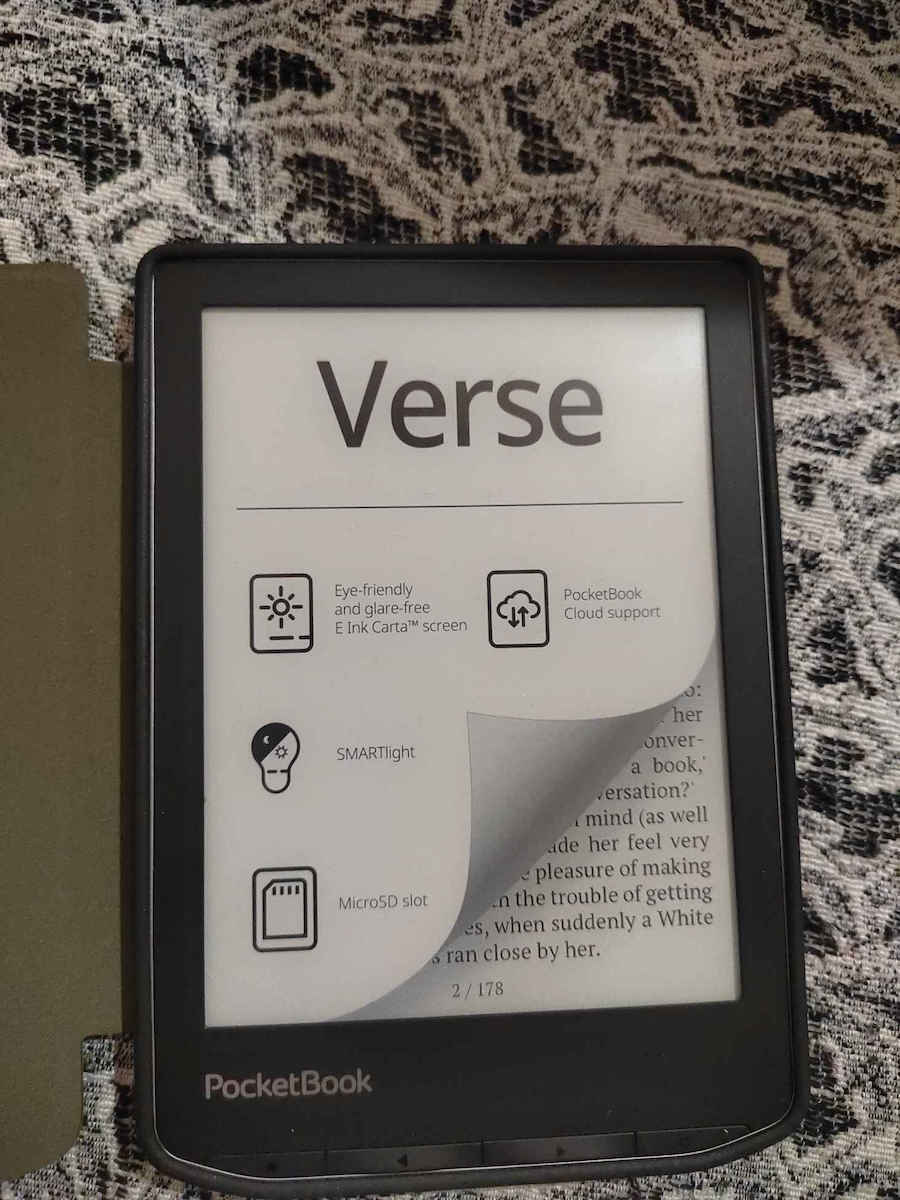
6 inches aren’t ideal for PDF files¹ — although digital, non-scanned (native) PDFs are often reasonably readable with the “reflow” option in the settings². For EPUBs, however, as well as (non-Amazon) MOBI files, the PocketBook Verse is simply perfect [see photo with one of the many cases I use]. I’ve loaded it with hundreds of books, mostly in English and Spanish, but also in Greek — the latter purchased from Patakis, Metaichmio, Psychogios, Dioptra, Ikaros, etc., most of them protected with Adobe DRM.
[**Note**: E-books without DRM protection can also be sent by email as attachments to our device’s personal email address (something like *****@pbsync.com), if we don’t prefer the traditional method of connecting the device to a PC, tablet, or phone with a USB cable. If the e-books are DRM-protected, we send the book’s acsm link as an attachment; the device will download the book and open it without any problem. In the same way, we can send the PB Verse the acsm file for a book we bought on Google Play (a large collection of e-books in Greek, too!). We can download the acsm file only from the **website** https://play.google.com/books — it isn’t possible from the app! Next to the title of the book we bought, we tap the three dots → Export → Export ACSM for EPUB; now that the acsm file is in Downloads, we send it as an attachment to the PB Verse. This process is easy on a PC, but somewhat more difficult on an Android device (phone or tablet), where we first have to open a browser window (e.g. Chrome), select Desktop site from the menu, and then type or paste the address https://play.google.com/books]
The device’s English-Greek dictionary is quite extensive, which I didn’t expect :) Unfortunately, the English-English one is Webster’s 1913 (!), but we can download various dictionaries (Greek ones, too!) in .dic format to a PC, tablet, or phone, and simply copy-paste them into the device’s system → dictionaries folder; search for more information in the PocketBook community on Reddit.
The PB Verse is also compatible with the — not particularly impressive — National Library’s e-lending library (2,612 titles in March 2026).
It’s lightweight and convenient, and I always take it with me so I can read whenever I get the chance, wherever I am. Although its 8GB of storage is generally considered sufficient, I’ve also installed an additional 32GB SD card.
It connects to the internet via Wi-Fi, but of course the browser is slow.
Although it has a touchscreen, I find the dedicated buttons it also has more convenient for turning pages.
Reading is even more comfortable with the screen light ON, even when the surroundings aren’t particularly dark, by adjusting the brightness and — very importantly — the “temperature” of the light accordingly.
The battery is practically inexhaustible.
If you’re interested in a protective case (I’d recommend one; I’ve bought many), my favorite is the book-lover’s case I found on the German version of a well-known website: Fintie Case for Pocketbook Verse 840173954300
-----------------------------------------------------------
[1] PDFs are designed so that each page always remains the same, like a photograph, regardless of whether we view it on a screen or print it. This means that something made to be read on a large computer screen (and printed on A4 paper) will be crammed terribly onto a small 6- or 7-inch screen, and will probably become unreadable. Still, some PDFs are much more comfortable to read if we remove their (useless) white margins before loading them onto the device; this is very easy to do on a PC with the excellent Briss 0.9 app, which we can download for free. Needless to say, reading PDFs is significantly easier in landscape orientation.
[2] Open the file → (reading) settings → mode → reflow → font-size slider
Οι 6 ίντσες δεν είναι ό,τι καλύτερο για αρχεία PDF ¹ — αν και τα ψηφιακά, μη σκαναρισμένα (native) PDF συχνά διαβάζονται σχετικά ικανοποιητικά με την επιλογή "reflow" στις ρυθμίσεις ². Για EPUB, όμως, καθώς και για (μη αμαζόνια) MOBI, το PocketBook Verse είναι απλώς τέλειο [βλ. φωτογραφία με μια από τις πολλές θήκες που χρησιμοποιώ]. Το έχω φορτώσει με εκατοντάδες βιβλία, κυρίως στα αγγλικά και ισπανικά, αλλά και στα ελληνικά — τα τελευταία αγορασμένα από Πατάκη, Μεταίχμιο, Ψυχογιό, Διόπτρα, Ίκαρο, κ.ά., τα περισσότερα με προστασία Adobe DRM.
[**Σημείωση**: Τα ηλ. βιβλία που δεν έχουν προστασία DRM μπορούμε να τα αποστείλουμε και με email, σαν συνημμένα, στην προσωπική ηλ. διεύθυνση τής συσκευής μας (κάτι σαν *****@pbsync.com), αν δεν προτιμάμε την κλασική μέθοδο τής σύνδεσης της συσκευής με καλώδιο USB στο PC, τάμπλετ, ή κινητό. Αν τα ηλ. βιβλία έχουν προστασία DRM, τότε στέλνουμε σαν συνημμένο τον σύνδεσμο acsm τού βιβλίου· η συσκευή θα κατεβάσει το βιβλίο και θα το ανοίξει χωρίς πρόβλημα. Με τον ίδιο τρόπο μπορούμε να στείλουμε στο PB Verse και το acsm ενός βιβλίου που αγοράσαμε στο Google Play (μεγάλη συλλογή ηλ. βιβλίων **και** στα ελληνικά!). Το acsm το κατεβάζουμε μόνο από τον **ιστότοπο** https://play.google.com/books — από την εφαρμογή δεν είναι εφικτό! Δίπλα από τον τίτλο τού βιβλίου που αγοράσαμε πατάμε τις 3 τελίτσες →Export → Export ACSM for EPUB· τώρα που έχουμε στα Downloads το acsm, το στέλνουμε σαν συνημμένο στο PB Verse. Αυτή η διαδικασία γίνεται εύκολα στο PC, αλλά κάπως πιο δύσκολα σε συσκευή Android (κινητό ή τάμπλετ), όπου πρέπει να ανοίξουμε πρώτα ένα παράθυρο browser (π.χ. Chrome), να επιλέξουμε Desktop site από το μενού, και μετά να πληκτρολογήσουμε ή να επικολλήσουμε τη διεύθυνση https://play.google.com/books]
Το αγγλο-ελληνικό λεξικό τής συσκευής είναι αρκετά πλούσιο, κάτι που δεν το περίμενα :) Δυστυχώς το αγγλο-αγγλικό είναι το Webster τού 1913 (!), αλλά μπορούμε να κατεβάσουμε στο PC, τάμπλετ ή κινητό διάφορα λεξικά (και ελληνικά!) σε μορφή .dic, και απλώς να τα κάνουμε copy-paste στο φάκελο system → dictionaries τής συσκευής· αναζητήστε περισσότερες πληροφορίες στην κοινότητα PocketBook του reddit.
Επίσης το PB Verse είναι συμβατό με το — όχι ιδιαίτερα εντυπωσιακό — δανειστικό ηλεκτρονικό αναγνωστήριο τής Εθνικής Βιβλιοθήκης (2612 τίτλοι τον Μάρτιο 2026).
Είναι ελαφρύ, βολικό, και το έχω πάντα μαζί μου για να διαβάζω με κάθε ευκαιρία, όπου κι αν βρίσκομαι. Αν και τα 8GB αποθηκευτικού χώρου που διαθέτει θεωρούνται γενικά επαρκή, έχω εγκαταστήσει επιπλέον και μια κάρτα SD των 32GB.
Συνδέεται με το διαδίκτυο μέσω Wi-Fi, αλλά φυσικά o browser είναι αργός.
Αν και έχει οθόνη αφής, για αλλαγή σελίδας με βολεύουν πιο πολύ τα ειδικά κουμπιά που επίσης διαθέτει.
Η ανάγνωση γίνεται ακόμα πιο άνετη με το φωτισμό οθόνης στο ON, ακόμα κι όταν ο περιβάλλων χώρος δεν είναι ιδιαίτερα σκοτεινός, ρυθμίζοντας αναλόγως την ένταση και — πολύ σημαντικό — τη "θερμοκρασία" του φωτισμού.
Η μπαταρία είναι σχεδόν ανεξάντλητη.
Αν ενδιαφέρεστε για προστατευτική θήκη (θα το συνιστούσα, έχω αγοράσει πολλές), η αγαπημένη μου είναι η βιβλιοφιλική θήκη που βρήκα στη γερμανική εκδοχή γνωστού ιστότοπου: Fintie Case for Pocketbook Verse 840173954300
-----------------------------------------------------------
[1] Τα PDF είναι έτσι σχεδιασμένα ώστε κάθε σελίδα τους να παραμένει πάντα ίδια, σαν φωτογραφία, ανεξάρτητα αν τη βλέπουμε σε οθόνη ή την τυπώνουμε. Αυτό σημαίνει ότι κάτι που φτιάχτηκε για να διαβάζεται σε μεγάλη οθόνη υπολογιστή (και να εκτυπώνεται σε χαρτί Α4) θα στριμωχτεί τραγικά σε μια μικρή οθόνη τών 6 ή των 7 ιντσών, και πιθανότατα θα καταστεί δυσανάγνωστο. Πάντως κάποια PDF διαβάζονται πολύ πιο άνετα αν τους αφαιρέσουμε τα (άχρηστα) λευκά περιθώρια πριν τα φορτώσουμε στη συσκευή· η διαδικασία γίνεται πανεύκολα στο PC με την πολύ καλή εφαρμογή Briss 0.9 που την κατεβάζουμε δωρεάν. Εξυπακούεται ότι η ανάγνωση των PDF διευκολύνεται σημαντικά σε οριζόντιο προσανατολισμό (landscape).
[2] ανοίγουμε το αρχείο → (reading) settings → mode → reflow → slider μεγέθους γραμματοσειράς