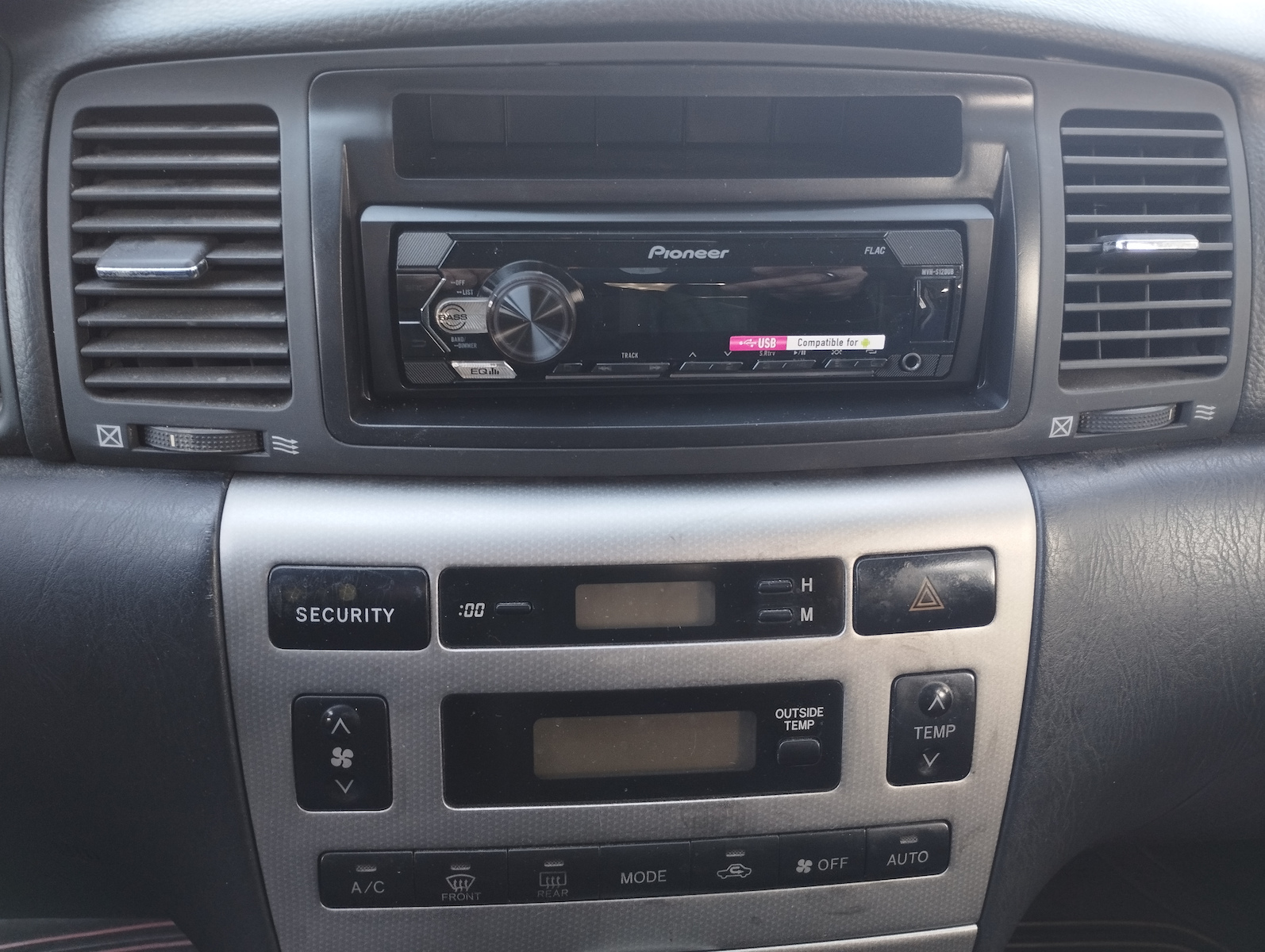
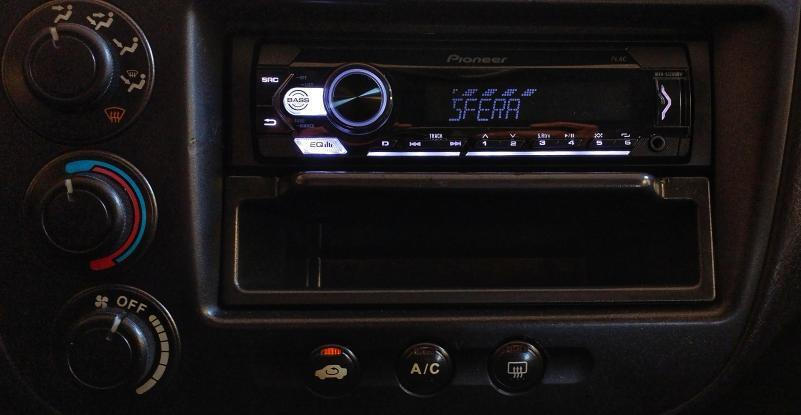
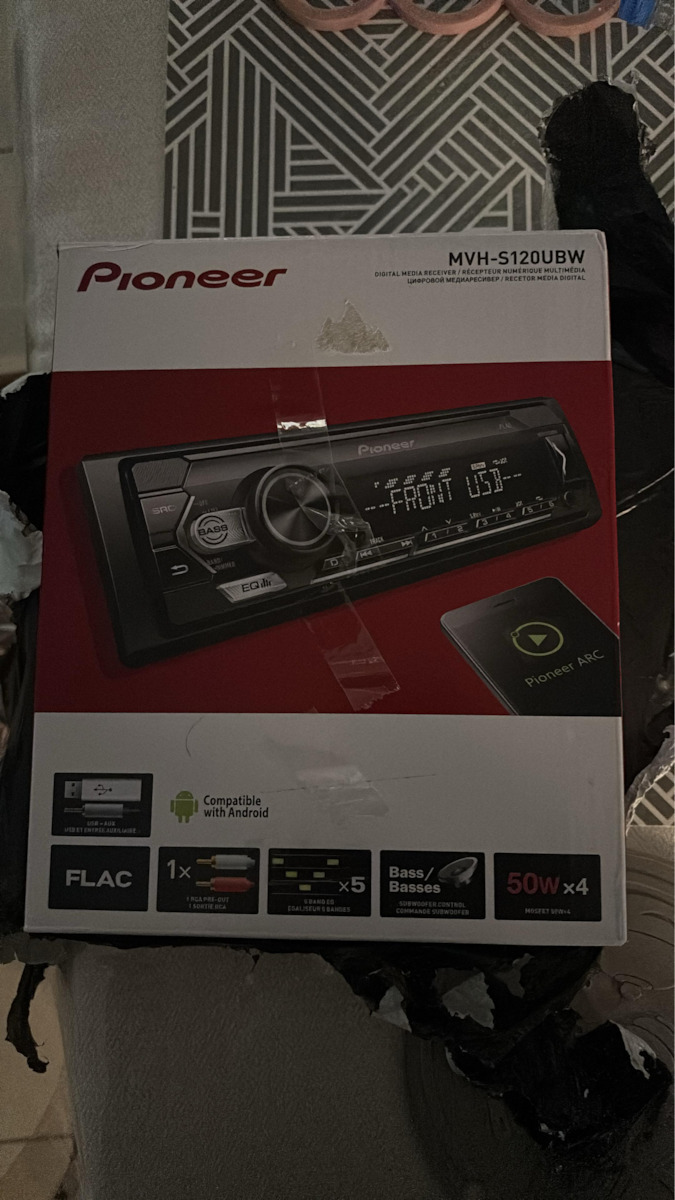
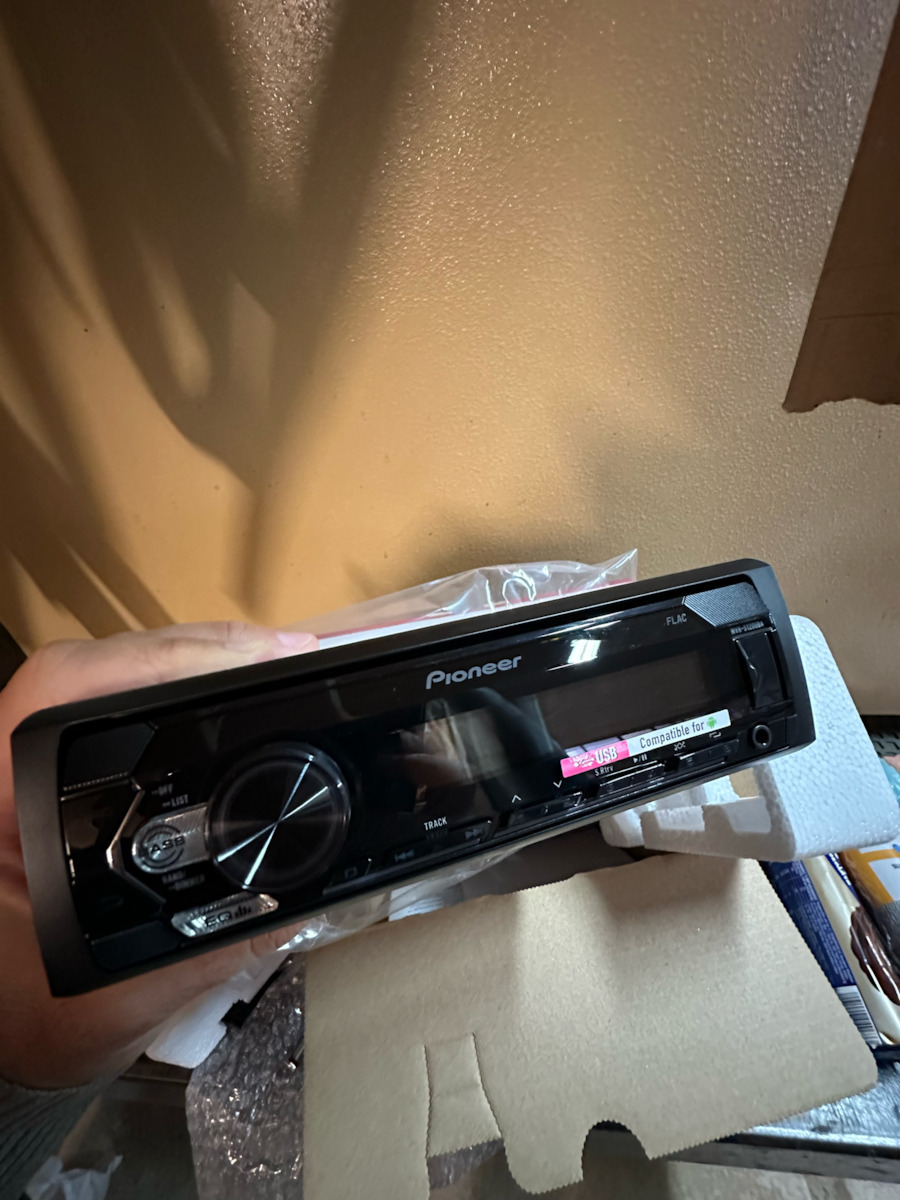
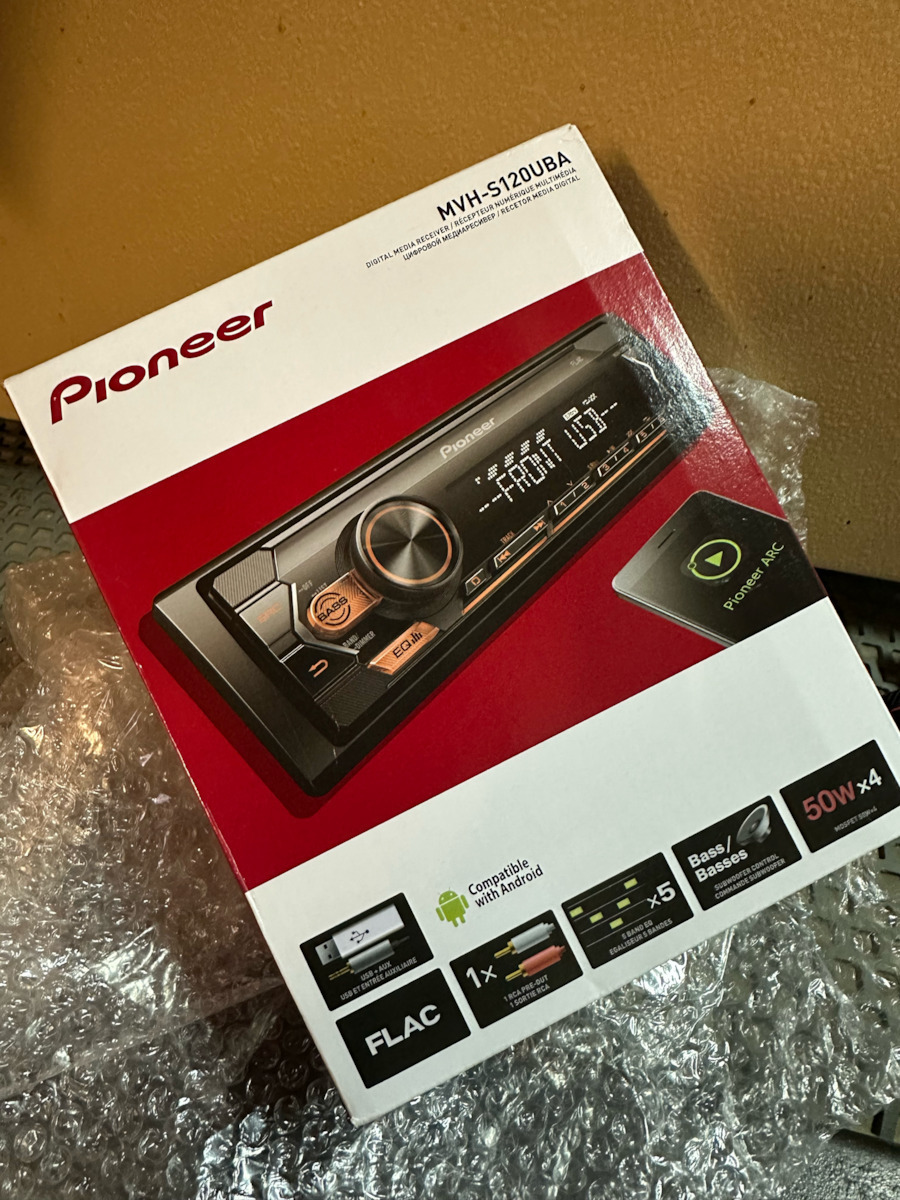
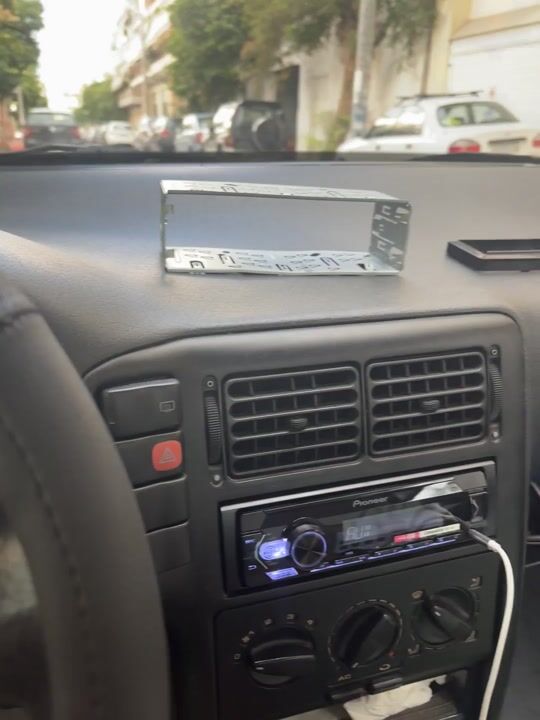
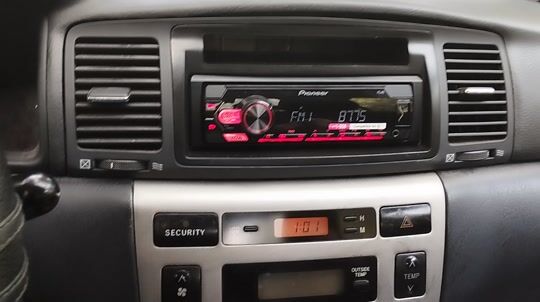
For music and radio in the car, I consider it excellent both in terms of its price and in general. The menus are definitely difficult to use with a one-line screen and abbreviated information. But like anything new, one must learn it.
I must say that compared to the older one I had, its antenna has more power and I can now pick up stations that I couldn't before in some areas, and they sound relatively good.
Because during my first use of the USB it showed the message "ERROR 23" even though the flash drive was already formatted as FAT32, I am providing some information that I found and worked:
I download the free program Rufus (https://rufus.ie/el/) [if it doesn't recognize an old flash drive, I download an older version] and select "Boot selection" = FreeDOS.
I leave the rest as default settings set by the program (MBR, BIOS, etc.) and press the "Start" button below (no need to select any ISO, just press "Start").
Then, through the Windows "File Explorer," I can easily delete the files created by the FreeDOS option.
After that, I put the MP3 files in folders on the flash drive as usual, and the "ERROR 23" did not appear again.
I used an old, slow USB 2.0 flash drive that I didn't need for my computer, but it works perfectly fine for the audio system and moves between songs without delays.
Για μουσική και ράδιο στο αυτοκίνητο το θεωρώ εξαιρετικό και για τα λεφτά του, αλλά και γενικά. Οπωσδήποτε τα μενού είναι δύσχρηστα με οθόνη μίας γραμμής και πληροφορίες συντομευμένες. Αλλά όπως κάθε τι καινούριο πρέπει κανείς να το μάθει.
Να πω ότι σε σχέση με το παλαιότερο που είχα, η κεραία του έχει δύναμη και σταθμούς που δεν τους έπιανα καθόλου σε μερικά σημεία, τώρα ακούγονται σχετικά καλά.
Επειδή στην πρώτη χρήση του USB μου έβγαλε το μήνυμα "ERROR 23" ενώ το φλασάκι ήταν ήδη σε φορμάτ FAT32, παραθέτω μια πληροφορία που βρήκα και δούλεψε:
Κατεβάζω το δωρεάν προγραμματάκι Rufus ( https://rufus.ie/el/ ) [αν δεν αναγνωρίζει κάποιο παλιό φλασάκι κατεβάζω παλαιότερη έκδοση] και επιλέγω "Τύπος εκκίνησης" = FreeDOS.
Τα υπόλοιπα τα αφήνω όπως τα ρυθμίζει default το πρόγραμμα (MBR, BIOS κ.λπ.) και πατάω κάτω το κουμπί "Εκκίνηση" (δεν χρειάζεται να επιλέξω κάποιο ISO, απλά πατάω "Εκκίνηση").
Μετά, μέσα από την "Εξερεύνηση αρχείων" των Windows, μπορώ να σβήσω με απλό Delete τα αρχεία που δημιουργεί η επιλογή FreeDOS.
Μετά από αυτό έβαλα κανονικά τα MP3 σε φακέλους μέσα στο φλασάκι και το "ERROR 23" δεν ξαναεμφανίστηκε.
Χρησιμοποίησα ένα παλιό, αργό στον Η/Υ φλασάκι USB 2.0 που δεν χρειαζόμουν, αλλά για το ηχοσύστημα είναι μια χαρά και μετακινείται στα τραγούδια χωρίς καθυστερήσεις.