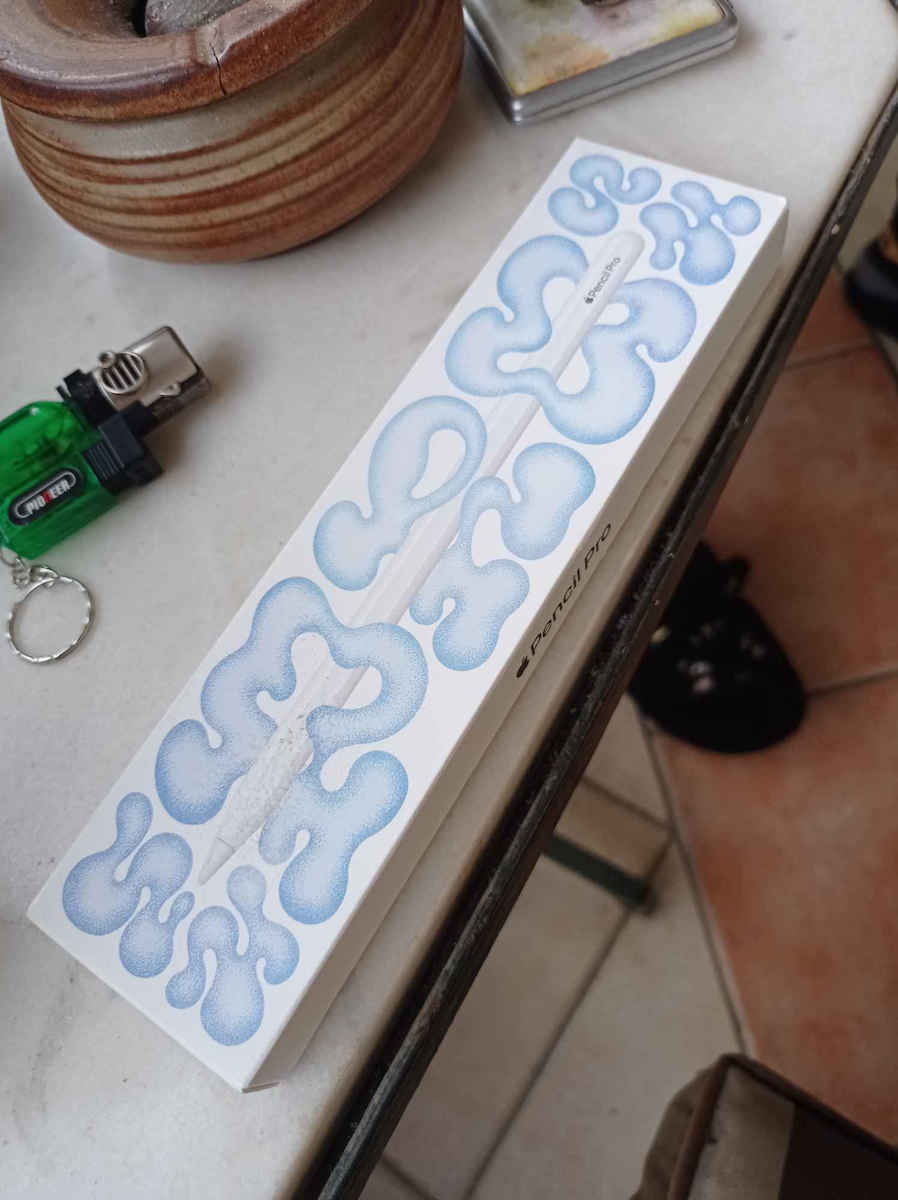
The Apple Pencil Pro gives you ultimate creative control. Use gestures like Squeeze and Barrel Roll to access tools, change brushes, and draw without missing a beat. Use the hover feature of the Apple Pencil on the iPad Pro and iPad Air (2024) to preview your point before you make it. And now, you can use Find My to locate your Apple Pencil Pro.
The all-new Apple Pencil Pro adds even more magical capabilities to bring your ideas to life like never before. Design, draw, and take notes with new powerful interactions that give you complete creative control effortlessly.
Advanced tools - The Apple Pencil Pro gives you ultimate creative control. Use gestures like Squeeze and Barrel Roll to access tools, change brushes, and design without missing a beat. The haptics allow you to feel shapes snapping into place and much more. Use the Apple Pencil hover on iPad Pro and iPad Air (2024) to preview your mark before you make it. And now, you can use Find My to locate your Apple Pencil Pro.
Easy and natural - The Apple Pencil Pro does it all with pixel-perfect precision, tilt and pressure sensitivity, and low latency. Featuring a flat edge, the Apple Pencil Pro allows you to change tools with a simple tap of your finger. The Apple Pencil connects, charges, and pairs magnetically.
Transforms iPad into a canvas - Draw, sketch, color, take notes, and mark up documents. Use built-in apps like Notes and Freeform or choose from over a million other apps available on the App Store.
Compatible models: iPad Pro 2024 and iPad Air 2024
Advanced Tools
The Apple Pencil Pro gives you ultimate creative control. Use gestures like Squeeze and Barrel Roll to access tools, change brushes, and draw without missing a beat. Use the hover feature of the Apple Pencil on the iPad Pro and iPad Air (2024) to preview your point before you make it. And now, you can use Find My to locate your Apple Pencil Pro.
Easily and Naturally
The Apple Pencil Pro does it all with pixel-perfect precision, tilt and pressure sensitivity, and low latency. Featuring a flat edge, the Apple Pencil Pro allows you to switch tools with a simple tap of your finger. It connects, charges, and pairs magnetically.
Transforms the iPad into a canvas
Design, sketch, color, take notes, and annotate documents. Use built-in apps like Notes and Freeform or choose from over a million other apps available on the App Store.
- Colour
- White
- Type
- Digital
- Palm Rejection
- Yes
- Universal Compatibility
- No
- For iPad
- Yes
Important information
Specifications are collected from official manufacturer websites. Please verify the specifications before proceeding with your final purchase. If you notice any problem you can report it here.