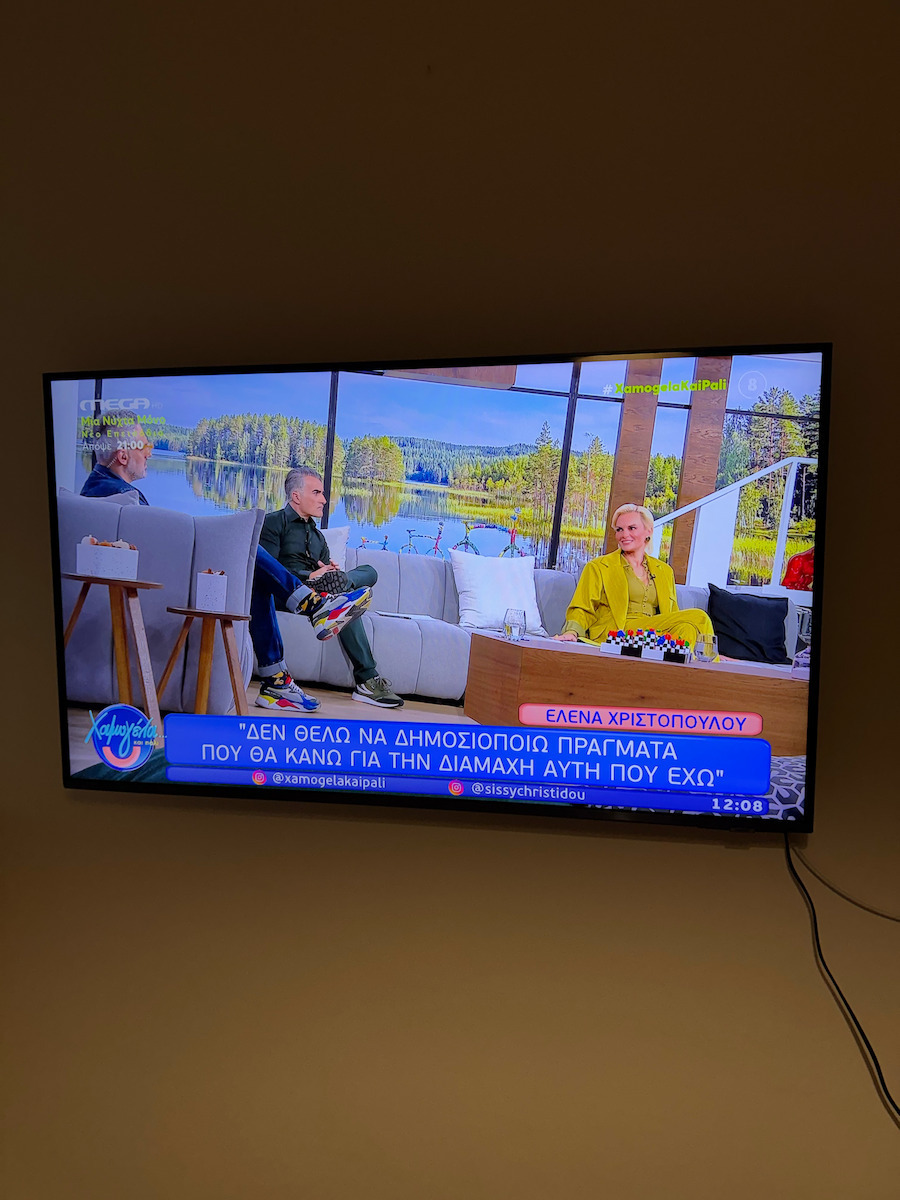
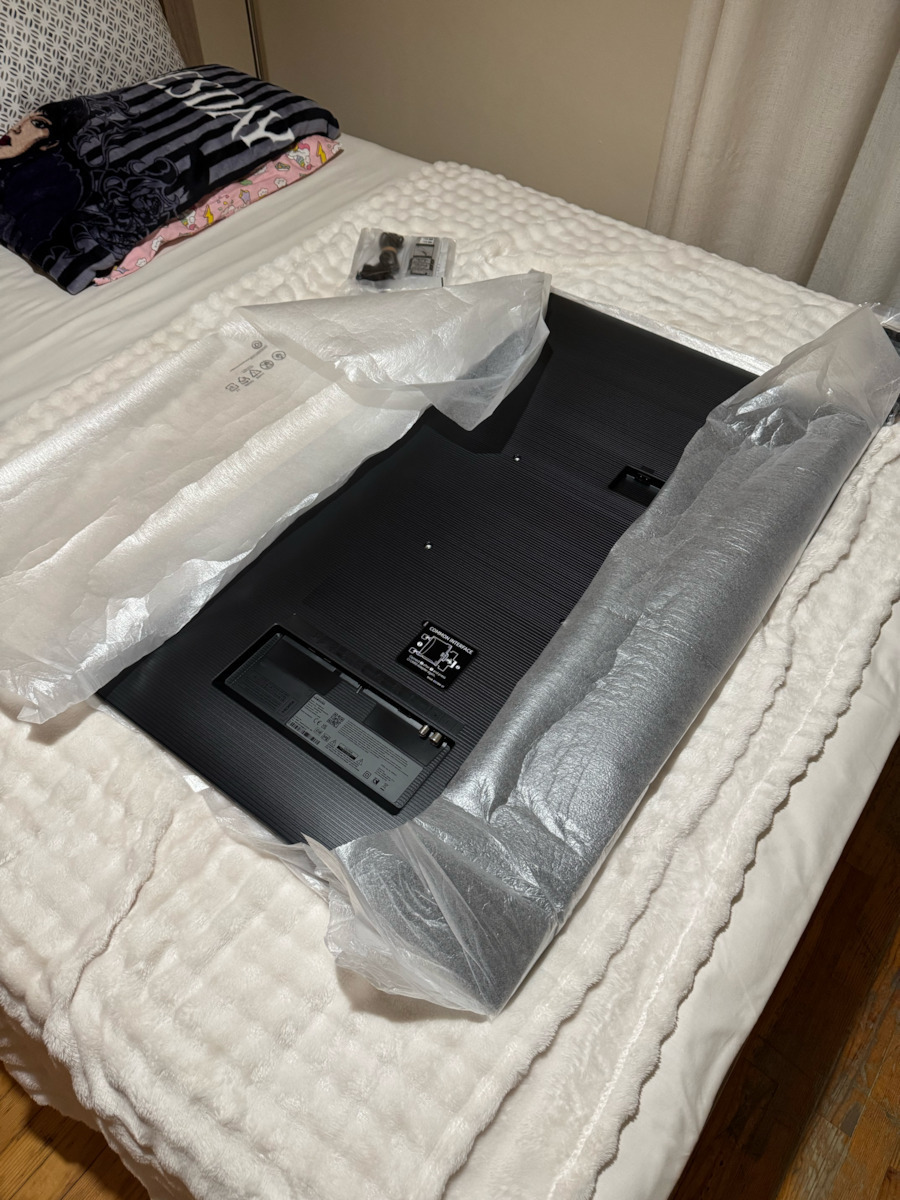
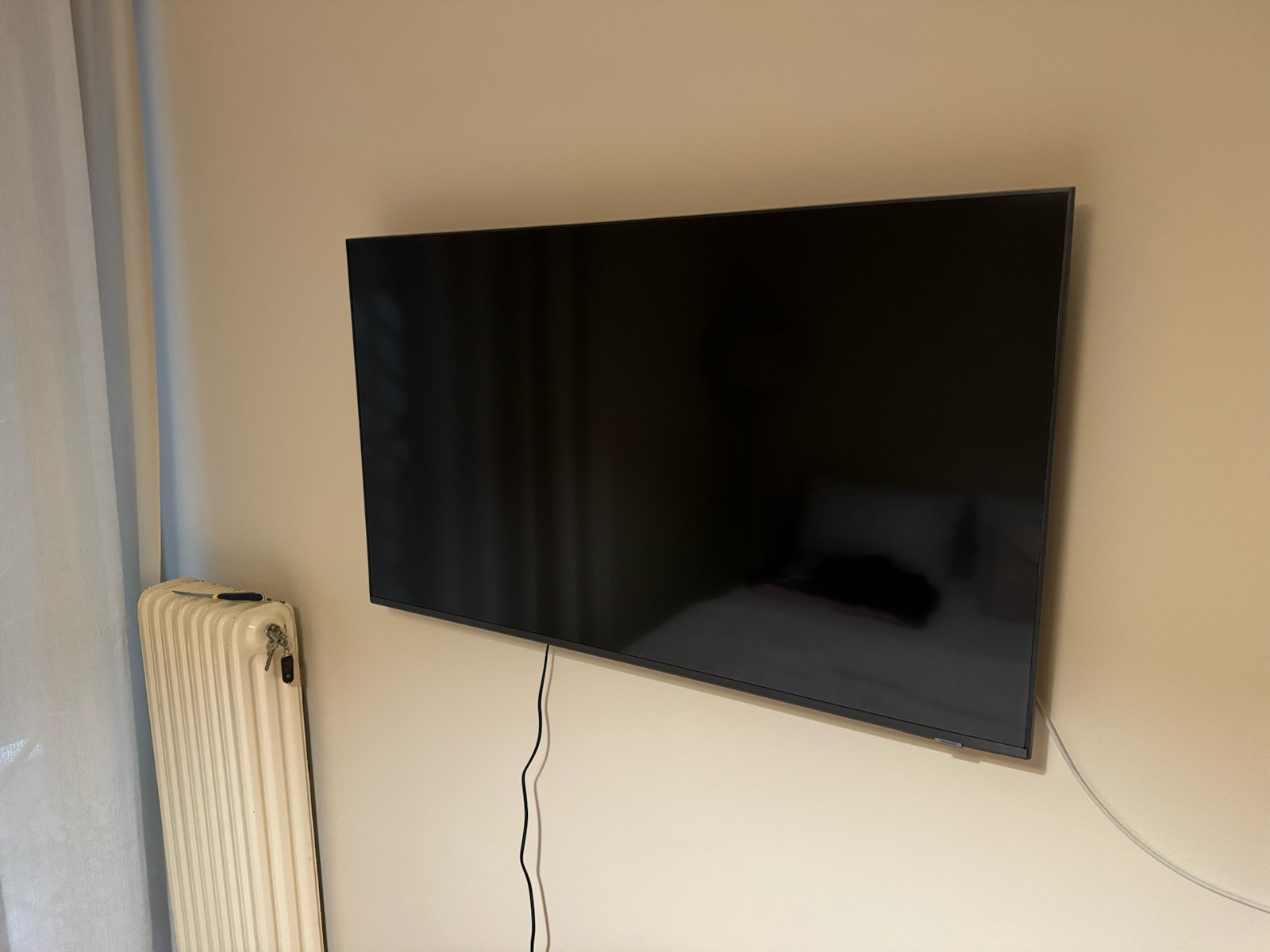
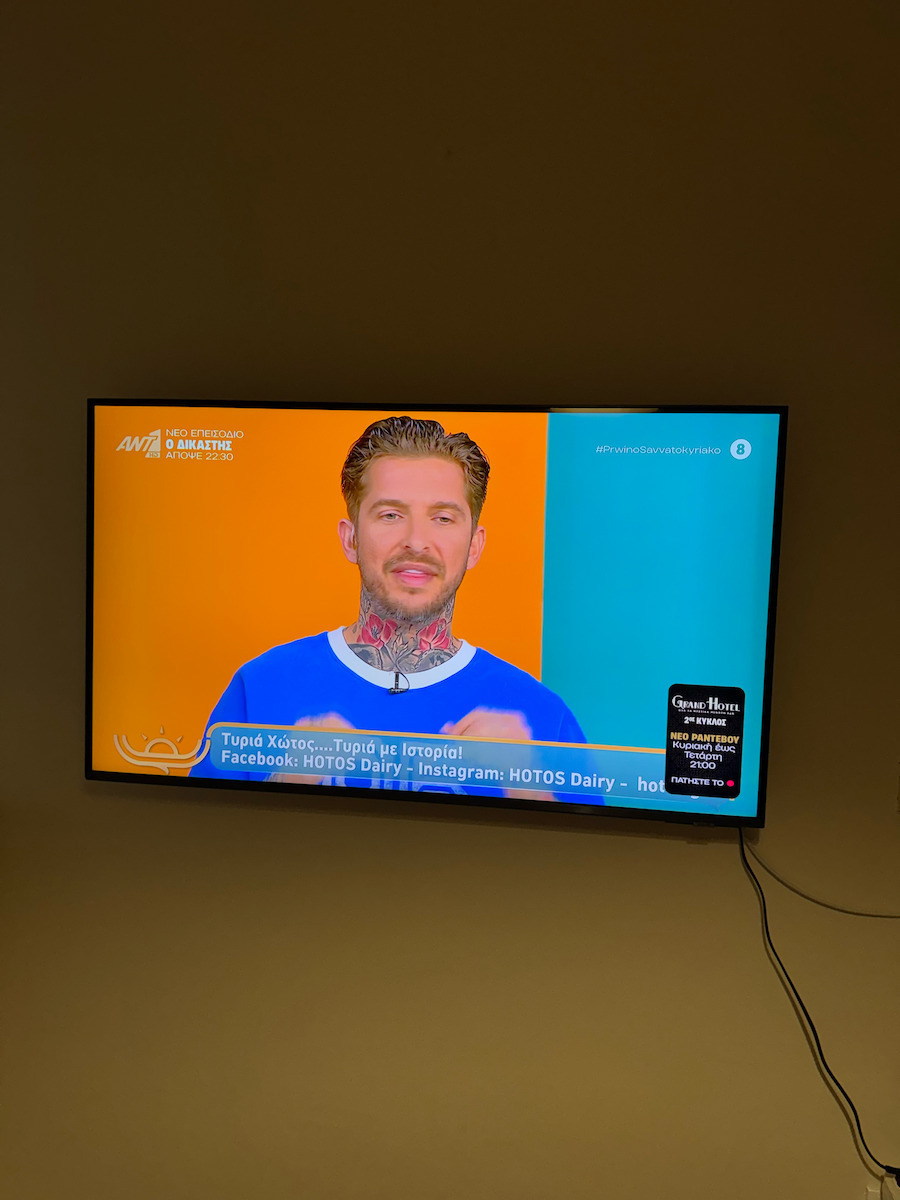
As a TV for the money, it is very good and comes with 2GB RAM and not less (thankfully!), but obviously it has its little issues, which should be mentioned (purchased 2 days ago)! So let's go straight to the negatives!
1. The HDR signal does not pop up when HDR content is playing, meaning in short you have to go into picture settings, advanced settings, etc. and check whether it is actually in HDR mode or not, which is extremely annoying!
2. Its menu is neither good nor bad, but overall I don't think it is particularly user-friendly!
3. The remote control has 2 problems! The first is that the settings button is practically right below the power-off button, meaning someone can accidentally turn off the TV for no reason, and the second is that an older person or someone who is not used to it will have a hard time using it; otherwise it is simple, minimal, small, and elegant!
4. Every time you change picture profile, a confirmation message pops up, which is extremely annoying!
5. Unfortunately, you can't see the total Power on Hours since they removed it!
6. It comes with 3GB (2.83 to be exact), of which barely 1GB is free... meaning it would have been too costly for them to put in 4GB...
7. It doesn't have different sound profiles, only 2: normal and amplified!
I'll be back!....
I'm coming back 10 days later to add some things to my review that I didn't mention, a bit more specifically...
1. Its feet are, quite literally, chicken feet; yes, they do fit well, but they don't inspire confidence...
2. In the end, where I mention 2.83GB storage space, I concluded that this is the space used by apps and not the total
3. For some reason many TVs have increased sharpness by default, as does this one, resulting in a strange tint on the screen (some may like it, personally I don't), so I set the value to 0!
4. It supports Chroma Subsampling 4:4:4 if you connect it to a gaming device or a PC via HDMI 2.1, enable Game Mode and Input Signal Plus from the settings!
P.S. Input Signal Plus is found under General & Privacy > External Device Manager > Input Signal Plus
5. You are required to create an account in the Samsung app if you want to use it as a SMART TV!
6. The icons in the quick menu change position if you press and hold them for 3 seconds!
Now let's move on to USB...
1. It supports any allocation size on USB (compared to my old one which supported up to 64KB); I tested up to 32MB exFAT, it just takes longer for the TV to detect the USB the larger the allocation size you use!
2. If you want to see how much storage space the USB has inside the TV, press and hold on the USB for 3 seconds and tap information
3. You can also add it to the Home screen if you want to save some extra steps!
4. There is no safe USB eject option like on my old TV! (I don't know whether I should worry or not)
P.S. The TV is 10-bit, which is why it has HDMI 2.1 despite the 60Hz panel, with FRL4 (36GBps, 28-30 usable), and if you add 4:4:4 C.S. together with the overheads, it tops out at 22-24GBps total bandwidth for gaming via PC!