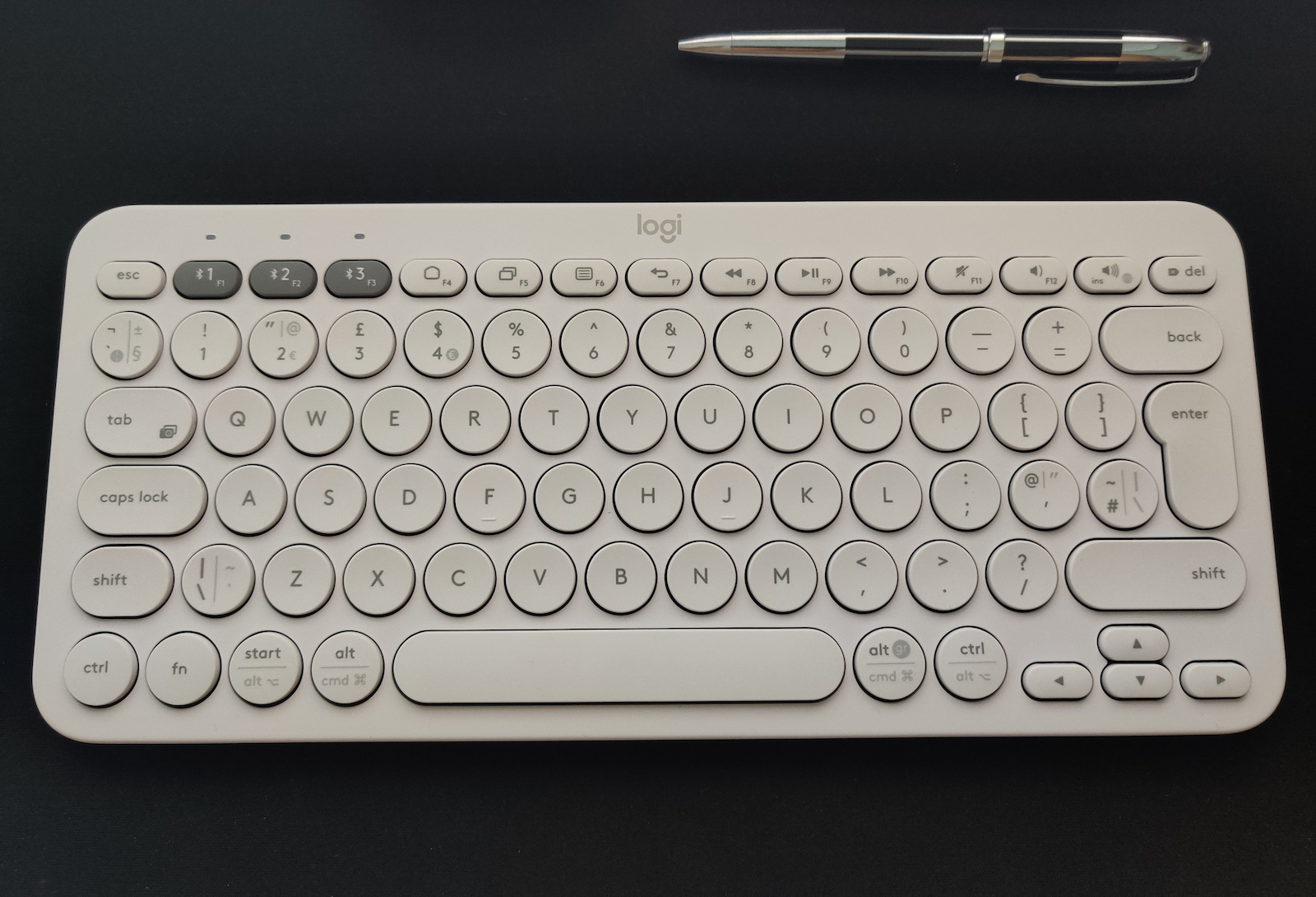
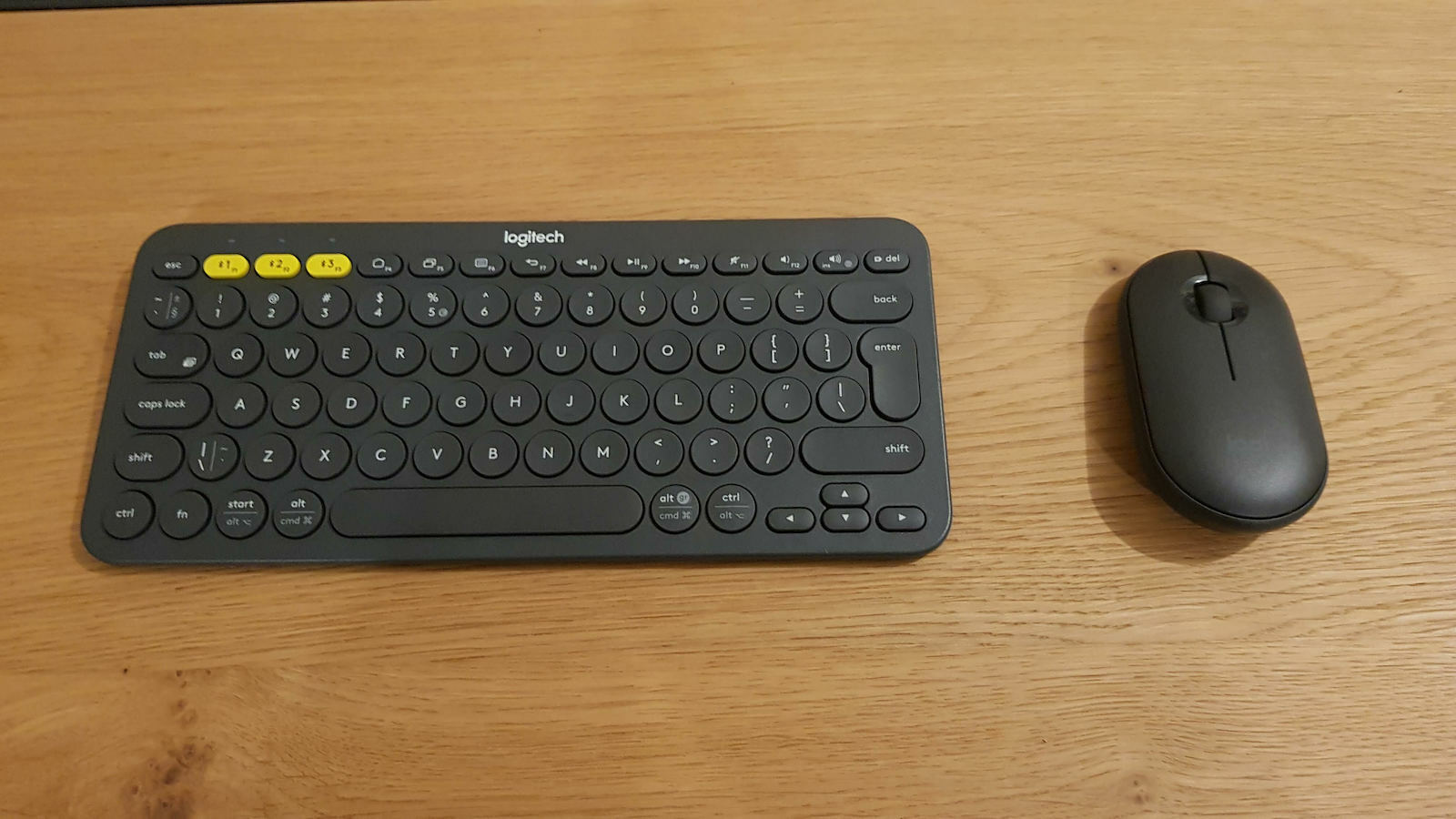
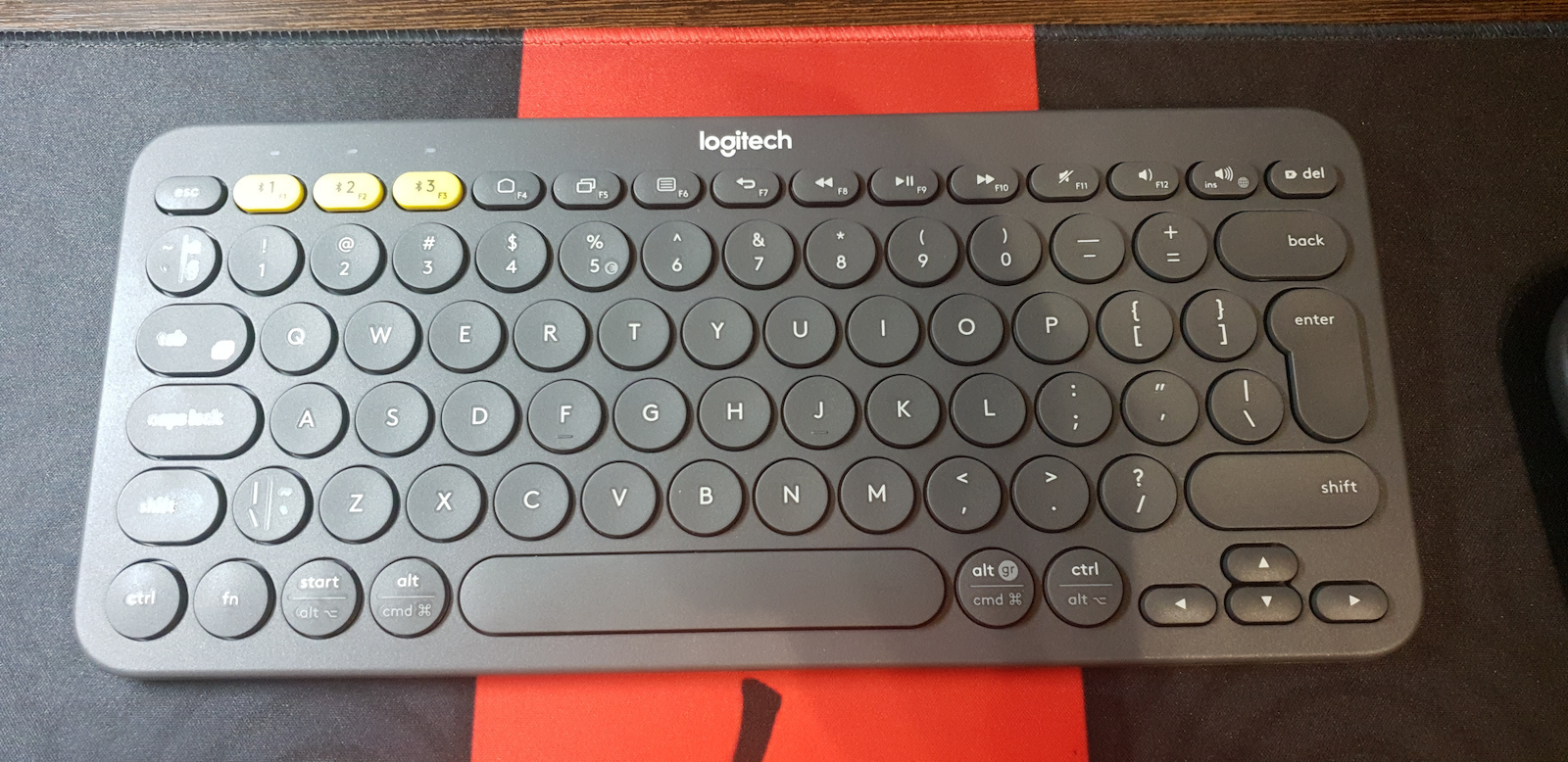
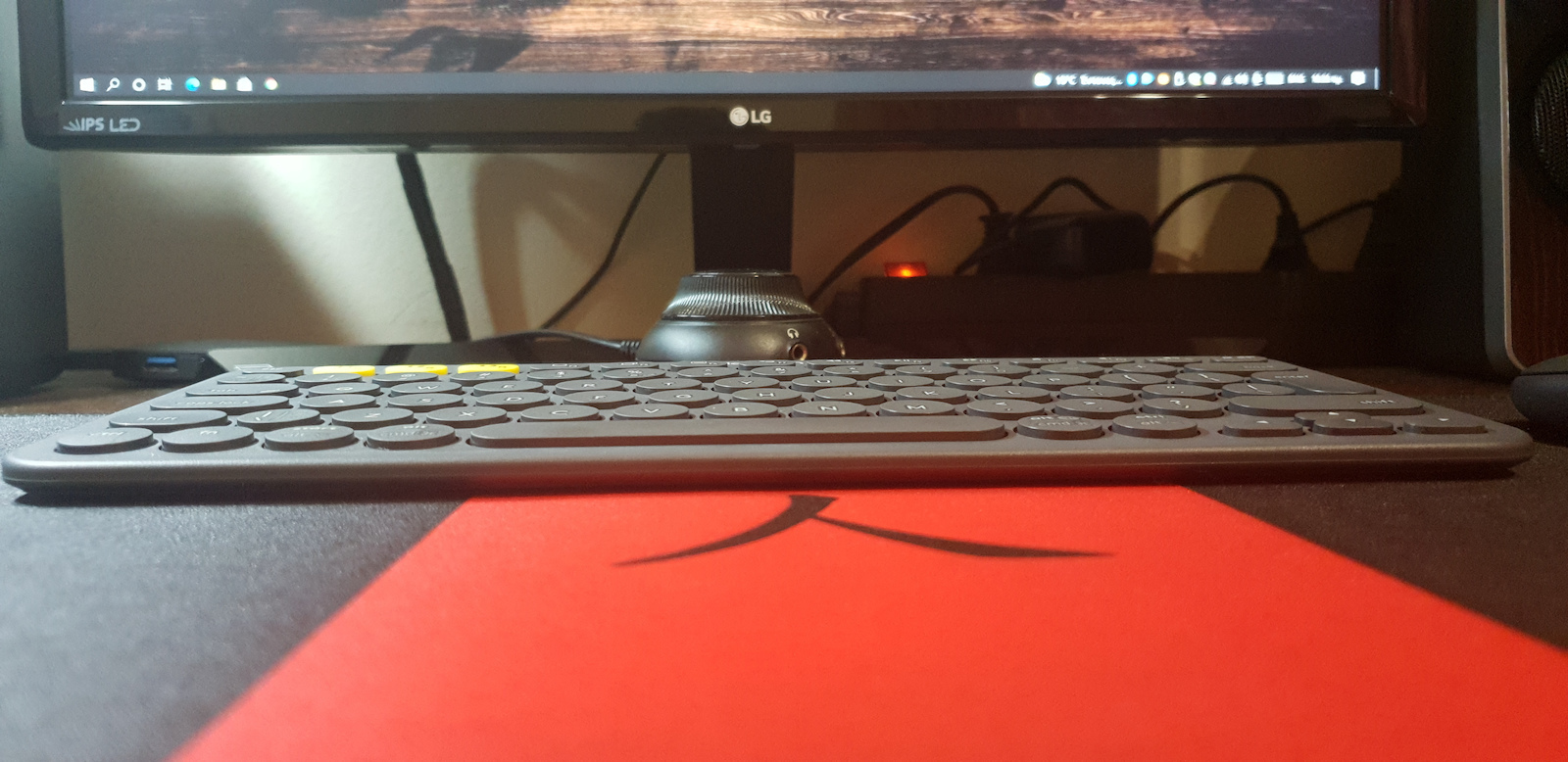
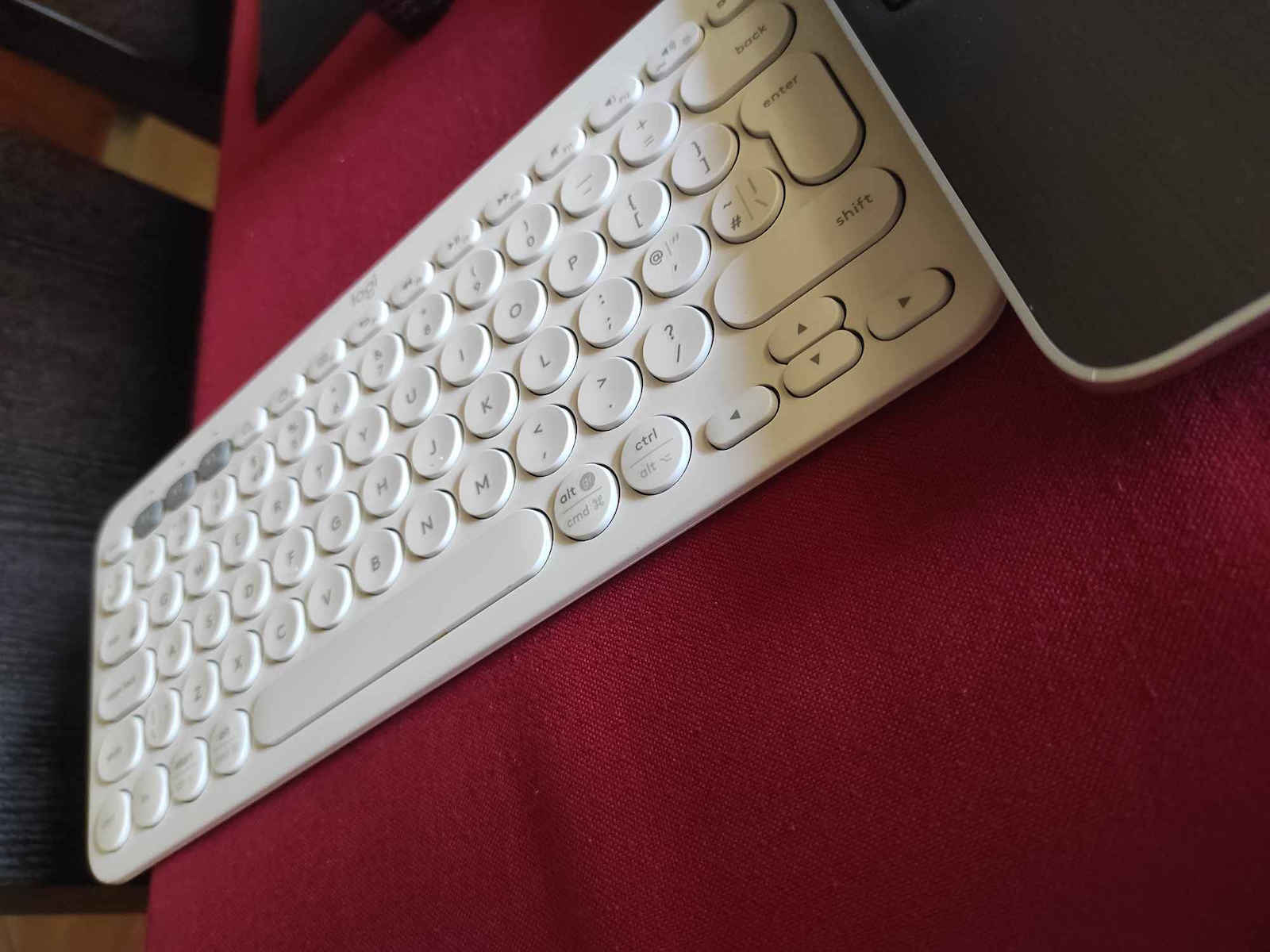
The main reason it was purchased, apart from being a gift, is that it would be used between two computers with Windows 11 that have a USB Bluetooth adapter plugged in the back (TP-Link UB500 v1).
The adapter works perfectly with Huawei Freebuds Pro wireless headphones, iPhone 13, but it has had issues with this specific keyboard. For this price, it could easily come with a USB Bluetooth adapter for better device communication, as Logitech has accustomed us to with the MX Anywhere 3 series (15-20 euros more than this keyboard), which has been working perfectly for 1.5 years! Even if the product had to cost an additional 15 or 20 euros, I understand it and would prefer it over the following situation:
You press the number 2, which according to the instructions is for pairing from the first machine (which is turned off in our case) to the second. If you don't unpair-pair, it will never work. It shows that the computer is connected to the keyboard, but in reality, it is not, and the K380 remains in pairing mode without being detected by the computer. Of course, all drivers, latest Windows Updates, and the software provided by Logitech, Logitech Options (https://www.logitech.com/en-us/software/options.html), have been installed. It's a shame. I would return it, but there is no other available keyboard to meet the needs until the technical check is done.
I have the feeling that Logitech took steps back instead of forward with this product, even though I have been using Logitech mice/keyboards for as long as I can remember using a computer, and for this reason, I clearly deduct 1 star. Otherwise, it is a cute keyboard for use on a computer, with its battery lasting until now, at least 4 months of moderate use (4-6 hours/day except weekends). Judging from the information provided by Logitech Options, it will last for another few months before it runs out.
Do I recommend it? If you want to change devices frequently, definitely not... spend double the money and buy the pink color from Logitech's MX series. If it is a suitable choice for a specific machine, light and small enough to fit in a bag.
I will come back to complete my evaluation at 1 and 3 years of use to see how it holds up in terms of durability and power consumption.
Update 24/4/2023 (1 week later): I still haven't found a solution to the connectivity issue no matter how much I searched and tried. Every time the keyboard changes machines, it requires re-pairing/unpairing (a 30-second process) with the new device, which is very annoying.
Ο βασικός λόγος που αγόραστηκε, πέρα απο το να γίνει δώρο, είναι ότι θα γινόταν χρήση μεταξύ δύο υπολογιστών με Windows 11 που έχουν κουμπωμένο USB Bluetooth adapter και οι δυο στο πίσω μέρος (TP-Link UB500 v1).
Το adapter συνεργάζεται άψογα με Huawei Freebuds Pro ασύρματα ακουστικά, iPhone 13 αλλά με το πληκτρολόγιο το συγκεκριμένο έχουν τσακωθεί. Σε αυτά τα λεφτά κάλλιστα θα μπορούσε να δίνεται και ένα USB Bluetooth adapter για την καλύτερη επικοινωνία της συσκευής όπως μας έχει συνηθίσει η Logitech στην σειρά MX Anywhere 3 (15-20 ευρώ παραπάνω από το συγκεκριμένο πληκτρολόγιο) και λειτουργεί περίφημα εδώ και 1,5 χρόνο! Ακόμη και αν χρειαζόταν να κόστιζε +15 ή +20 ευρώ το προϊόν, το κατανοώ και θα το προτιμούσα έτσι παρά να συμβαίνει το παρακάτω:
Πατάς τον αριθμό 2 που όπως αναφέρουν οι οδηγίες είναι για να κάνει pair απο το 1ο μηχάνημα (το οποίο είναι απενεργοποιημένο στην περίπτωση μας) στο δεύτερο. Αν δεν το κάνεις unpair-pair δεν θα δουλέψει ποτέ. Δείχνει ότι είναι συνδεδεμένο με το πληκτρολόγιο ο υπολογιστής αλλά στην πραγματικότητα δεν είναι και το Κ380 παραμένει σε pairing mode χωρίς να μπορεί να το εντοπίσει ο υπολογιστής. Εννοείται έχουν εγκατασταθεί όλοι οι drivers, τελευταία Windows Updates καθώς και το software που έρχεται από την Logitech, το Logitech Options ( https://www.logitech.com/en-us/software/options.html ). Πολύ κρίμα. Θα το γύριζα πίσω αλλά δεν υπάρχει άλλο διαθέσιμο πληκτρολόγιο να καλύψει τις ανάγκες του μέχρι να γίνει ο τεχνικός έλεγχος.
Έχω την αίσθηση ότι εδώ η Logitech έκανε βήματα πίσω αντί για μπροστά με το συγκεκριμένο προϊόν, παρόλο που χρησιμοποιώ Logitech ποντίκια/πληκτρολόγια από τότε που θυμάμαι να χρησιμοποιώ υπολογιστή στα χέρια μου και για αυτό τον λόγος αφαιρώ ξεκάθαρα 1 αστέρι. Κατά τα άλλα είναι ένα γλυκύτατο πληκτρολόγιο για χρήση σε έναν υπολογιστή, με την μπαταρία του να αντέχει μέχρι τώρα, δηλαδή τουλάχιστον 4 μήνες μέτριας χρήσης (4-6 ώρες/ημέρα εκτός από Σ/Κ). Αν κρίνω απο τις πληροφορίες που δίνει το Logitech Options θα αντέξει άλλους τόσους μήνες πριν τελειώσουν.
Σας το προτείνω ? Αν θέλετε να αλλάζετε συσκευές συχνά σε καμία περίπτωση..δώστε τα διπλάσια χρήματα και αγοράστε το ροζ χρώμα της σειράς MX της Logitech. Αν για συγκεκριμένο μηχάνημα είναι μια κατάλληλη επιλογή, ελαφρύ και μικρό ώστε να μπαίνει τσάντα.
Θα επανέλθω για να συμπληρώσω την αξιολόγηση μου στα 1 και τέλος 3 χρόνια χρήσης για να δούμε και πως τα πάει από αντοχή και κατανάλωση ενέργειας.
Update 24/4/2023 (1 εβδομάδα μετά): Ακόμη δεν έχω βρει λύση στο πρόβλημα της συνδεσιμότητας ότι και αν έψαξα και εφάρμοσα. Κάθε φορά που αλλάζει μηχάνημα το πληκτρολόγιο θέλει ξανά pair/unpair (30 δευτερόλεπτα διαδικασία) με την νέα συσκευή προς σύνδεση, κάτι που είναι πολύ ενοχλητικό.