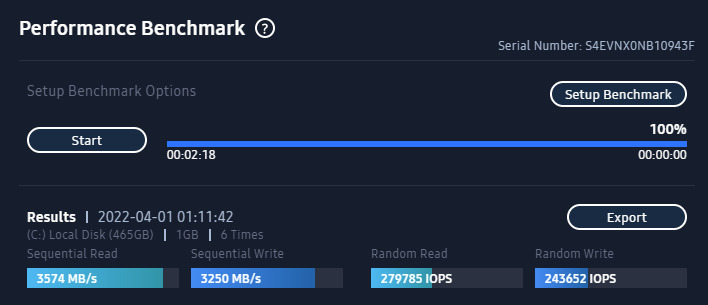
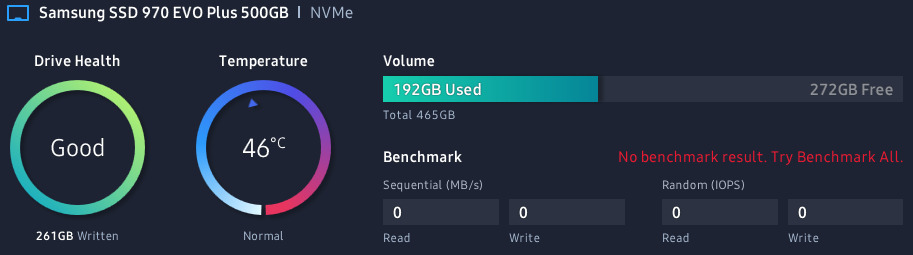
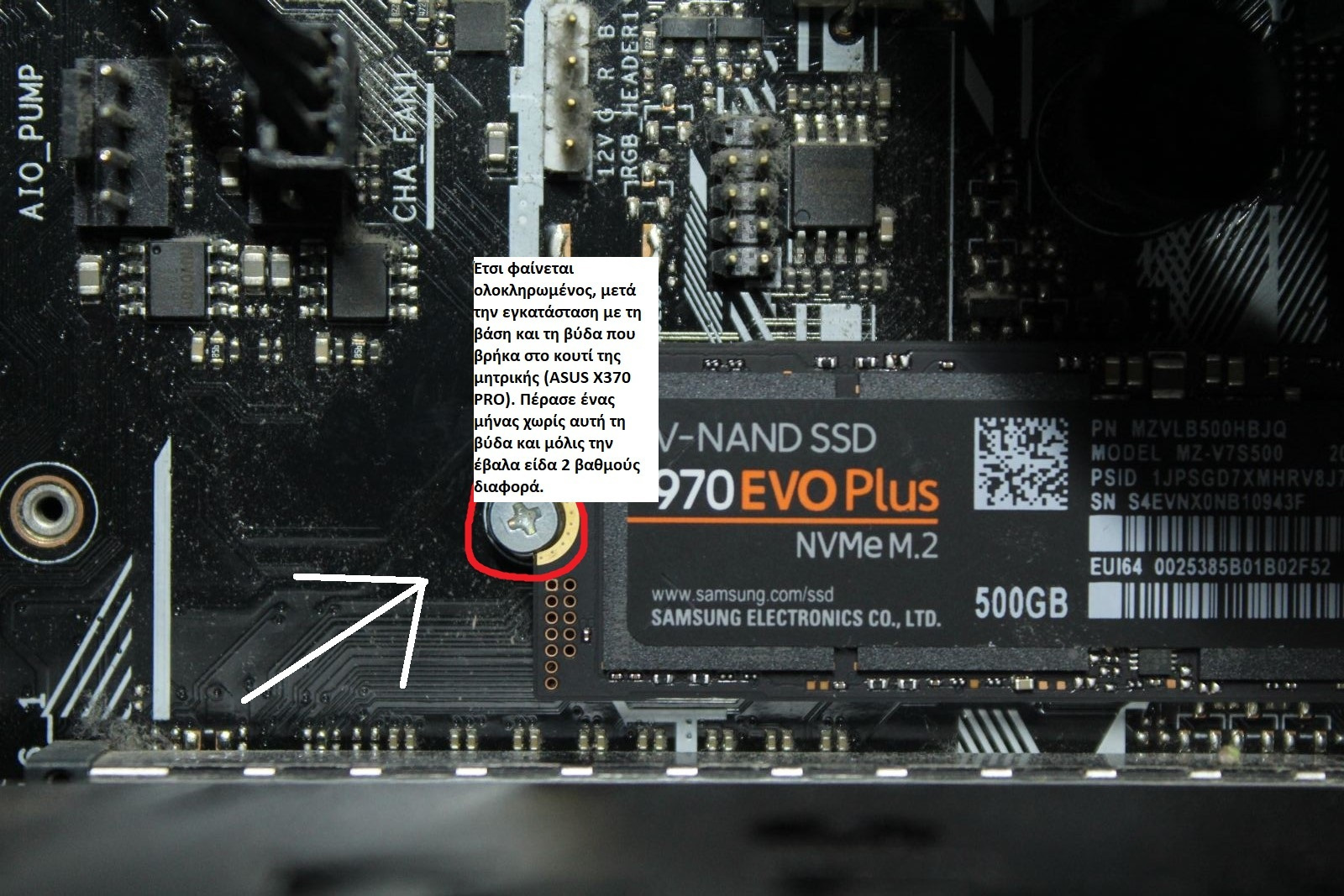
As my friend Tasos wrote, it went crazy today. In 1 year and a few months. It doesn't pass the SMART test and suddenly switched to read-only. In my search, I saw that the forums and Twitter are buzzing with problems that both this model and their subsequent models, the 980 and 990 with their firmware, have produced. Samsung admitted it, but what can you do? The damage is done. In contrast, the Evo 950, which is a SATA SSD, I've had for years and it doesn't show any issues. I won't tell you whether you should buy it or not. I'll just say, take a look at what's happening online. Google it: 970 Evo failure. Whether I will be compensated due to warranty is the last thing I care about. I will be compensated, okay. Who will reinstall the operating system?
[UPDATE] I provide you with the serial numbers (S/N) of the product family that has issues. To find yours, check the sticker on it, or if you can't see it, install Speccy (free) and find it. Any codes starting with these letters will have problems down the line, and you can't do anything about it. Not even with a firmware update. When the drive locks up, you won't be able to do anything, not even format it with any program/operating system, only copy it and send it to Samsung for warranty/replacement. Personally, I copied it (after the codes, I will tell you how) and threw it away because I don't want to send my entire operating system to the Koreans, with whatever that might mean...
PM9A1:
S63JNF0R / S63JNX0T / S64JNE0R / S64SNE0R / S65XNF0R / S675NF0R / S676NF0R / S676NX0R / S677NF0R / S6W7NF0R (S677NF0R is the hardest hit area)
870 EVO:
S5Y2NJ0N / S5Y2NJ0R / S5Y3NF0R / S5Y3NG0R / S621NG0R / S625NJ0R / S626NF0R / S626NJ0R / S626NX0R / S62BNJ0R / S62CNF0R / S62CNJ0R / S6BANJ0R / S6BBNG0R / S6BCNG0R / S6BCNJ0R / S6PNNJ0R / S6PTNJ0R / S6PTNZ0R / S6PUNF0R / S6PXNJ0R
970 EVO:
S464NB0K / S465NF0K / S466NF0K / S466NX0K / S466NX0M / S5H7NS0N / S5H9NS0N
970 EVO PLUS:
S6P7NG0R / S6P7NF0T / S6P1NS0W
980:
S649NF0R / S649NF1R / S649NG0R / S649NJ0R / S649NX0R / S64ANG0R / S64DNF0R
980 PRO:
S5GXNF0R / S5GXNF0T / S5GXNG0N / S5GYNX0R / S69ENF0R / S69ENG0R / S6B0NC0R / S6B0NG0R
990 PRO:
S6Z1NJ0T
[NEW UPDATE: HOW TO COPY IT] Forget the paid programs from Easeus and Acronis. None of them will work, even if you boot with a rescue disk or USB. You will waste your effort. The only thing that worked and transferred my entire drive to a similarly sized drive from another company (I copied it to a Western Digital SN770 SSD 1TB M.2 NVMe) was Ddrescue - Data recovery tool (https://www.gnu.org/software/ddrescue/). It's free but a difficult program. Don't attempt it if you don't have experience with such programs. Personally, I asked a friend who knows about Linux environments for help. He accessed my PC with Teamviewer, ran it through Cygwin, and did it for me. (I had a second Windows installed on another drive)
Google it, ask for help, it transfers everything and... you're saved! I hope I helped.
οπως εγραψε κι ο φιλος ο Τασος, τα επαιξε σημερα. σε 1 χρονο και λιγους μηνες.
δεν περναει το τεστ SMART και γυρισε σε read only, ξαφνικα.
στο ψαξιμο που εκανα ειδα οτι εχουν βουηξει τα φορουμ και το τουιτερ απο τα προβληματα που εβγαλε τοσο αυτος, οσο και τα επομενα τους μοντελα, τα 980 και 990 με το firmware τους.
η Σαμσουνγκ το παραδεχτηκε αλλα τι να το κάνεις; η ζημια εγινε.
αντιθετα, το evo 950 που ειναι Sata ssd, τον εχω χρονια και δεν καταλαβαινει τιποτα.
δεν θα σας πω αν πρεπει να τον αγορασετε ή οχι.
απλα θα σας πω, ριξτε μια ματιά τι γινεται στο διαδίκτυο.
γκουγκλάρετε το: 970 evo failure.
το αν θα αποζημιωθώ λογω εγγυησης ειναι το τελευταιο που με ενδιαφερει.
θα αποζημιωθώ, οκ.
το λειτουργικο ποιος το ξαναστηνει;
[ΕΝΗΜΕΡΩΣΗ]
σας παραθετω του σειριακους κωδικους (S/N) της οικογενειας προιοντων που εχουν προβλημα.
για να βρειτε τον δικο σας ελεγξτε το αυτοκόλλητο επανω του, ή αν δεν μπορειτε να το δειτε εγκαταστηστε το Speccy (δωρεαν) και βρειτε τον.
οσοι κωδικοι αρχιζουν με αυτα τα γραμματα θα εχουν προβλημα στην πορεια, και δεν μπορειτε να κανετε τιποτα γι αυτο. ουτε με update firmware.
οταν κλειδωσει ο δισκος δεν θα μπορειτε να κανετε τιποτα, ουτε format με οποιοδηποτε προγραμμα/λειτουργικο, παρα μονο να τον αντιγραψετε και να τον στειλετε στην Σαμσουνγκ για εγγυηση/αντικατασταση.
προσωπικα τον αντεγραψα (μετα τους κωδικους θα σας πω πως) και τον πεταξα, γιατι δεν θελω να στειλω ολο το λειτουργικο μου στους Κορεατες, με οτι μπορει να σημαινει αυτο..
PM9A1:
S63JNF0R / S63JNX0T / S64JNE0R / S64SNE0R / S65XNF0R / S675NF0R / S676NF0R / S676NX0R / S677NF0R / S6W7NF0R (S677NF0R is the hardest hit area)
870 EVO:
S5Y2NJ0N / S5Y2N J0R/S5Y3NF0R/S5Y3NG0R/S621NG0R/S625NJ0R/S626NF0R/S626NJ0R/S626NX0R/S62BNJ0R/ S62CNF0R / S62CNJ0R / S6BANJ0R / S6BBNG0R / S6BCNG0R / S6BCNJ0R / S6PNNJ0R / S6PTNJ0R / S6PTNZ0R / S6PUNF0R / S6PXNJ0R
970 EVO:
S464NB0K / S465NF0K / S466NF0K / S466 NX0K / S466NX0M / S5H7NS0N / S5H9NS0N
970 EVO PLUS:
S6P7NG0R / S6P7NF0T / S6P1NS0W
980:
S649NF0R / S649NF1R / S649NG0R / S649NJ0R / S649NX0R / S64ANG0R / S64DNF0R
980 PRO:
S5GXNF0R / S5GXNF0T / S5GXNG0N / S5GYNX0R / S69ENF0R / S69ENG0R / S6B0NC0R / S6B0NG0R
9 90 PRO:
S6Z1NJ0T
[ΝΕΑ ΕΝΗΜΕΡΩΣΗ: ΠΩΣ ΝΑ ΤΟΝ ΑΝΤΙΓΡΑΨΕΤΕ]
Ξεχαστε τα πληρωμενα προγραμματα της Easeus και της Acronis.
δεν θα λειτουργησει κανενα τους, ακομα κι αν μπειτε με rescue disk ή USB.
Τζαμπα κοπο θα κανετε.
το μόνο που λειτουργησε και μου μετεφερε ολο τον δισκο σε ιδιας χωρητικότητας δισκο αλλης εταιριας (τον αντεγραψα σε εναν Western Digital SN770 SSD 1TB M.2 NVMe)
ηταν το Ddrescue - Data recovery tool
( https://www.gnu.org/software/ddrescue/ )
δωρεαν, αλλά δυσκολο προγραμμα.
μην το προσπαθησετε αν δεν εχετε εμπειρια απο τετοια προγραμματα.
προσωπικα, ζητησα την βοηθεια φιλου που γνωριζει απο περιβαλλον Linux
μπηκε στο pc μου με Teamviewer, το ετρεξε μεσω Cygwin και μου το εκανε αυτος. (ειχα εγκατεστημενα και δεύτερα windows σε άλλο σκληρο)
το γκουγκλαρετε, ζητατε βοηθεια, τα μεταφέρει ολα και.. σωνεστε!
ελπιζω να βοηθησα.